













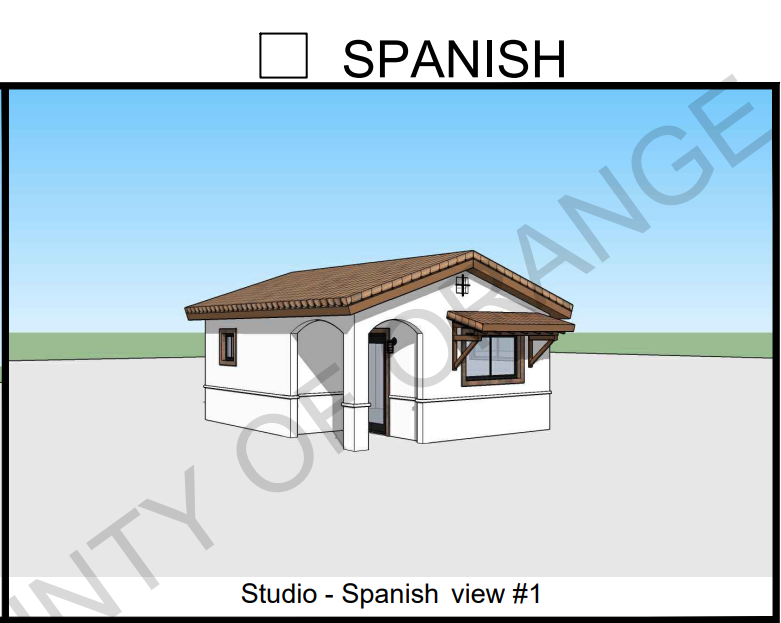

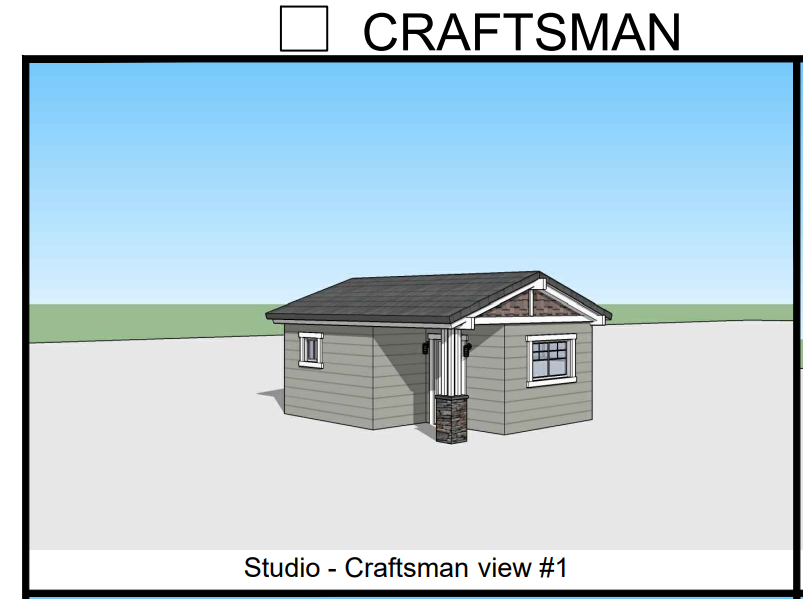
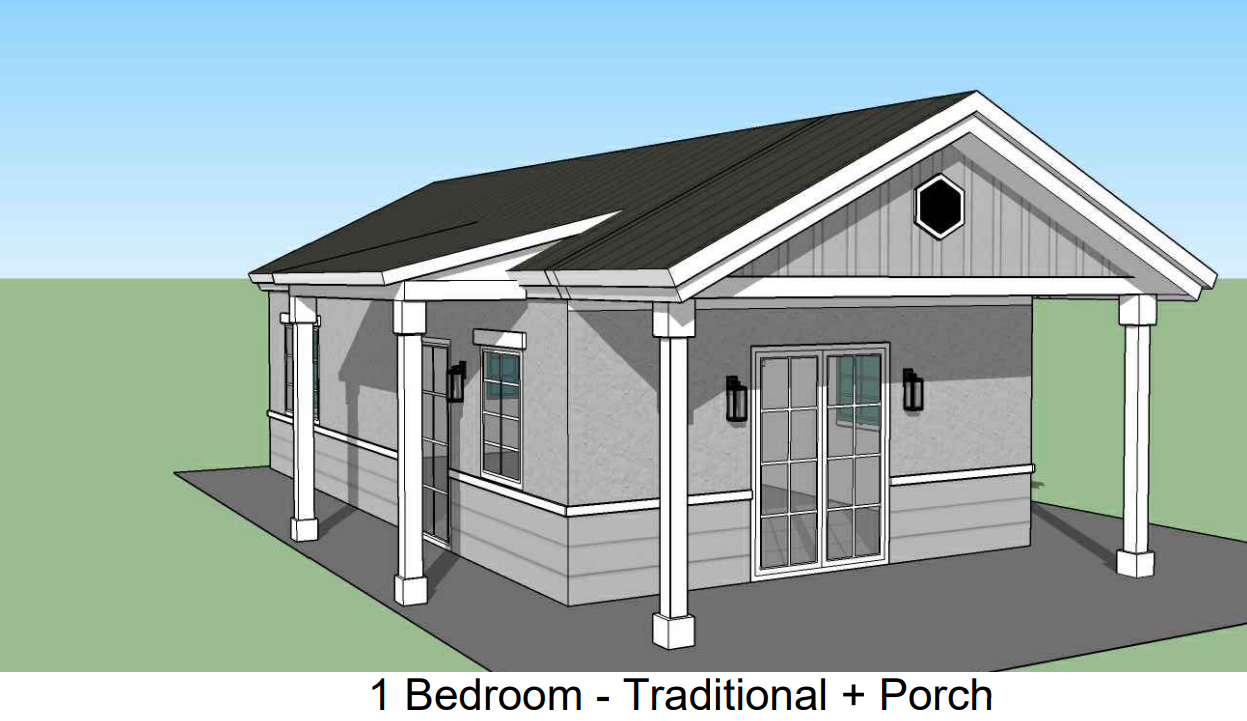
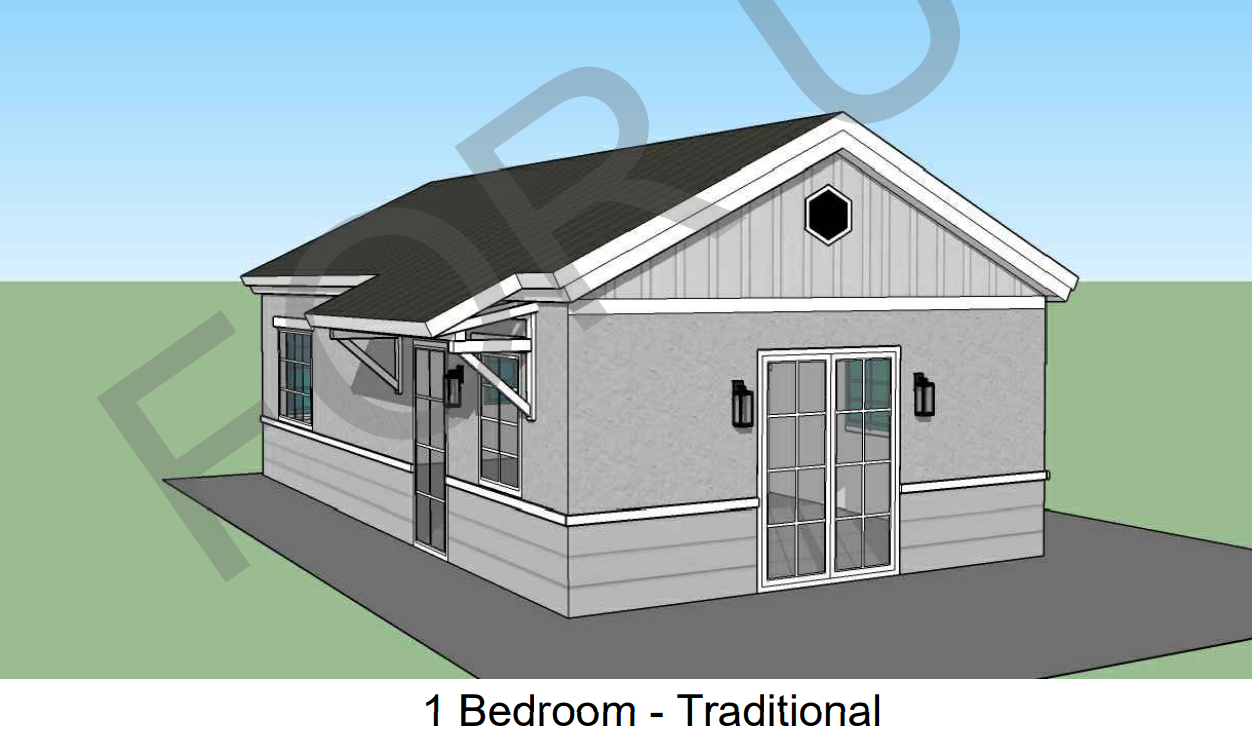









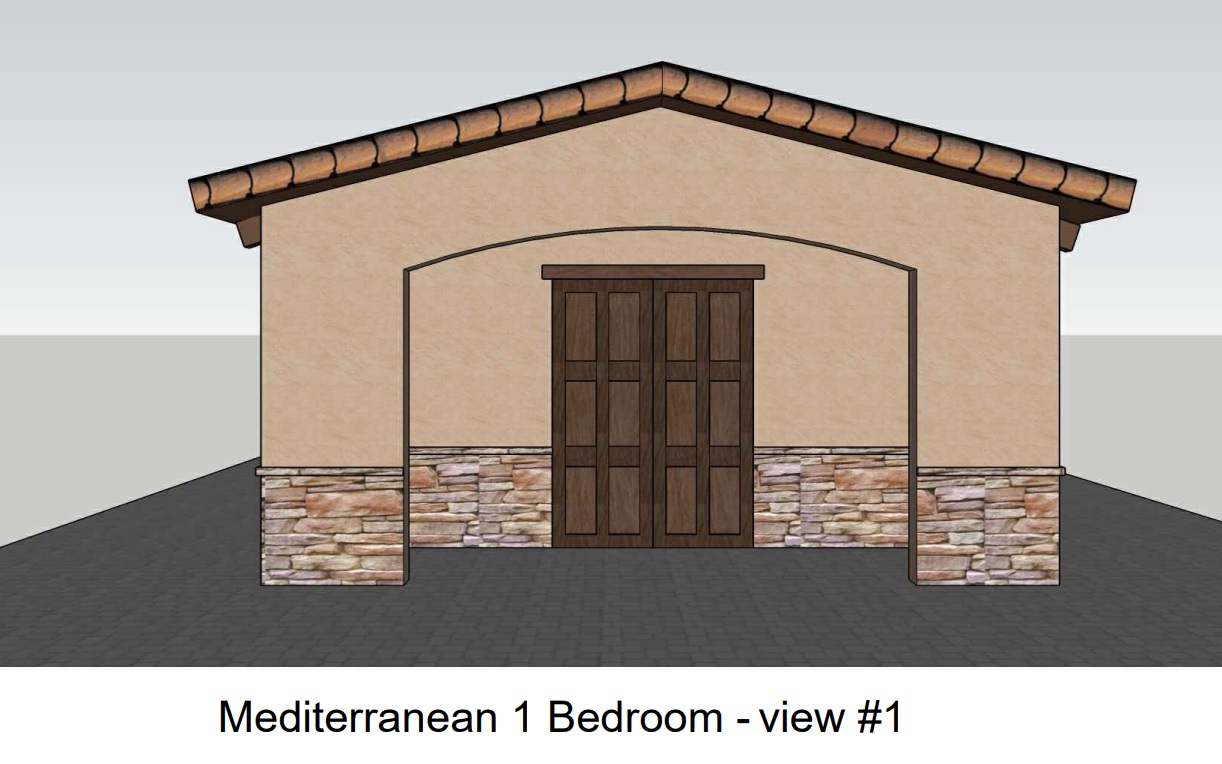
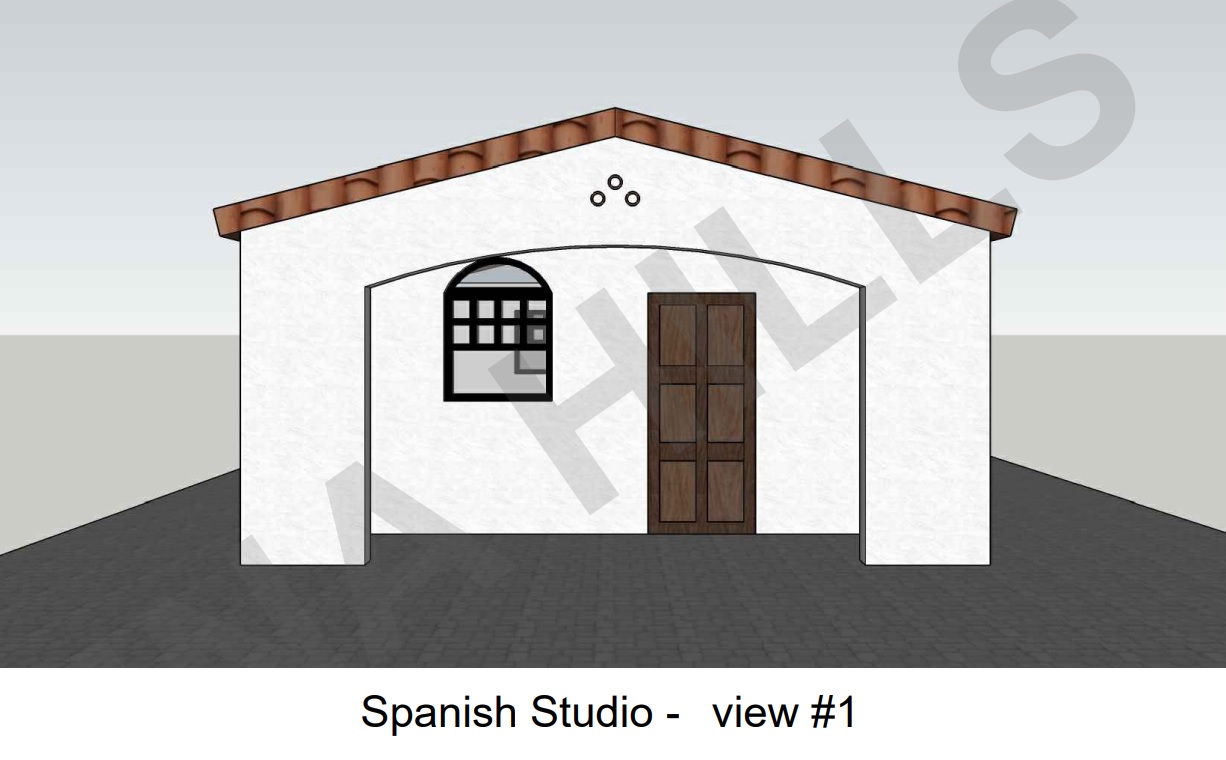
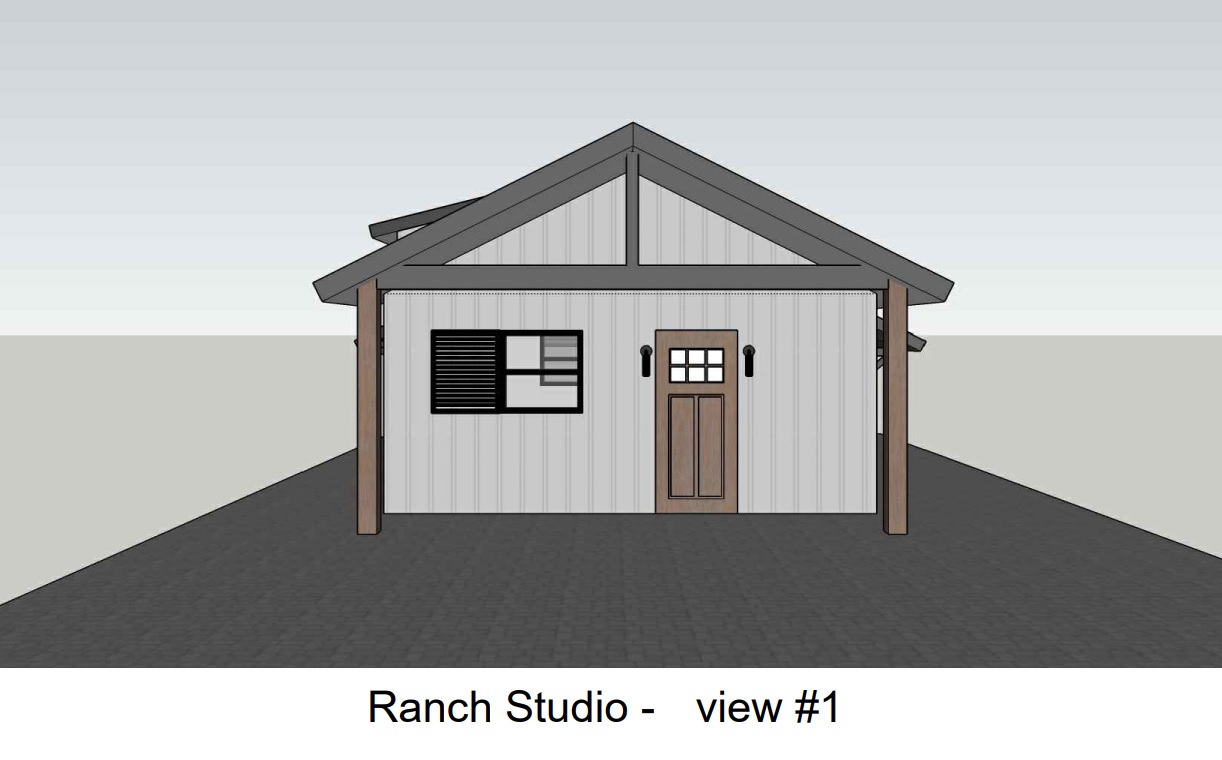
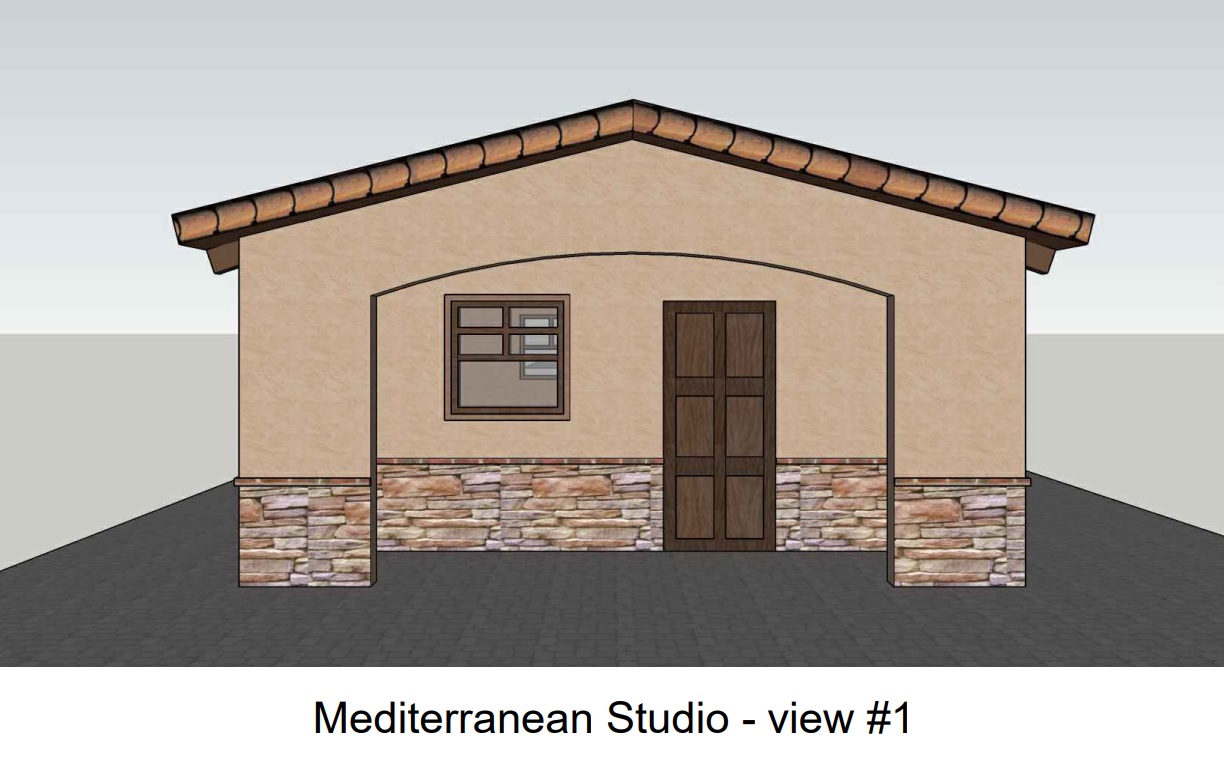












.avif)

Know What the Home Requires—Before You Spend a Dollar.
A BIM-generated, model-specific list of the materials and products required to complete the home—from siding and roofing to flooring, fixtures and appliances.
Change the sequence before the budget is exposed.
Instead of discovering costs one allowance, substitution and change order at a time, start with an organized scope generated from the digital building model.
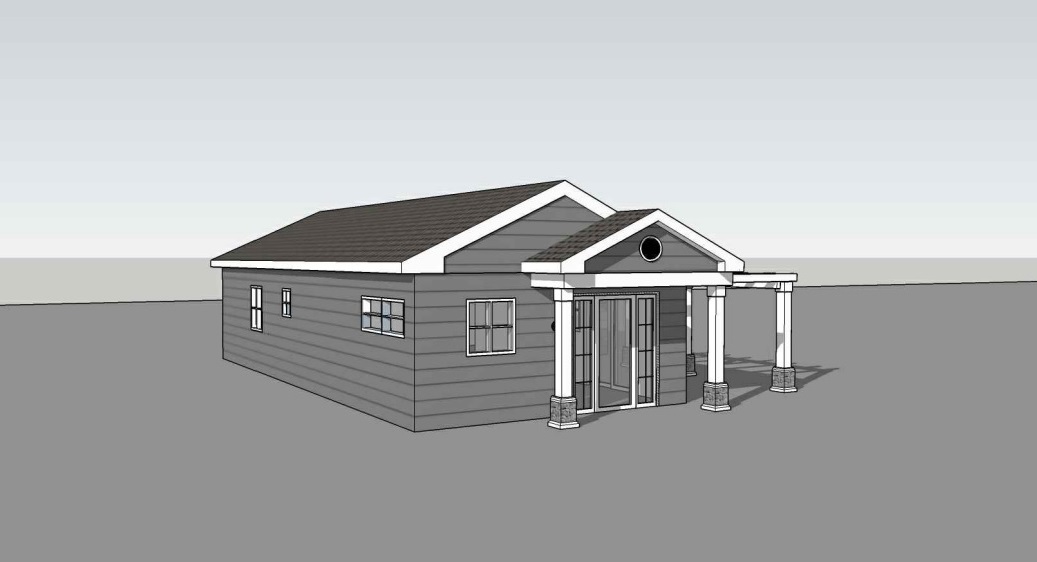
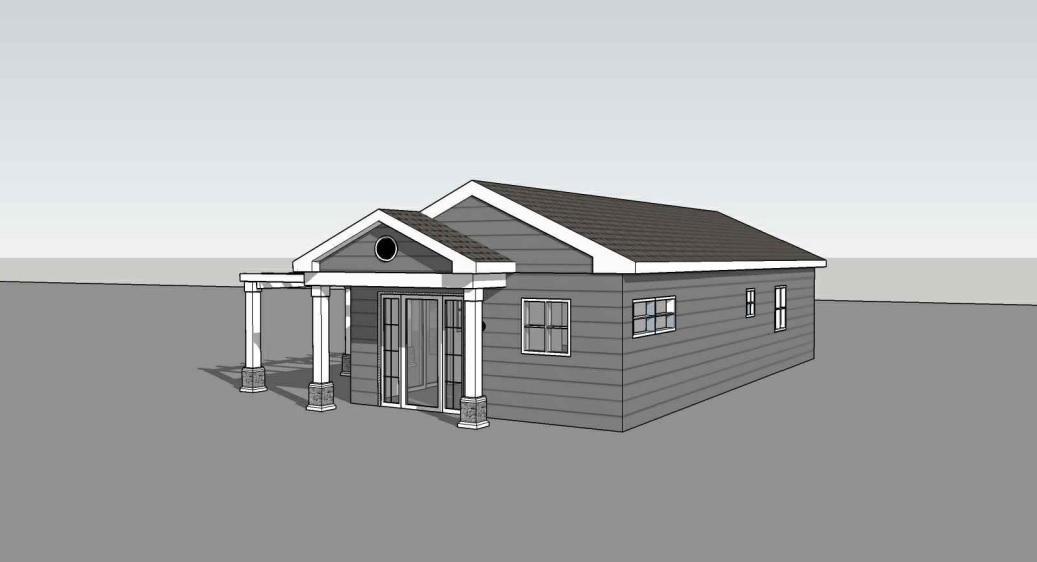
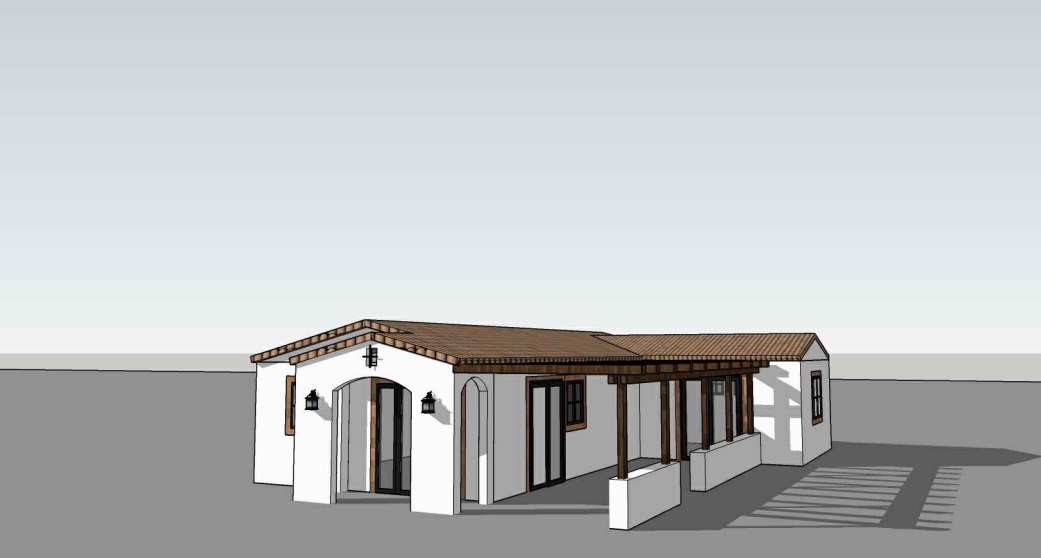
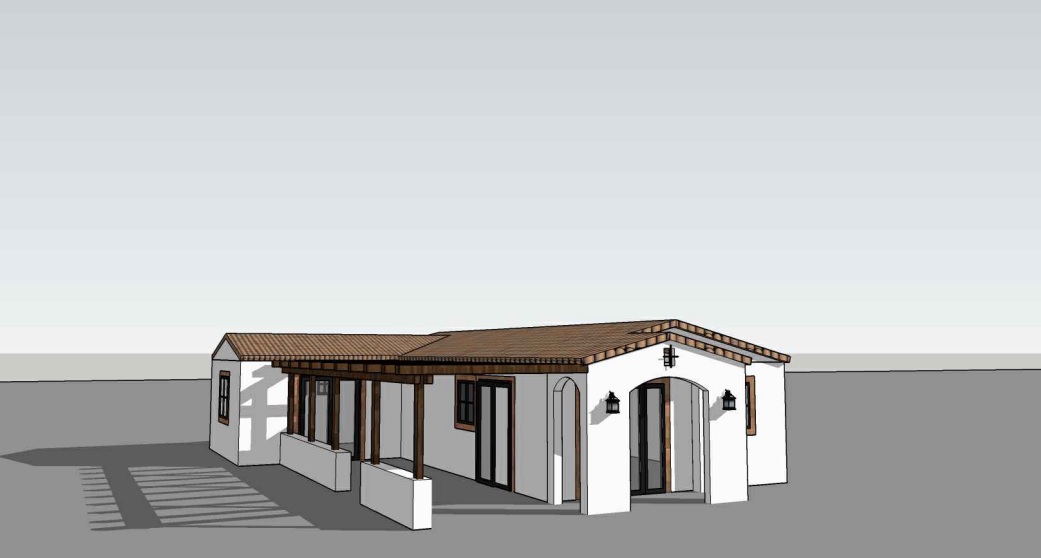
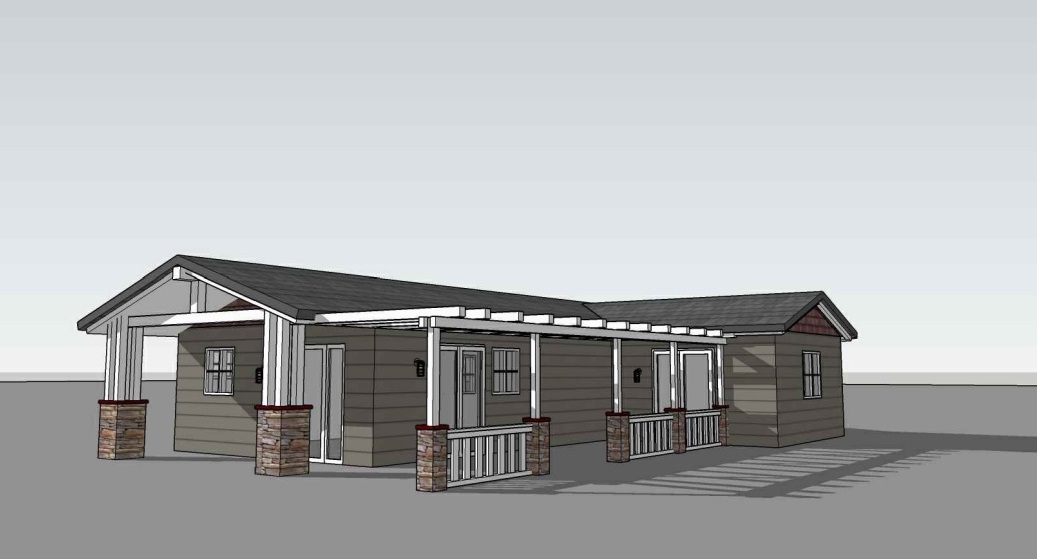
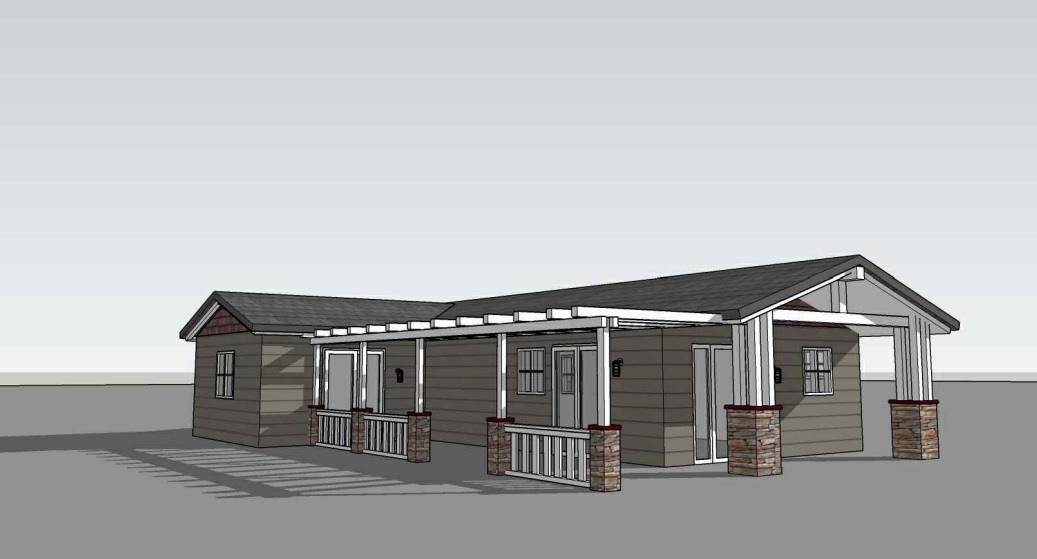
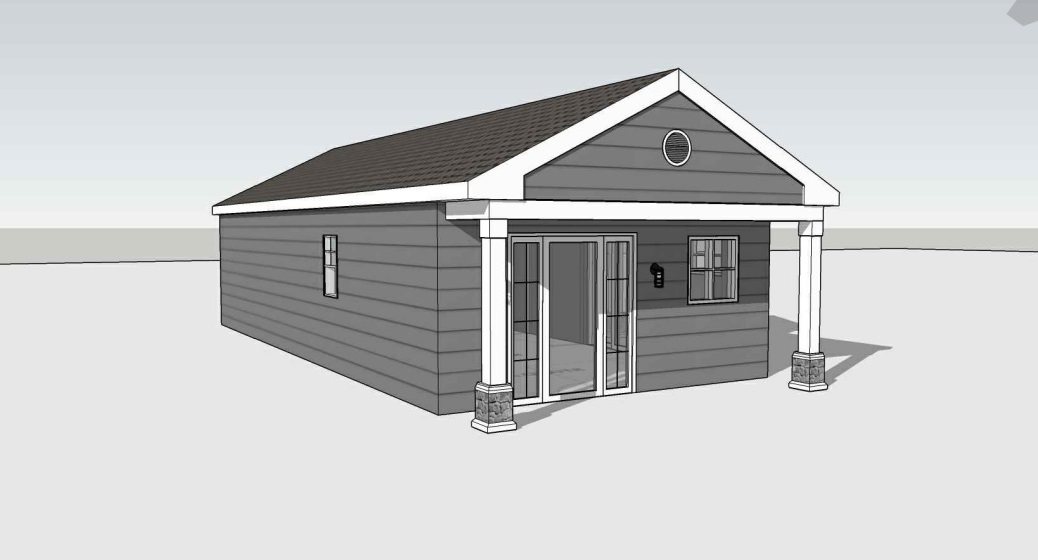
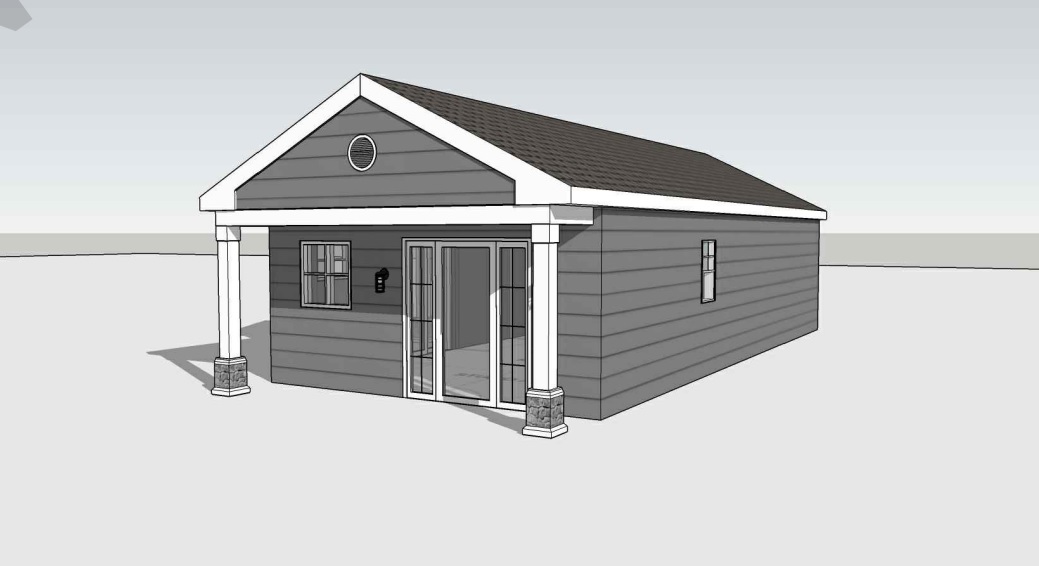
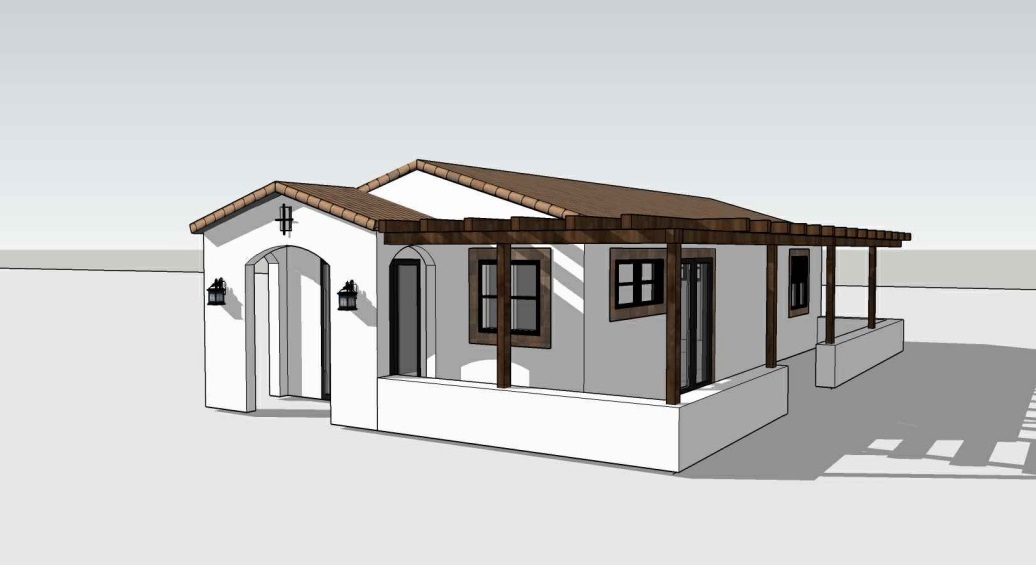
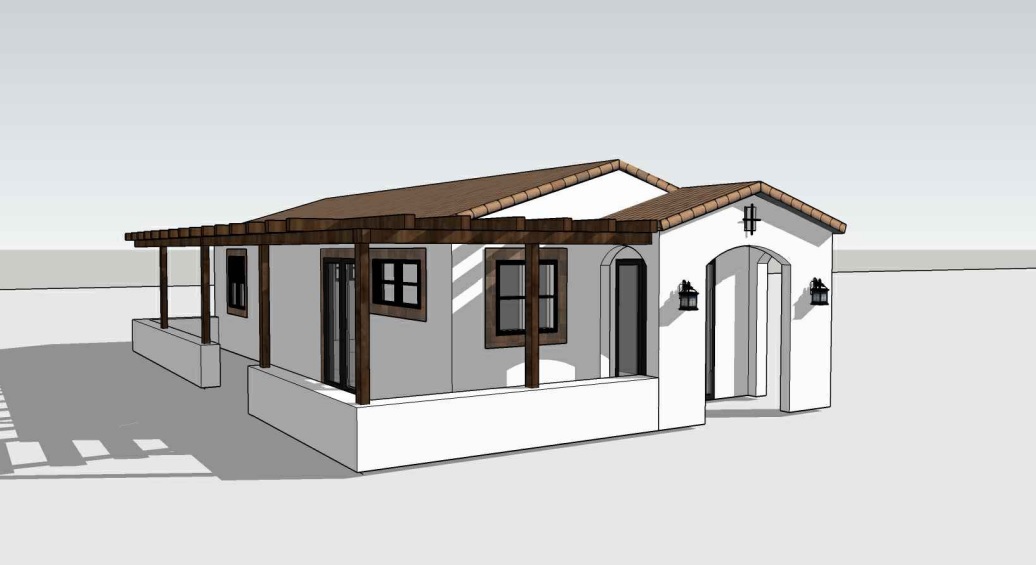
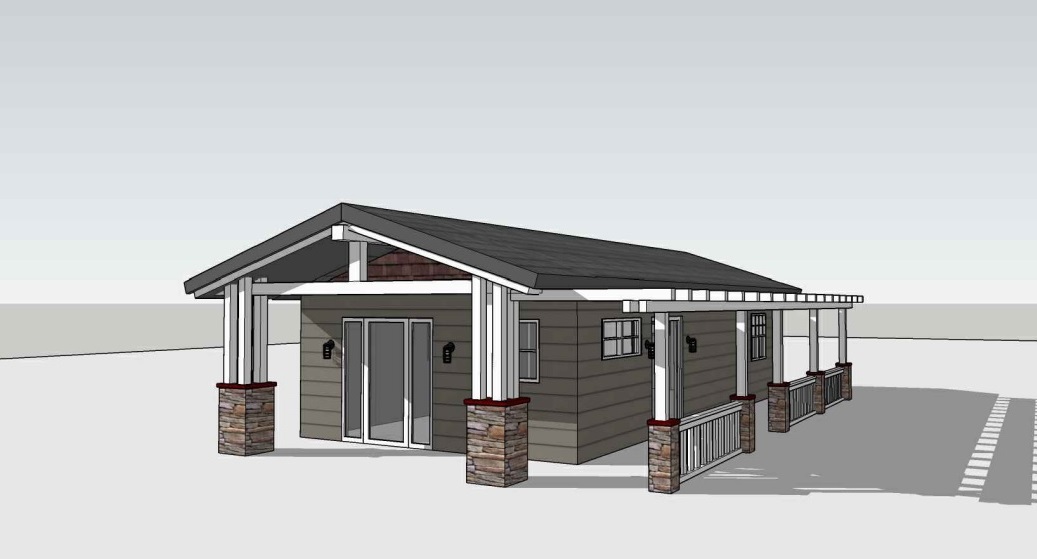
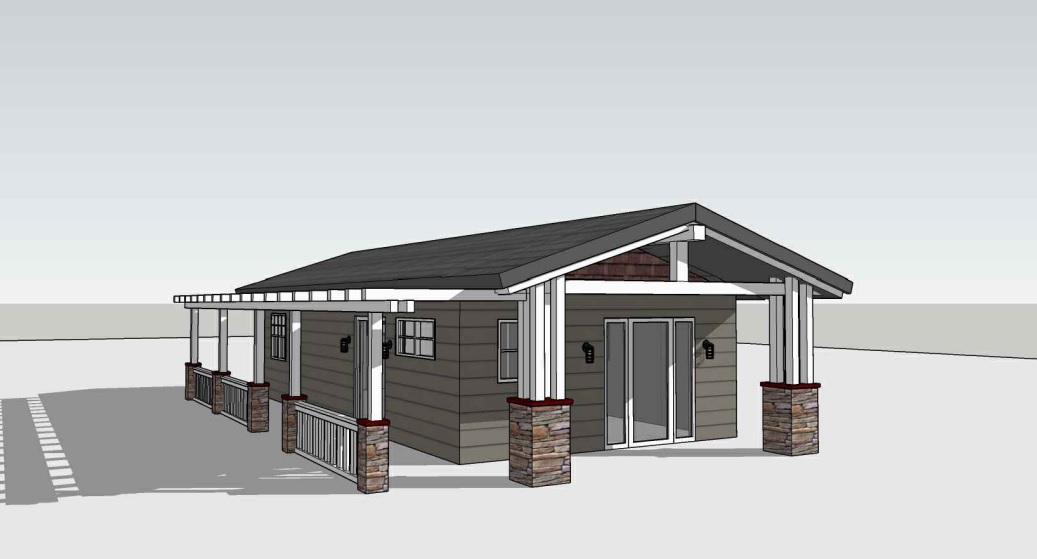
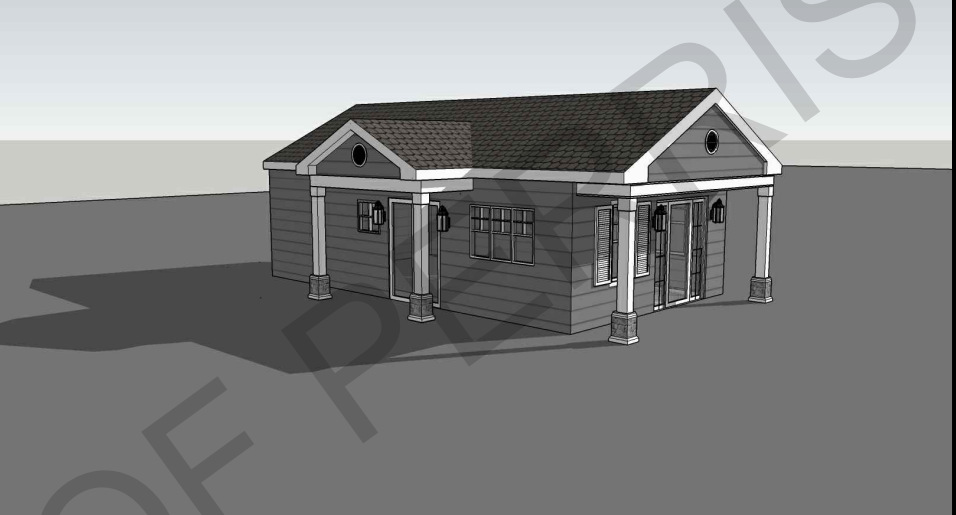
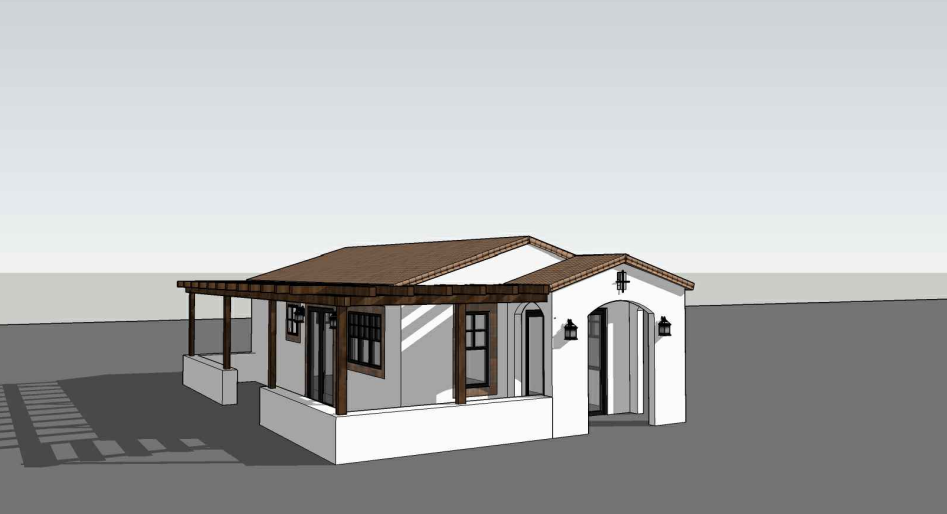
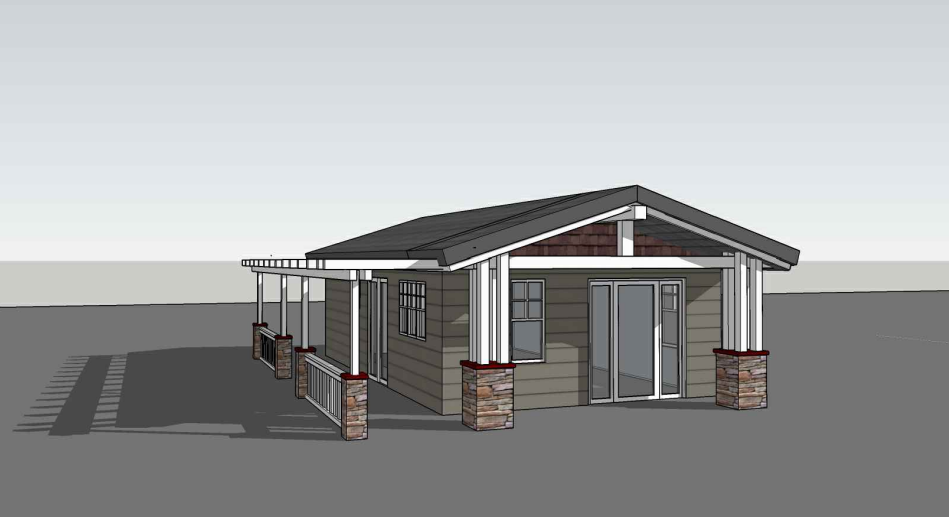
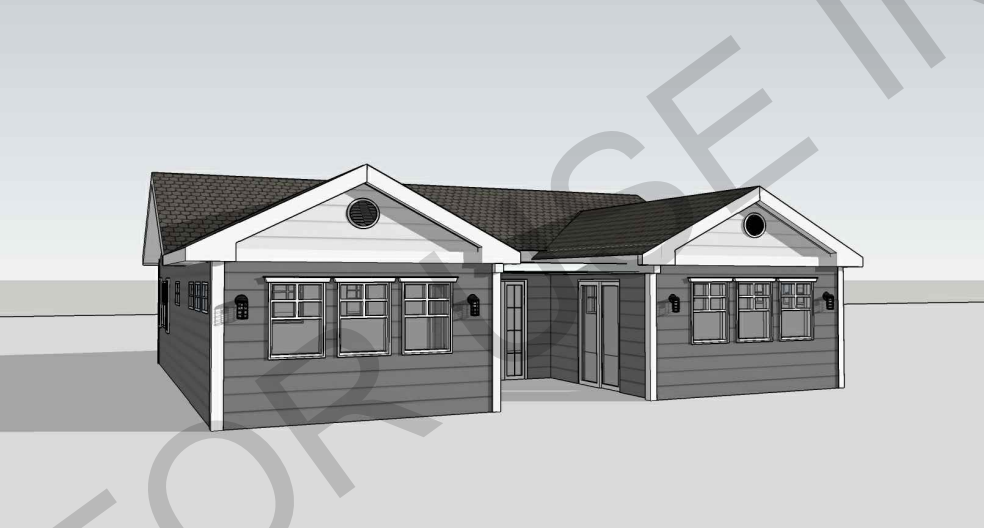
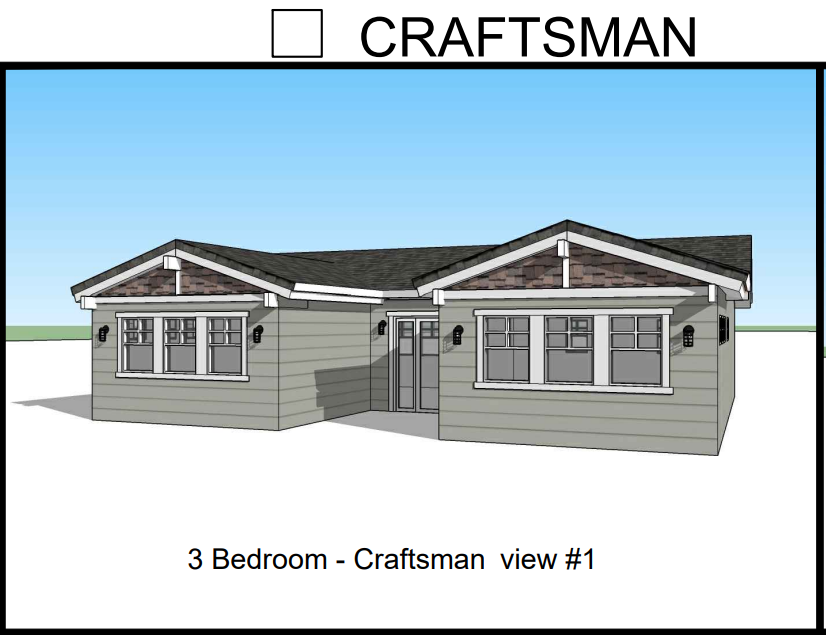
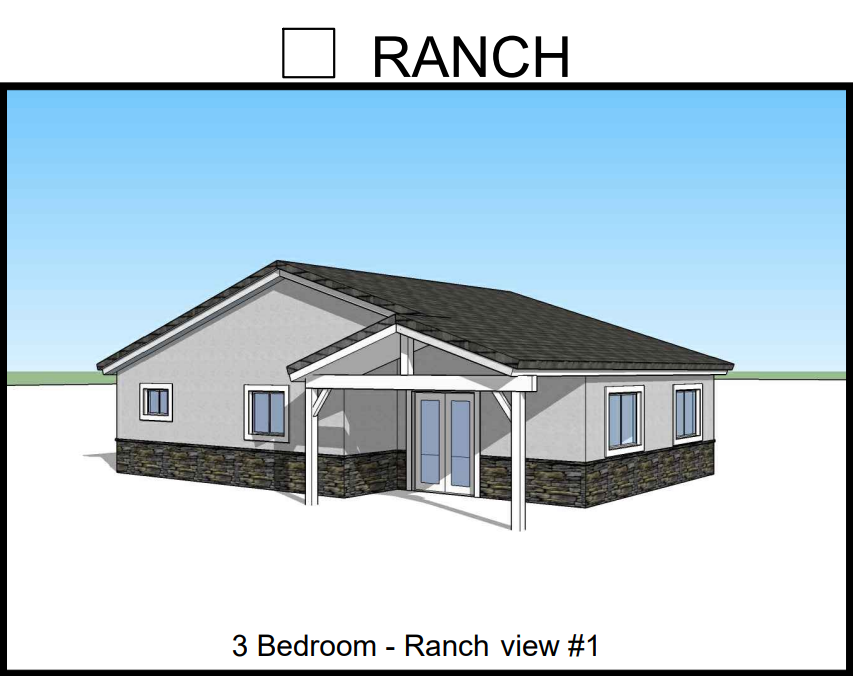
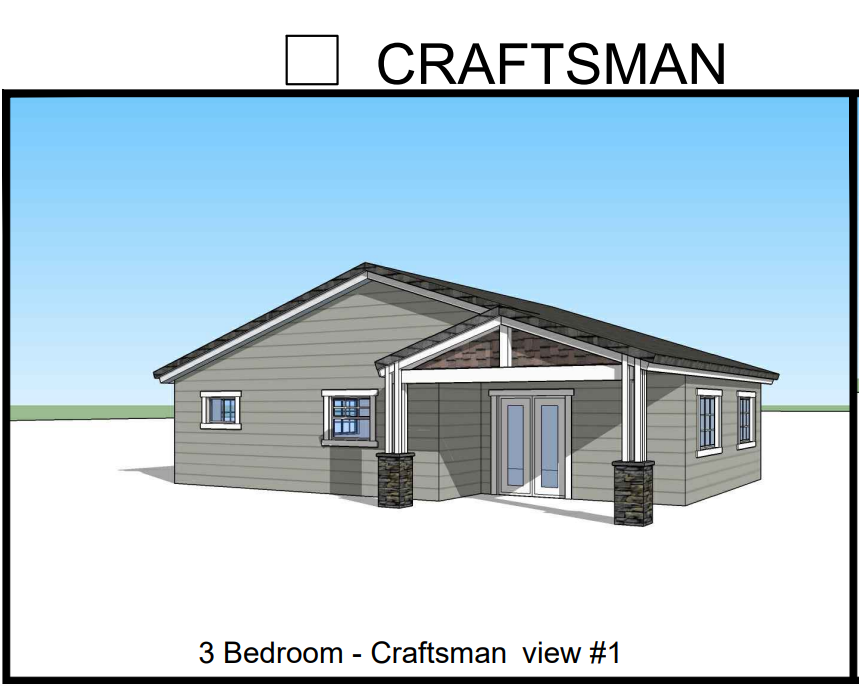
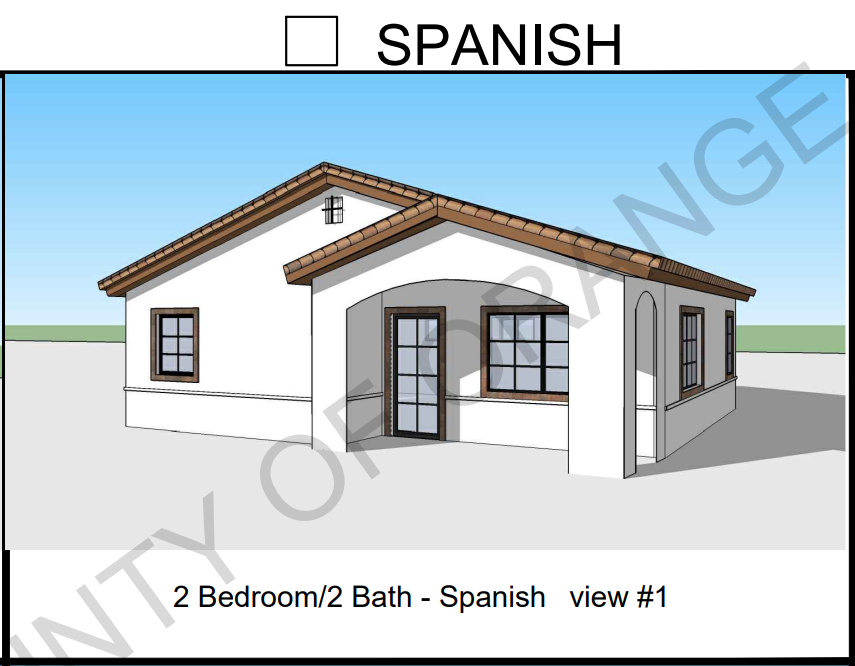
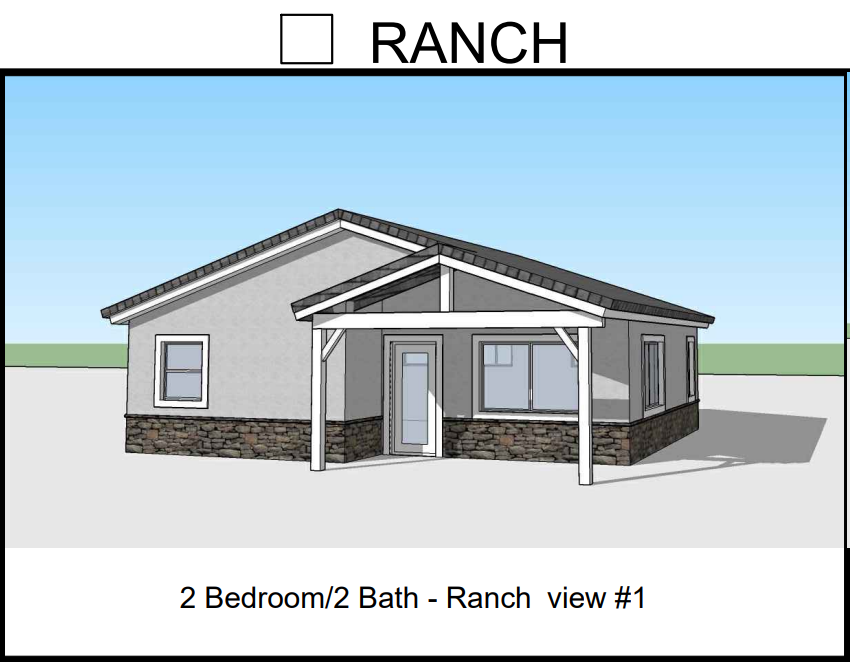
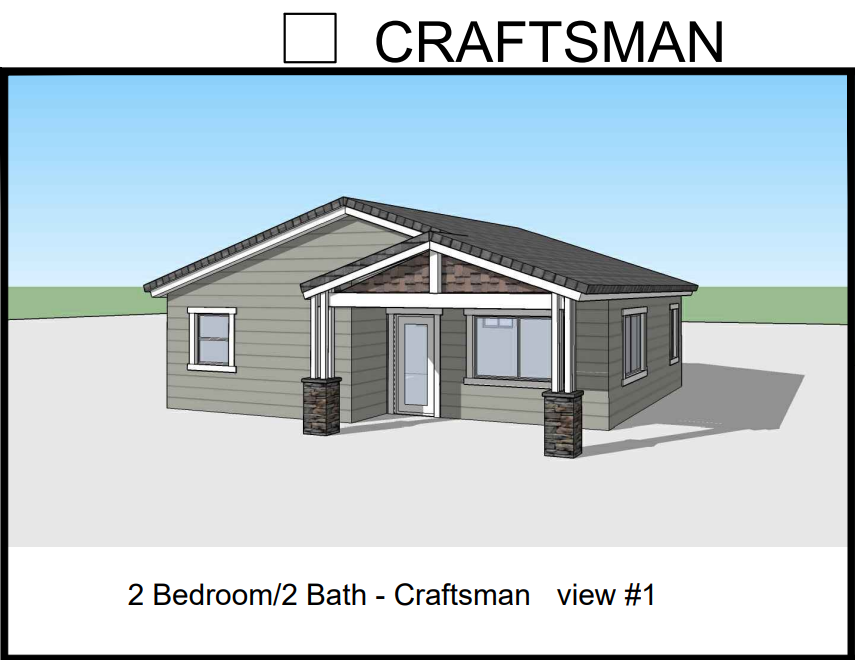
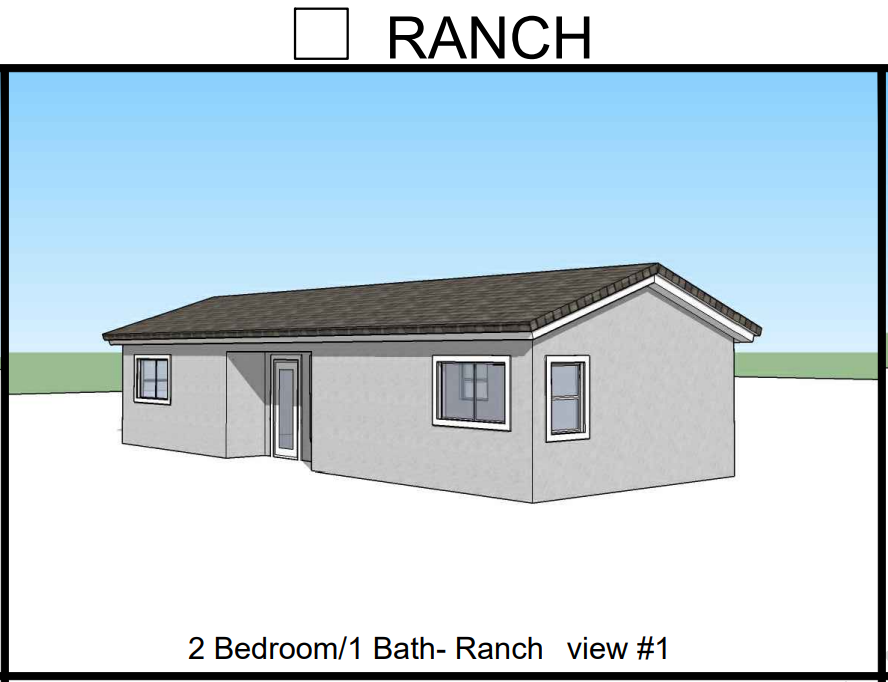
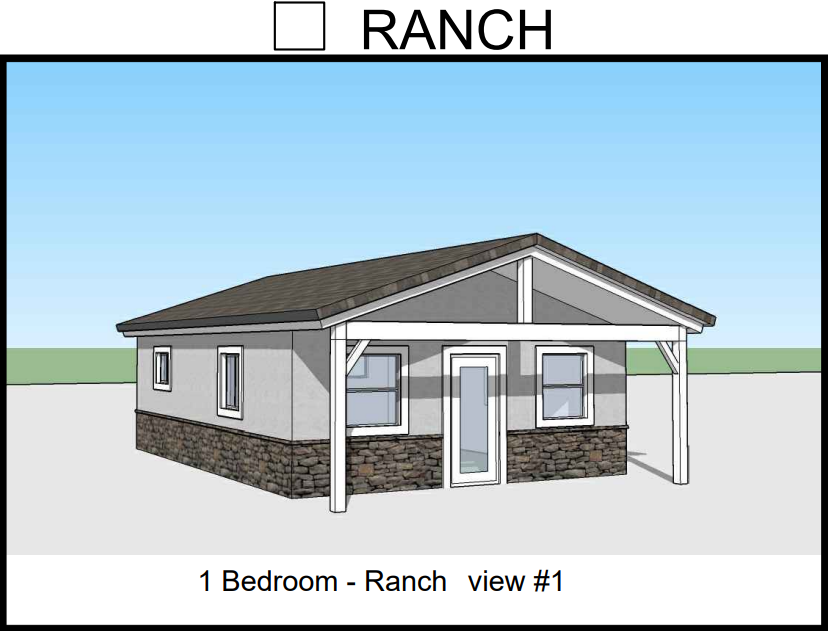
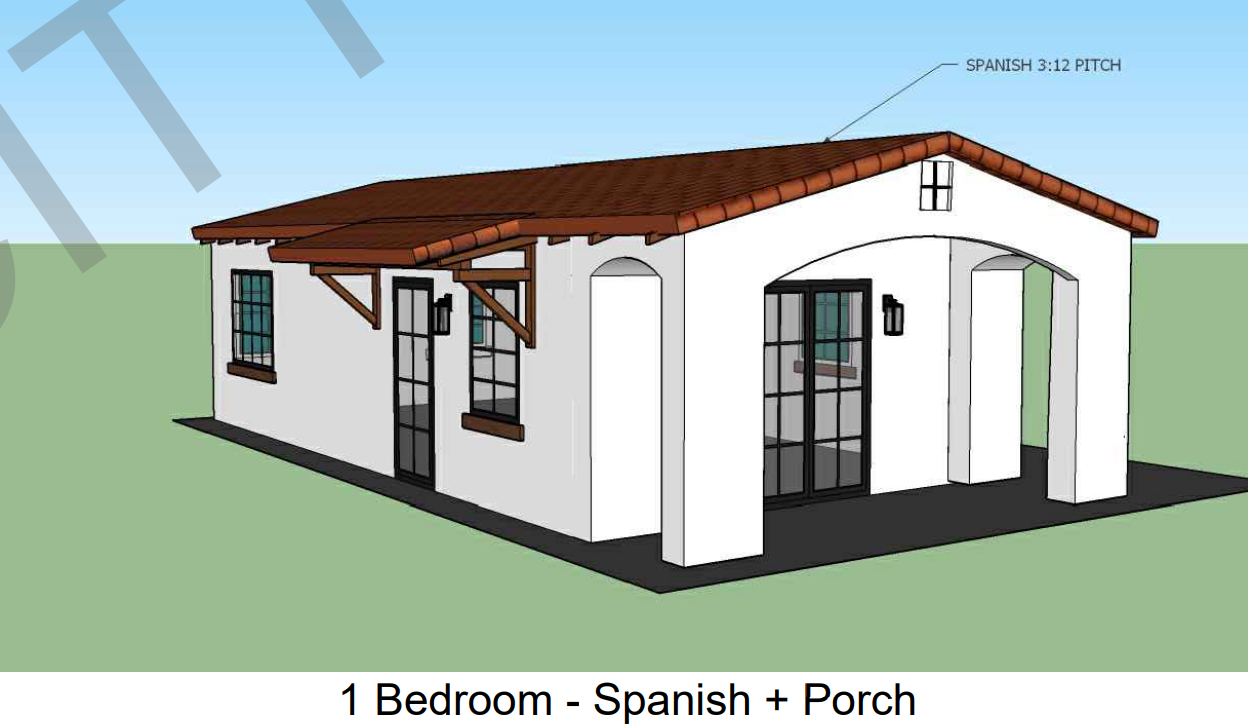
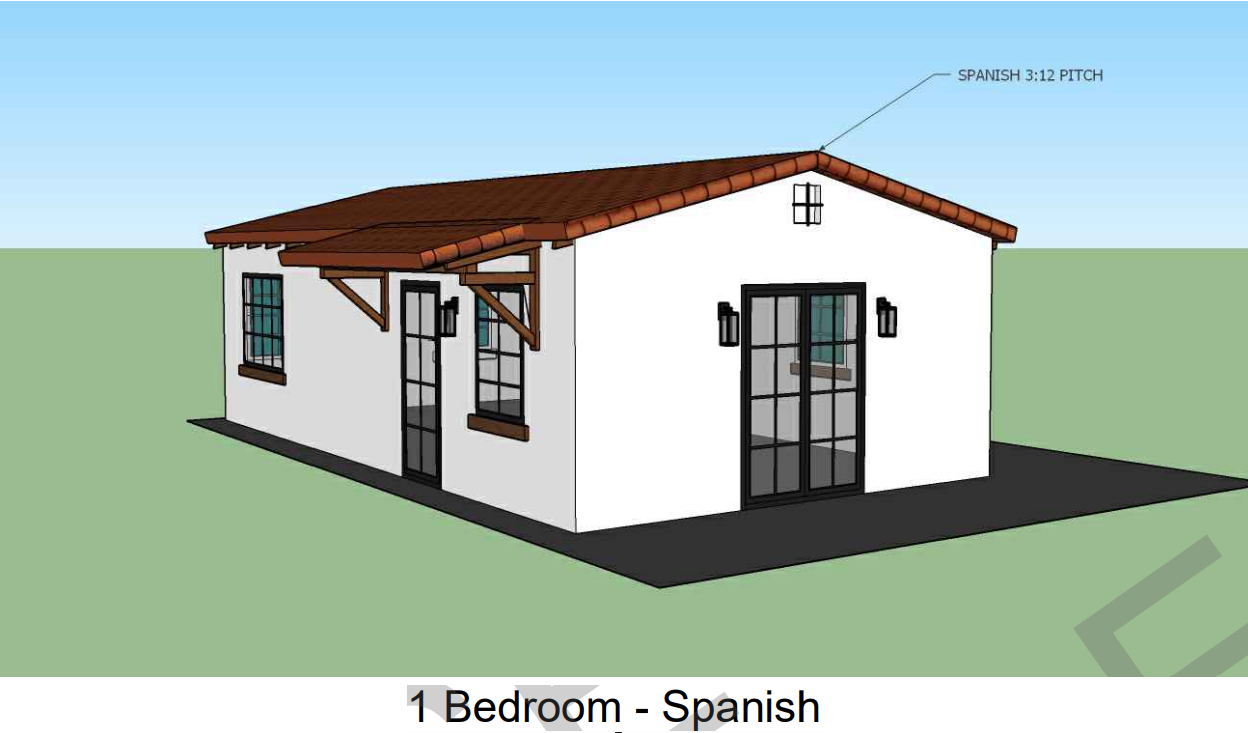
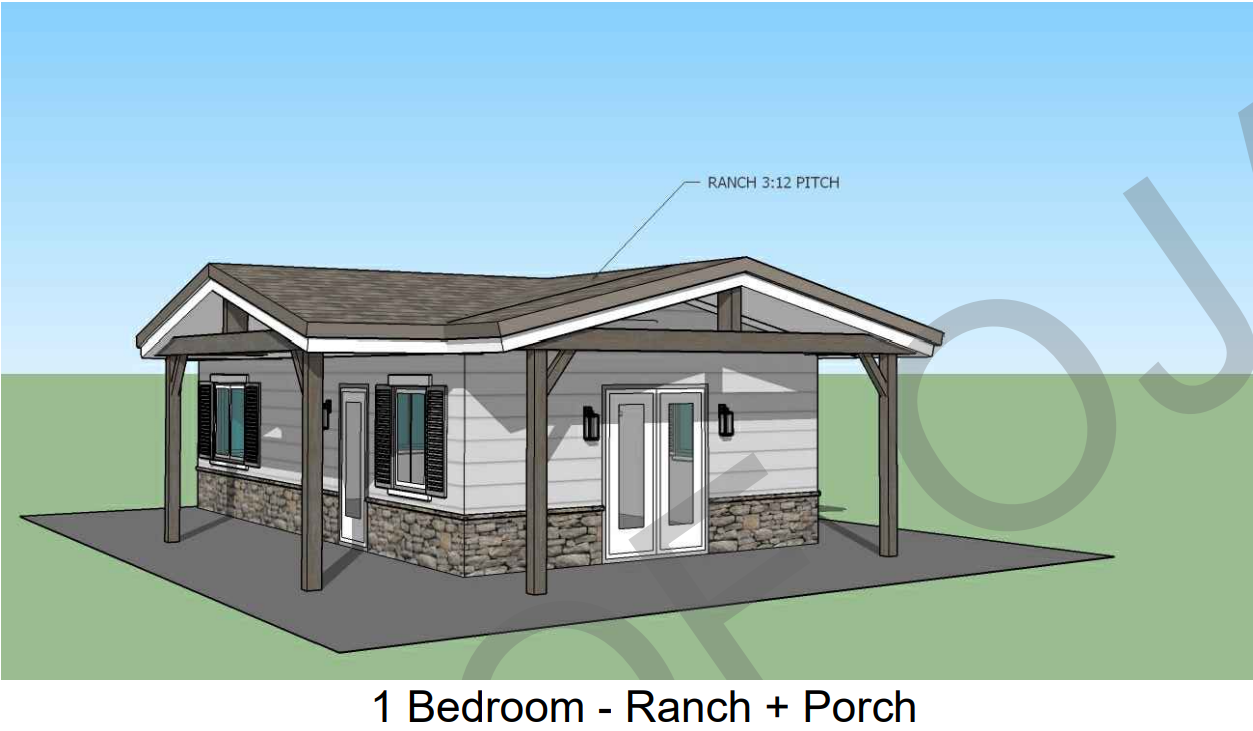
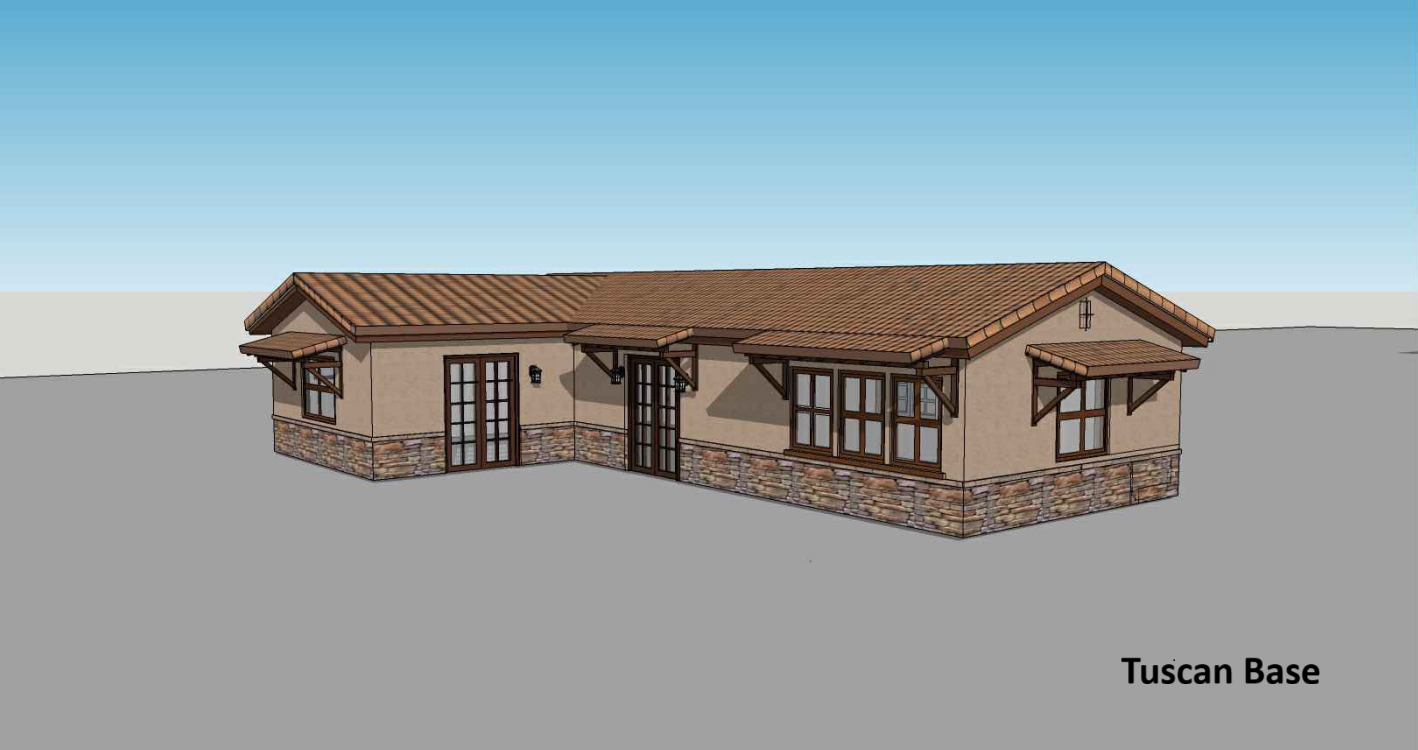
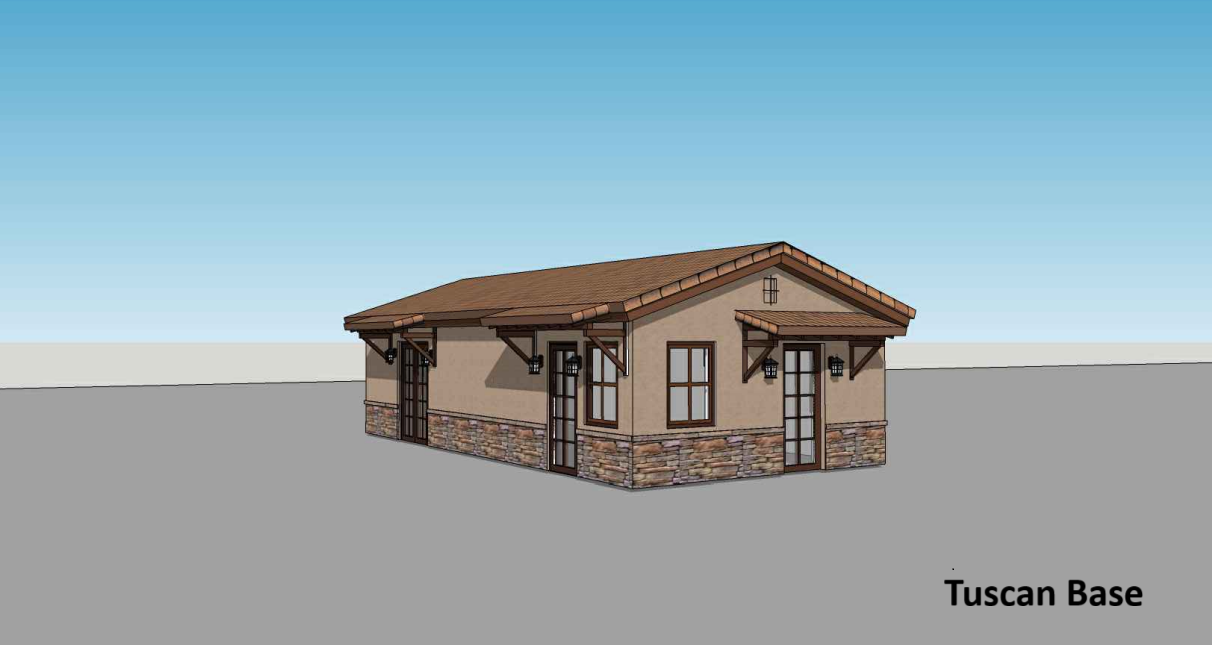
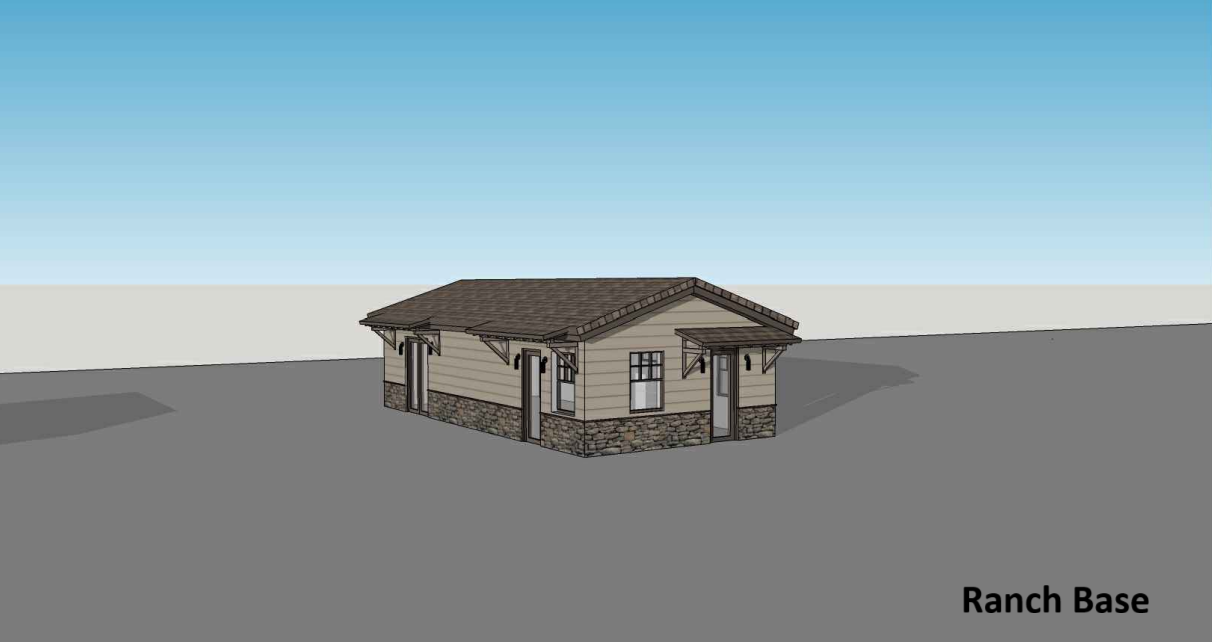
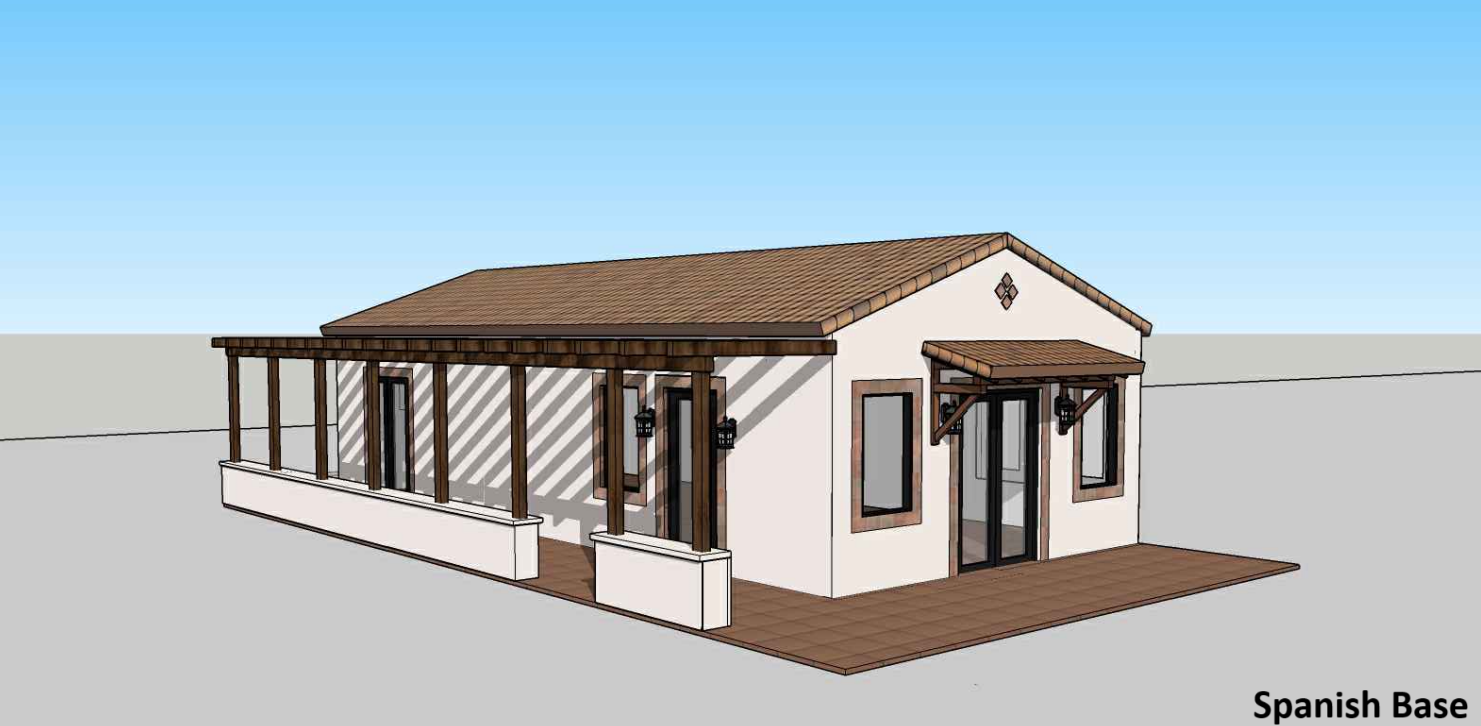
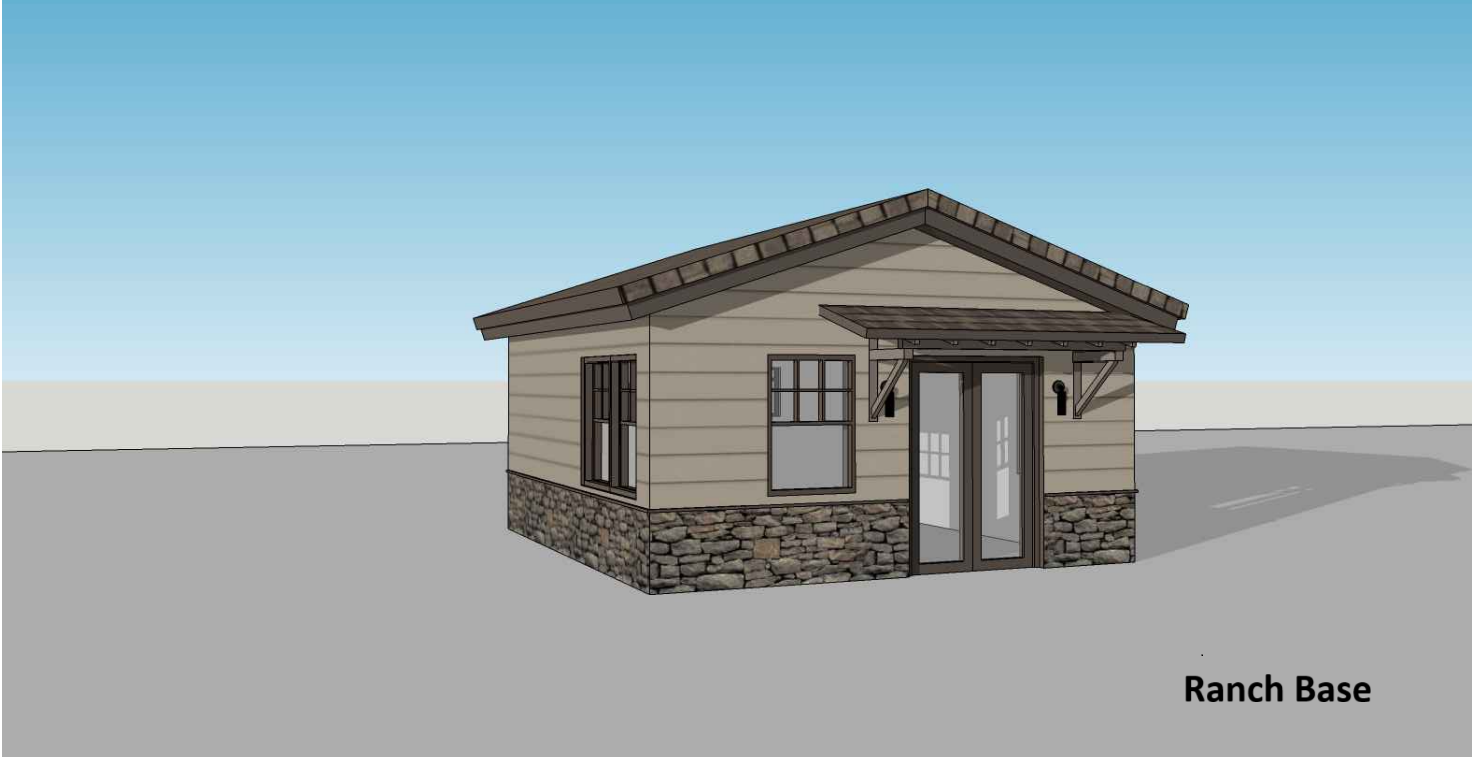
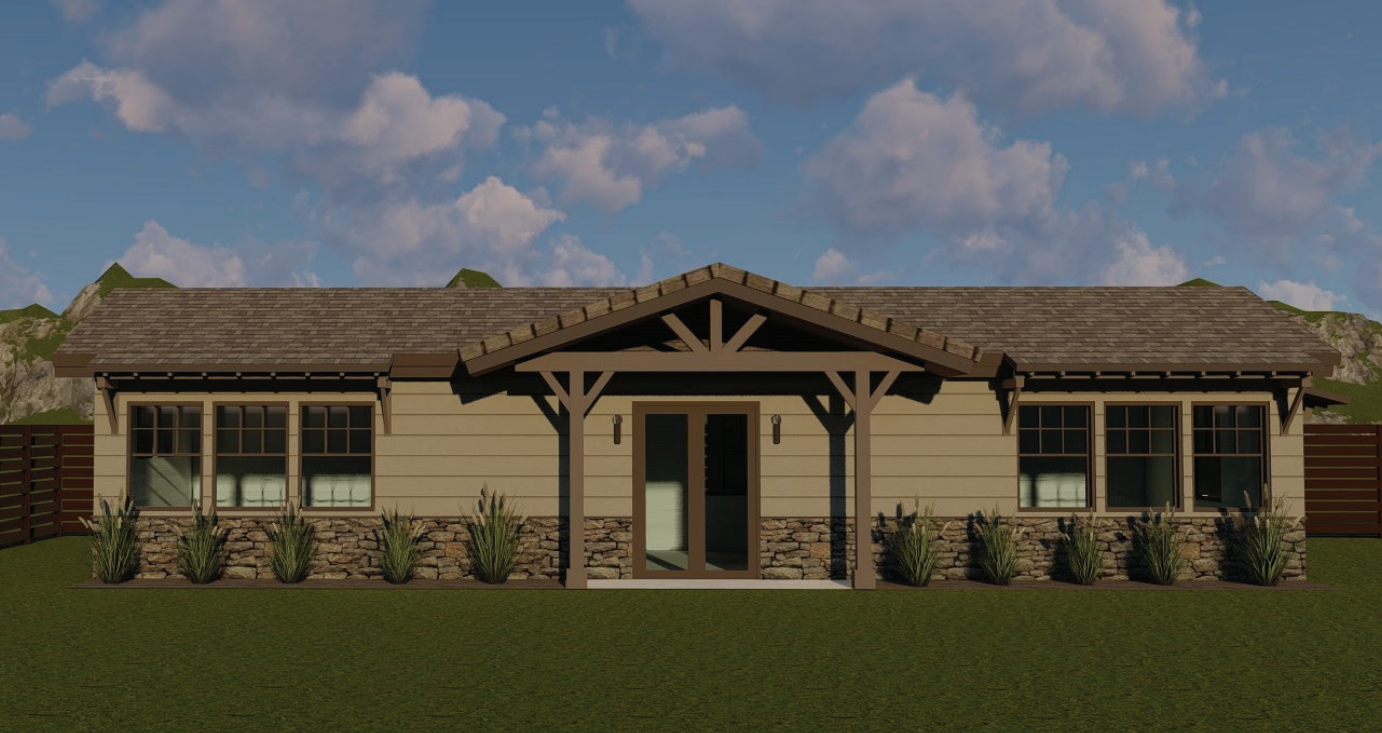
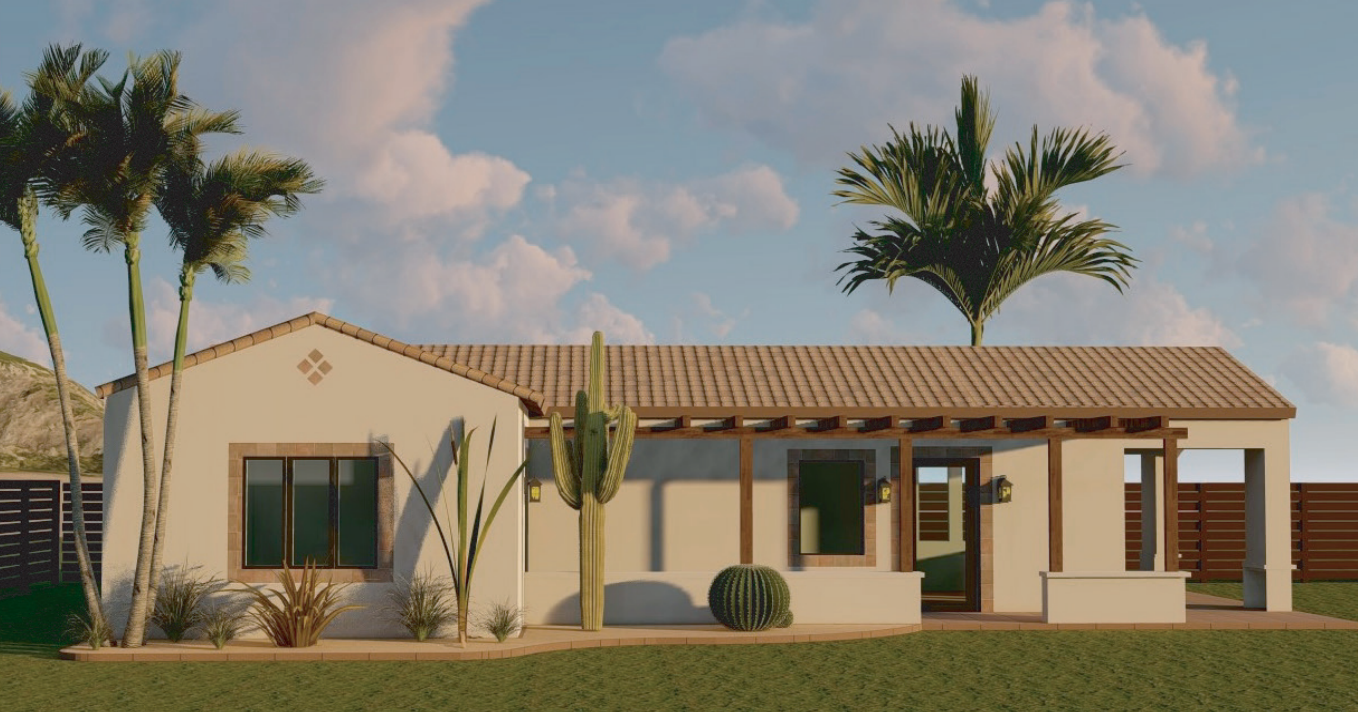
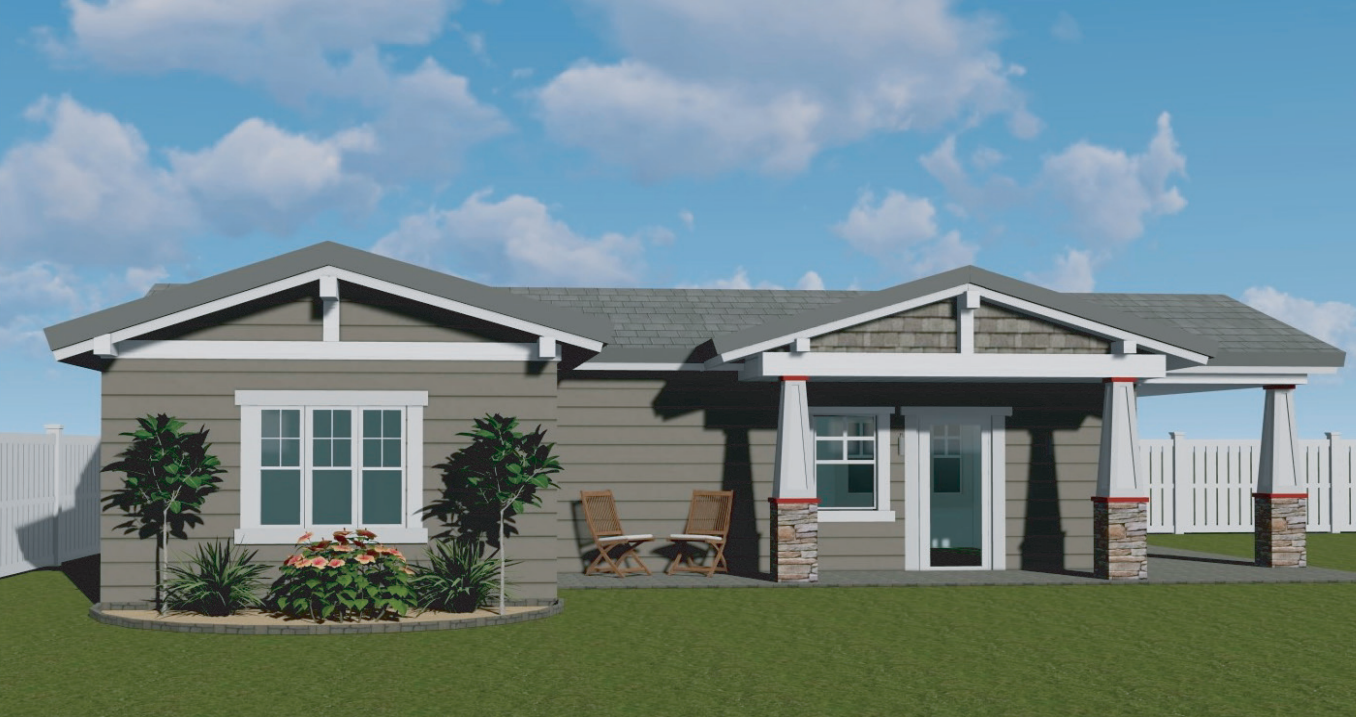
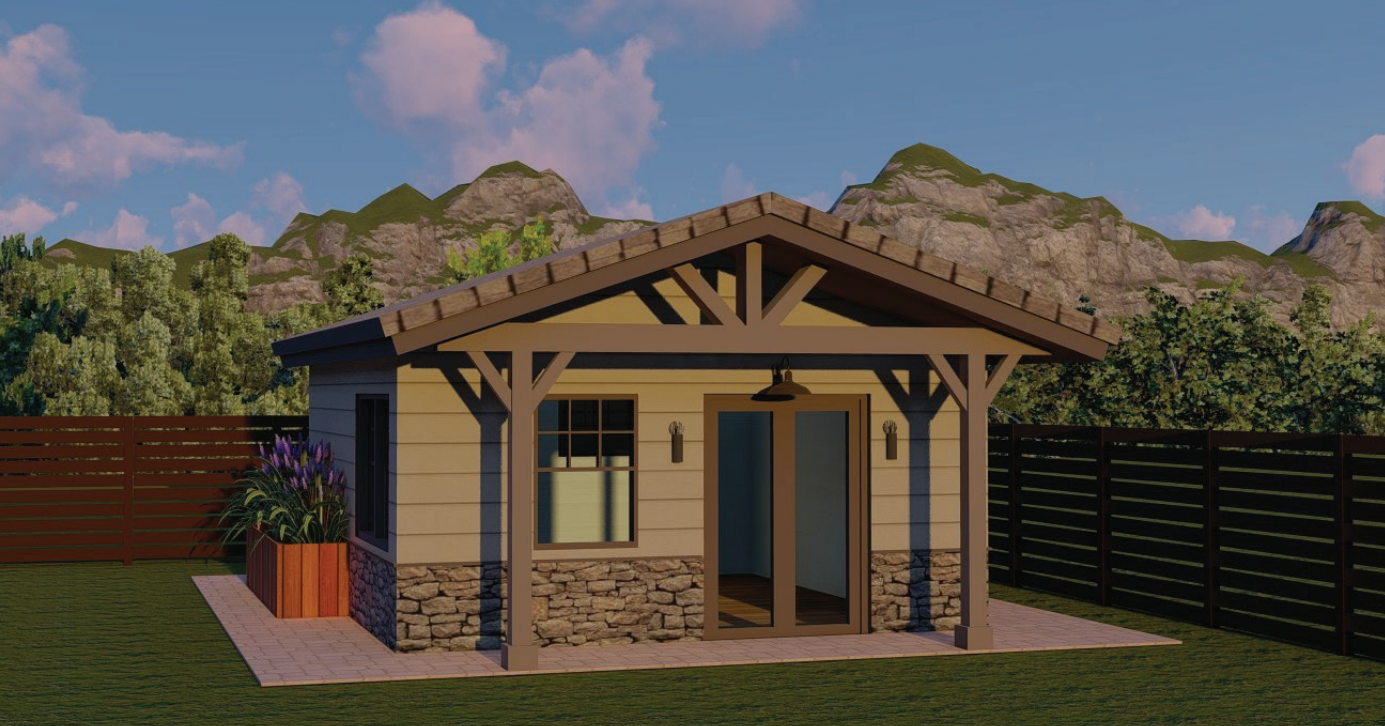
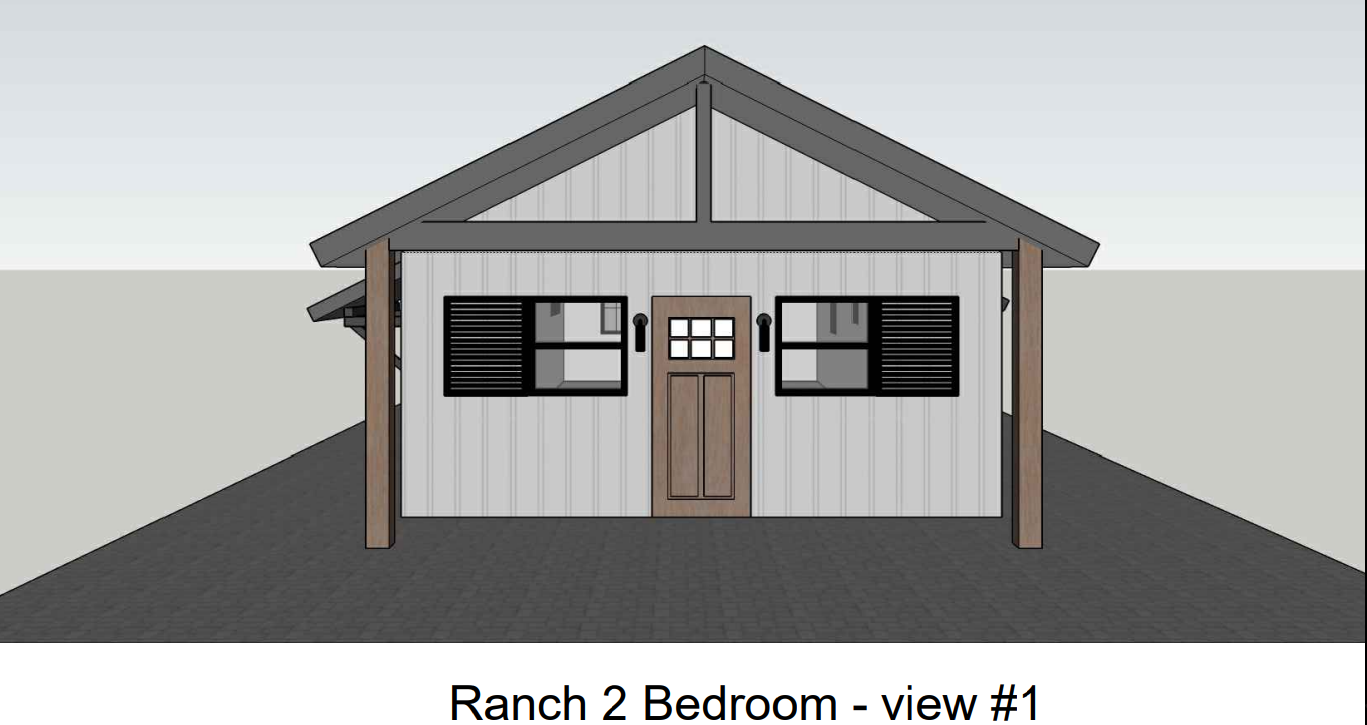
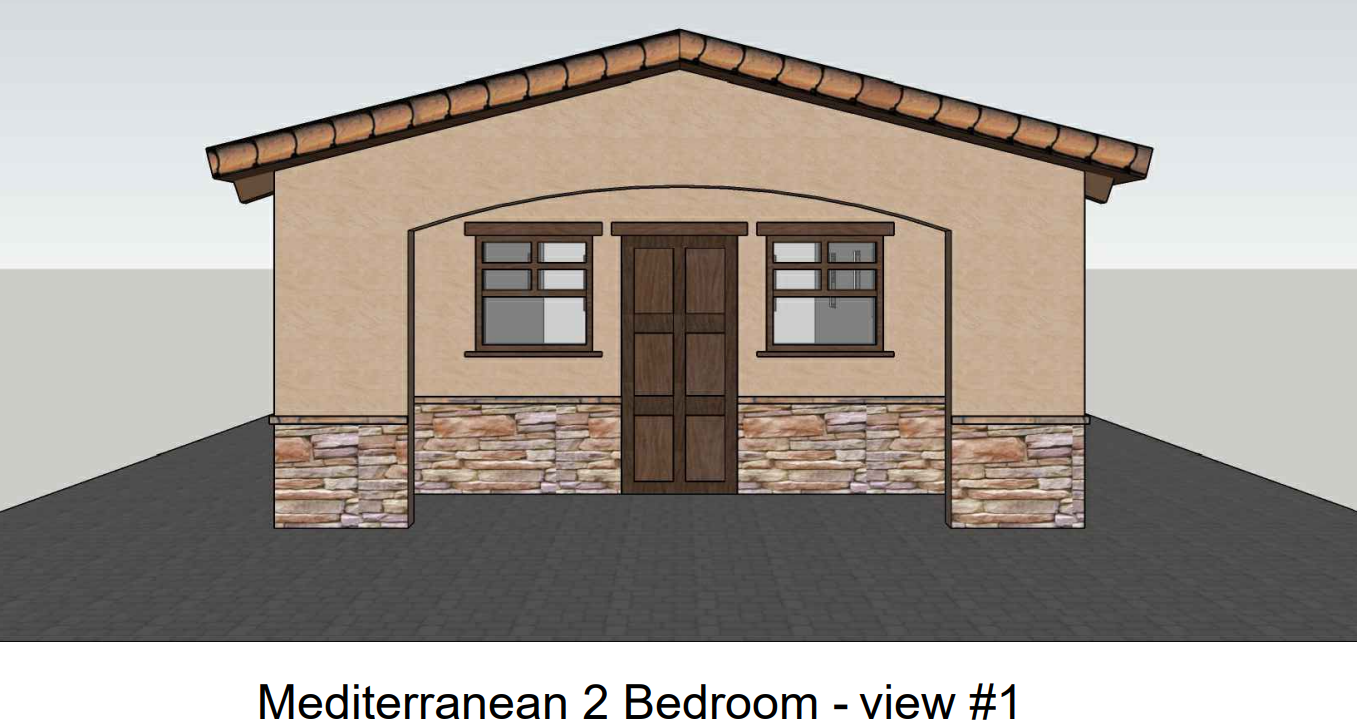
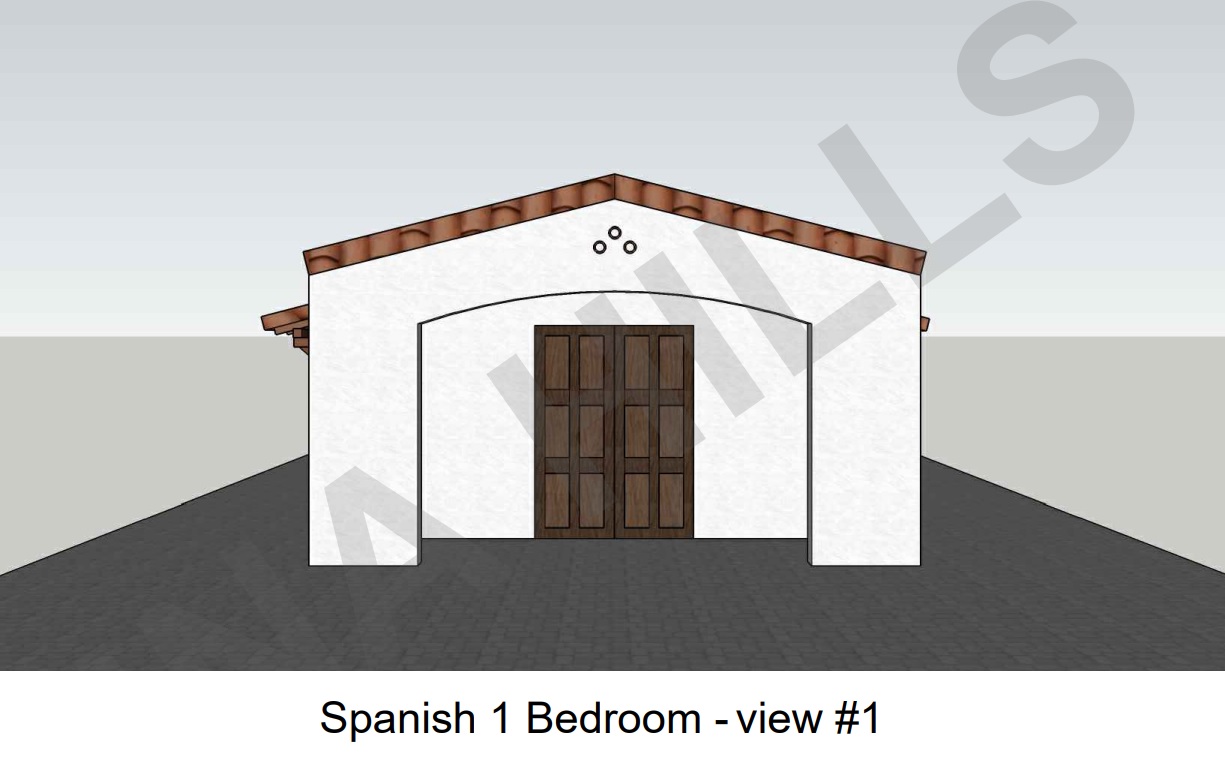
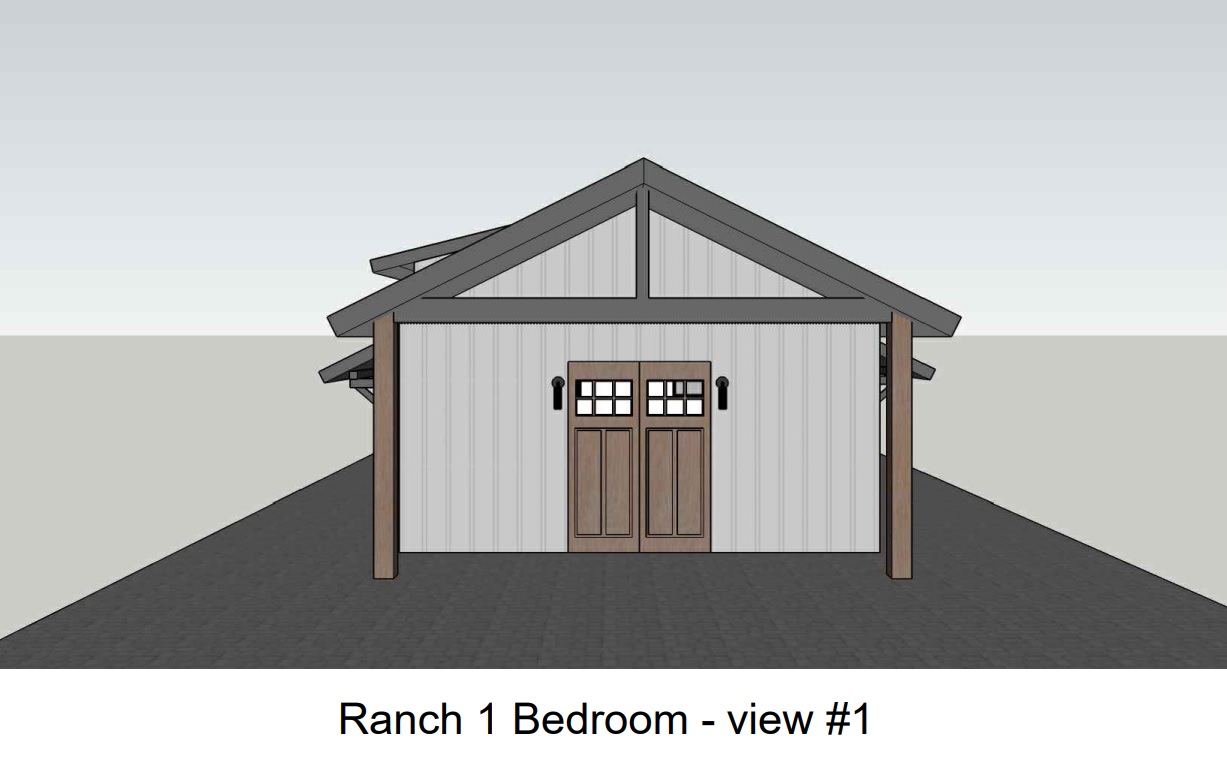
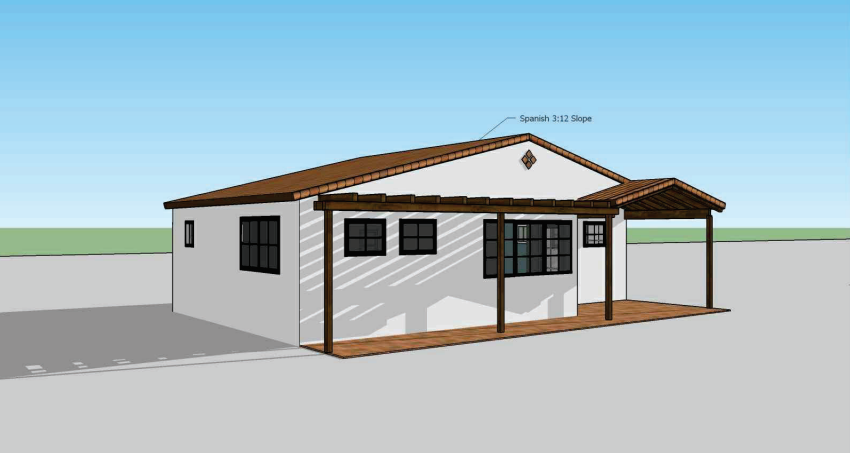
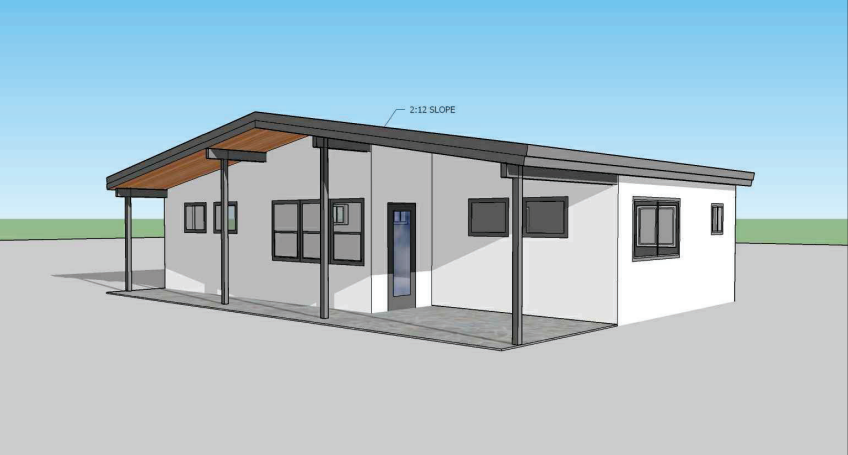
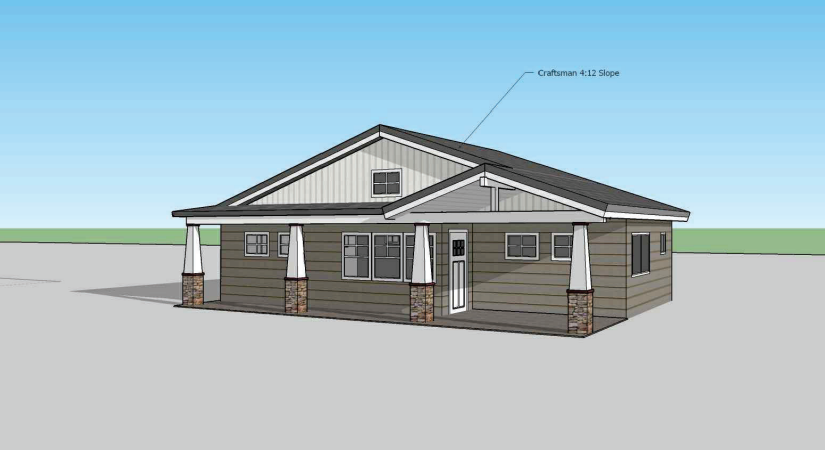
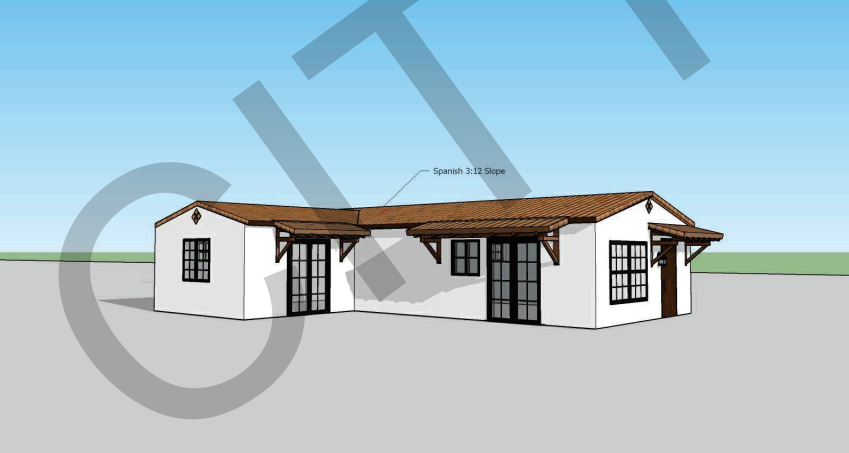
Every curated FrameUpNow model begins as a detailed digital building model. From that model, the materials required to complete the home are organized into a practical, downloadable Materials Shopping List.
You can review the scope, choose the products and quality levels you prefer, and build a far more complete cost picture before the first stud is cut.
A clearer path from home selection to budget decision.
Use the list to turn a model into a defined scope, personalize the selections, then price the complete package before construction begins.
Choose your home
Select the FrameUpNow model that fits your needs and your lot.
Download the list
Open the Materials Shopping List created for that specific model.
Personalize the choices
Select the brands, styles, finishes and quality levels that match your budget.
Price the complete scope
Work with your preferred suppliers to price the listed quantities and selections.
Build with clarity
Move forward knowing what is required, what you selected and what those selections are expected to cost.
One view across the major material categories.
Exterior
Siding, roofing, exterior doors, windows and related materials.
Interior
Drywall, insulation, interior doors, trim and paint-related materials.
Finishes
Floor coverings, cabinets, countertops, plumbing and lighting fixtures.
Home systems
Selected electrical, plumbing and mechanical equipment categories.
Appliances
Refrigerator, dishwasher, range, washer, dryer and other model-appropriate selections.
Know the quantities. Choose the quality. Price the selections.
Then decide whether to build. The list keeps the product decisions yours while replacing incomplete assumptions with an organized material scope tied to the actual model.
Detailed enough to support real supplier conversations.
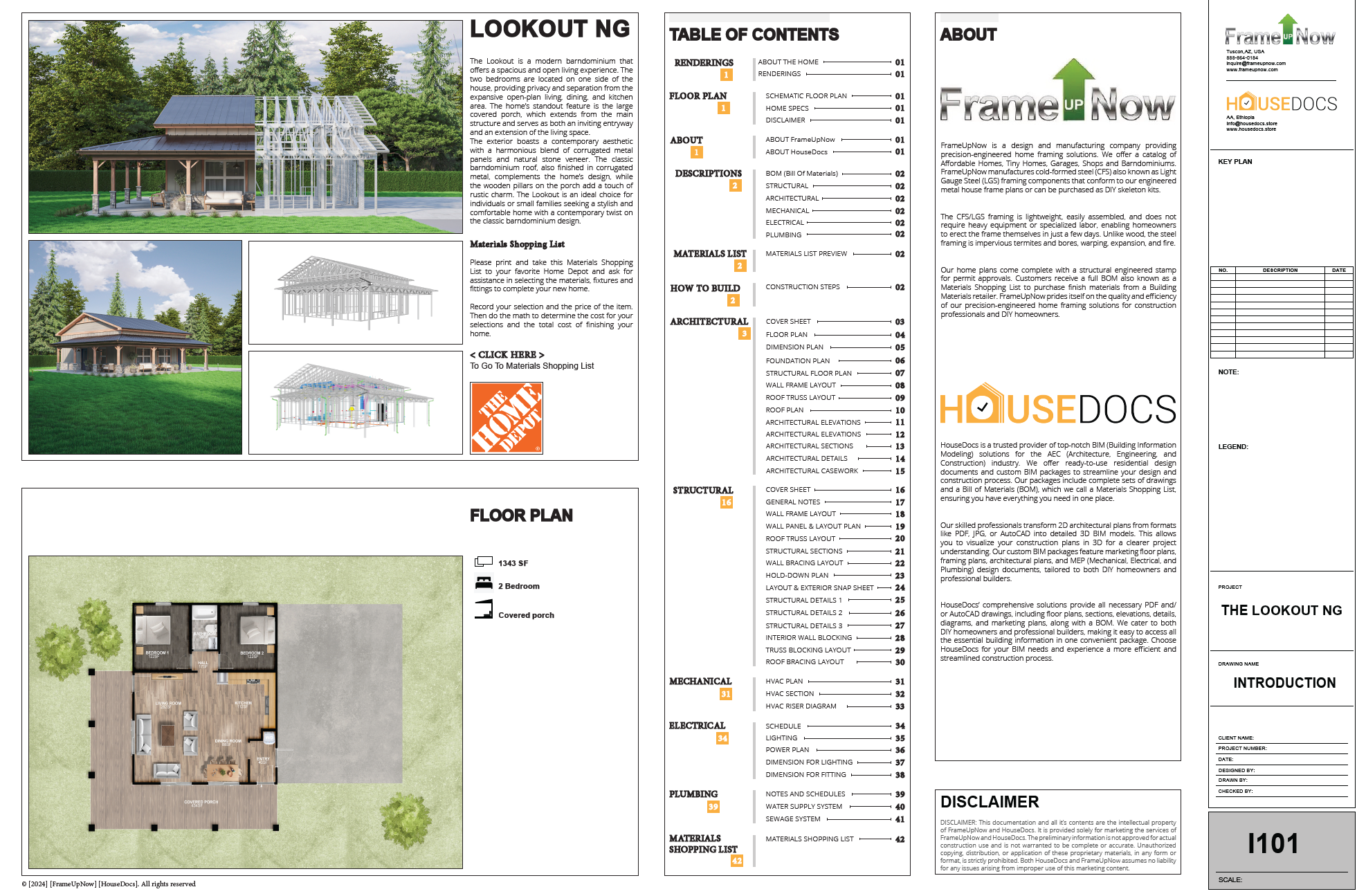
The sample Lookout document organizes information across architectural, mechanical, HVAC, electrical and plumbing categories, with fields for quantities, descriptions, manufacturers, SKUs, unit price and totals.
That gives homeowners and builders a practical starting point for selecting products and creating a more complete cost picture.
See the real material-planning documents.
These previews are taken directly from the Materials Shopping List DOCX and the Lookout NG PDF you supplied.
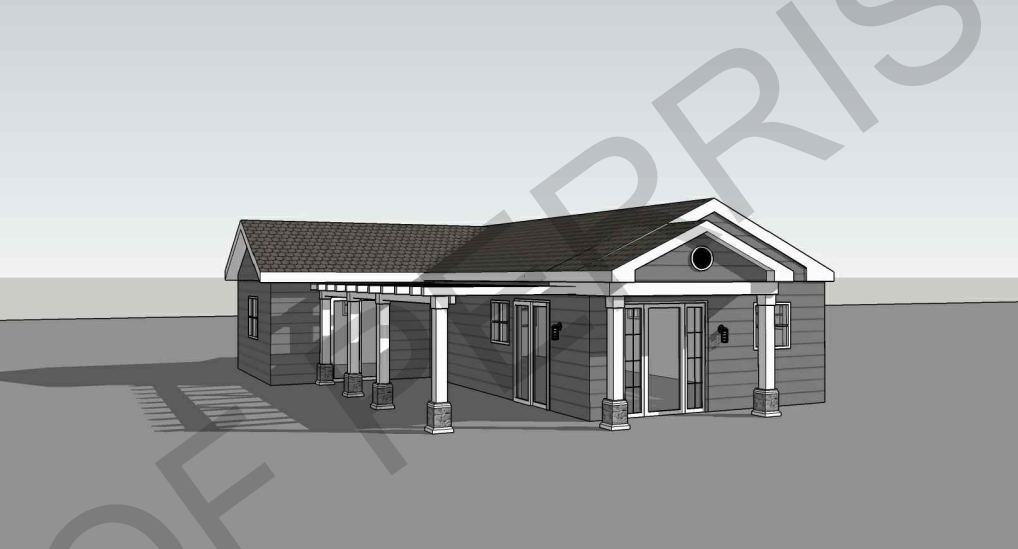
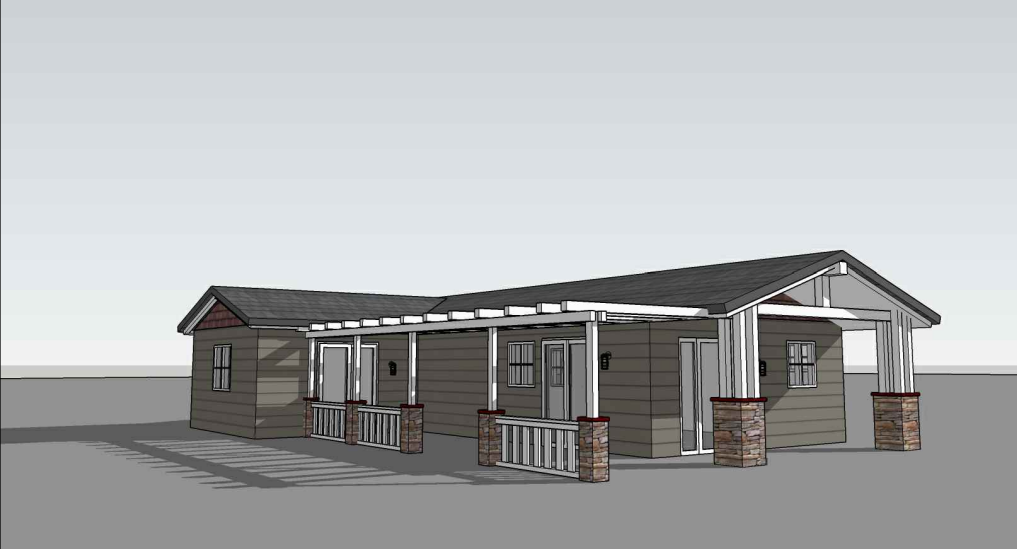
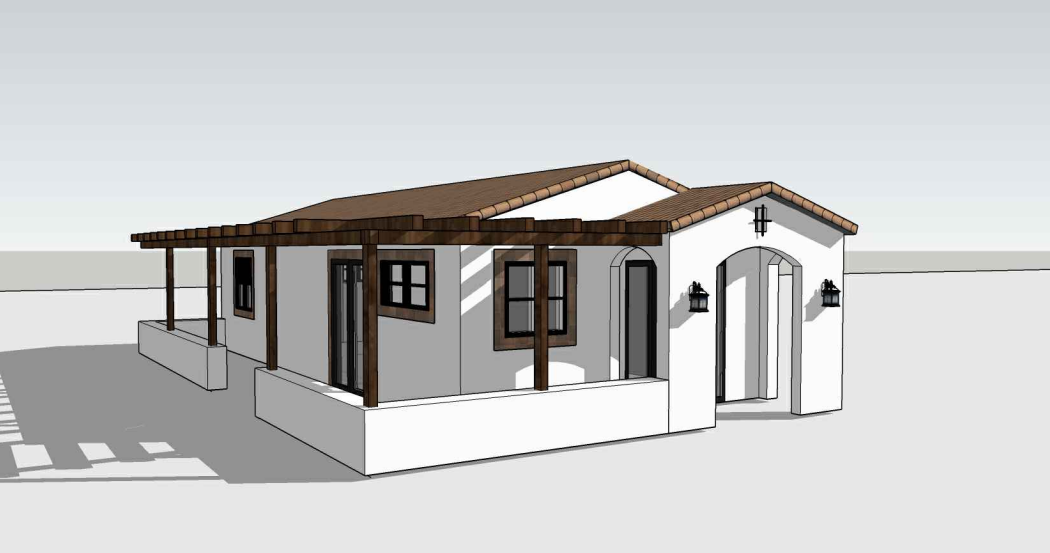
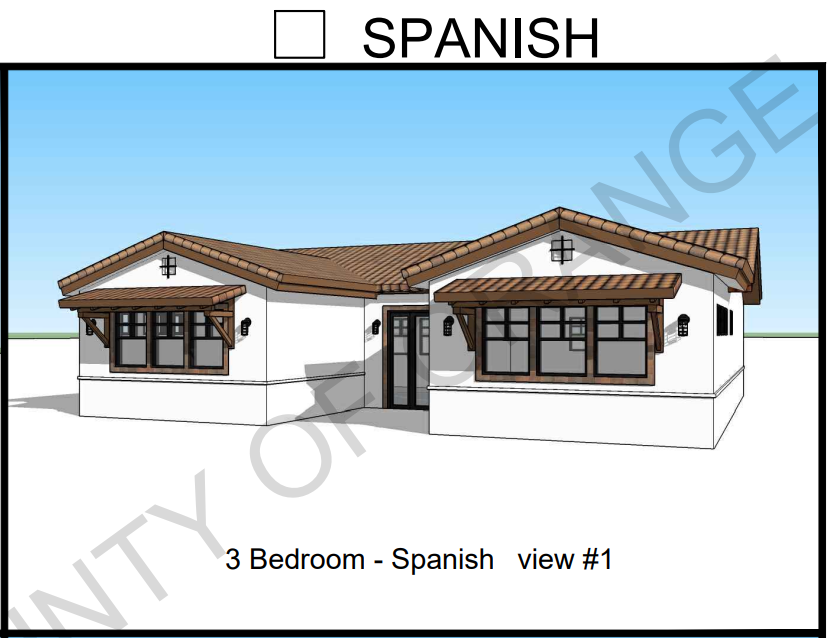
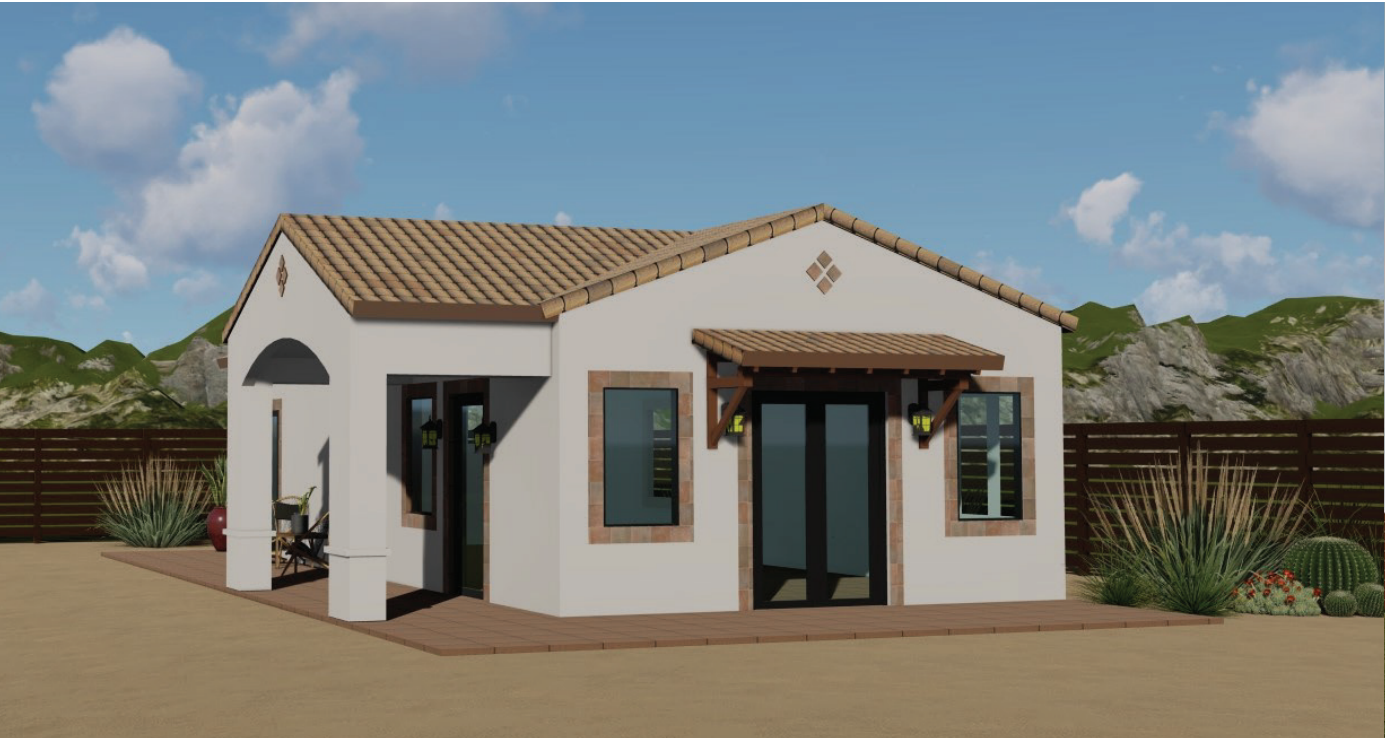
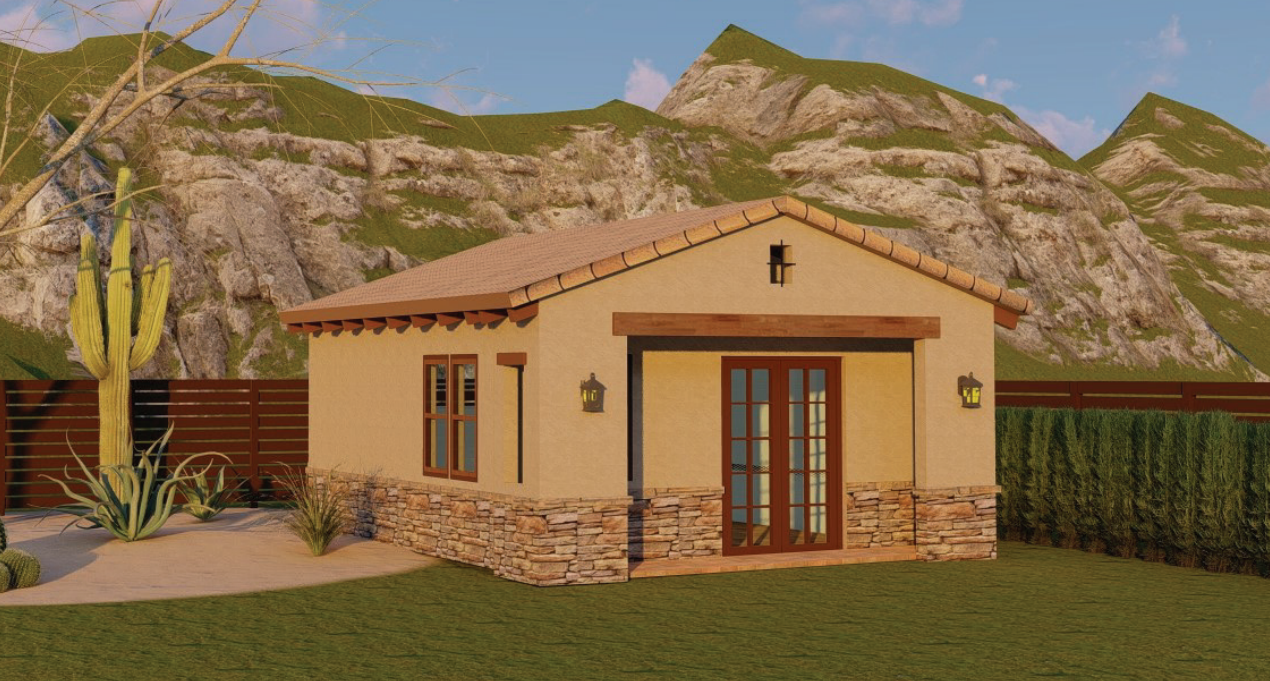
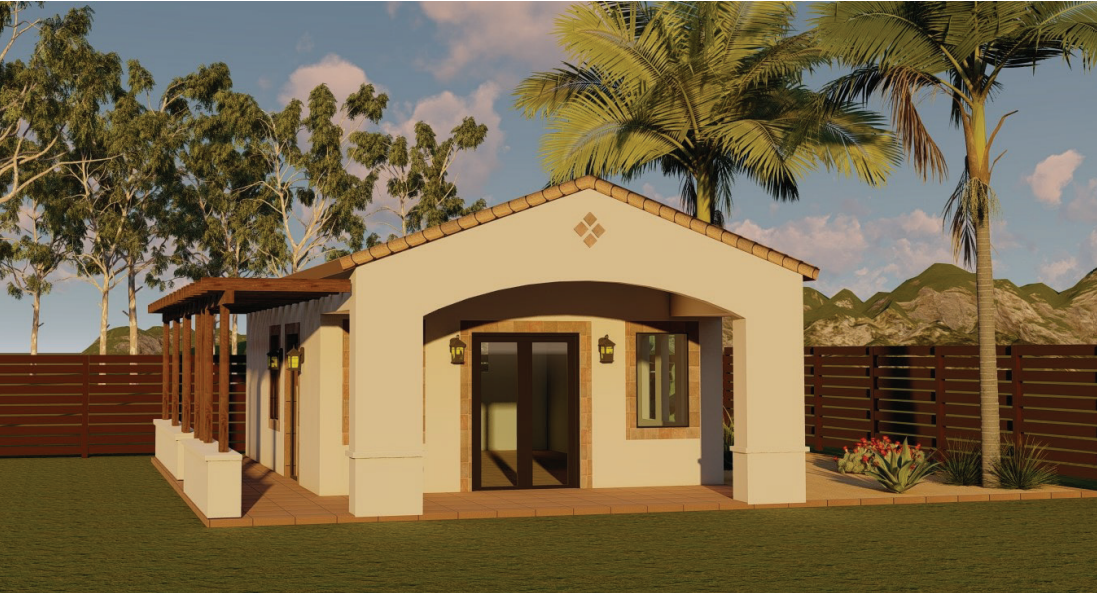
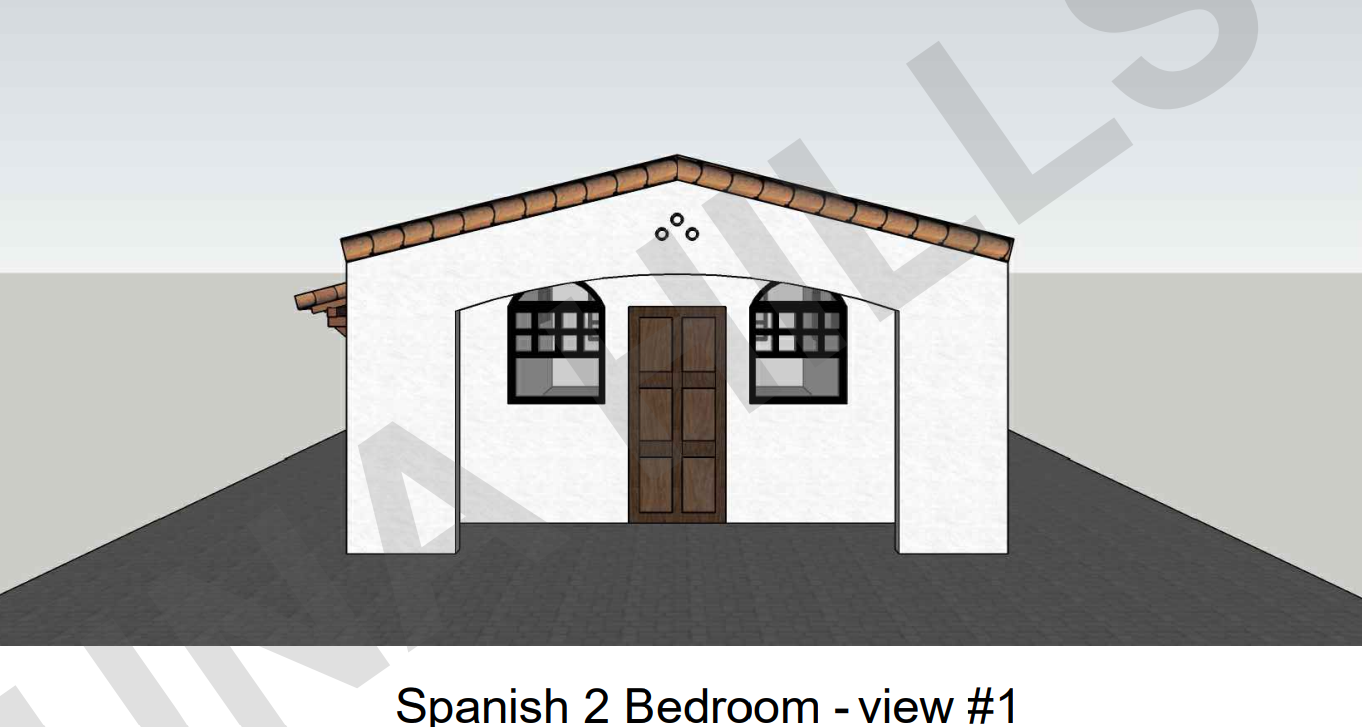
Actual images from your updated document.
I placed the source visuals directly into the landing page so the design uses your supplied project material instead of generic graphics.
Understand what the list does—and what it does not do.
Is the Materials Shopping List available for every FrameUpNow model?
Yes. Each model includes a downloadable list tied to that model.
Is this the same as the steel-frame parts list?
No. The engineered steel frame has its own manufacturing information. The Materials Shopping List helps plan the broader materials and products used to complete the home.
Does the list force me to buy particular brands?
No. Descriptions are generic so you can select the brand, quality, finish and supplier that suit your project.
Does the download show my final local price?
No. It defines the material scope and quantities. Final pricing depends on product choices, local pricing, taxes, delivery, availability and project-specific conditions.
Can I use the list before I order a FrameUpNow skeleton?
Yes. You can investigate material scope and pricing before making the larger commitment to build.
Can a supplier help me complete the pricing?
Yes. Take the list to your preferred building-material supplier and use the generic descriptions and quantities as a starting point for product selection and pricing.
Do Not Start With a Guess. Start With the List.
Select the model. Download the Materials Shopping List. Choose the products. Price the scope. Then move forward with greater certainty.