
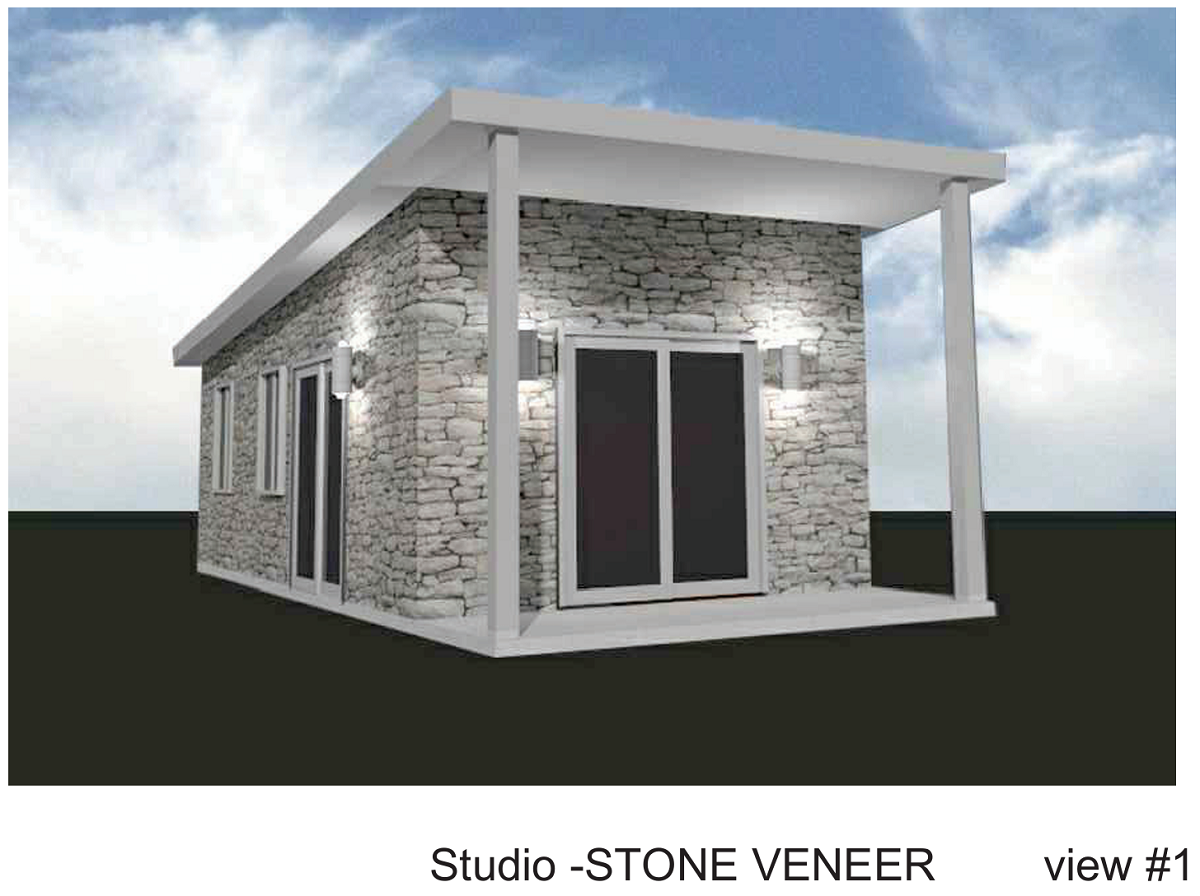
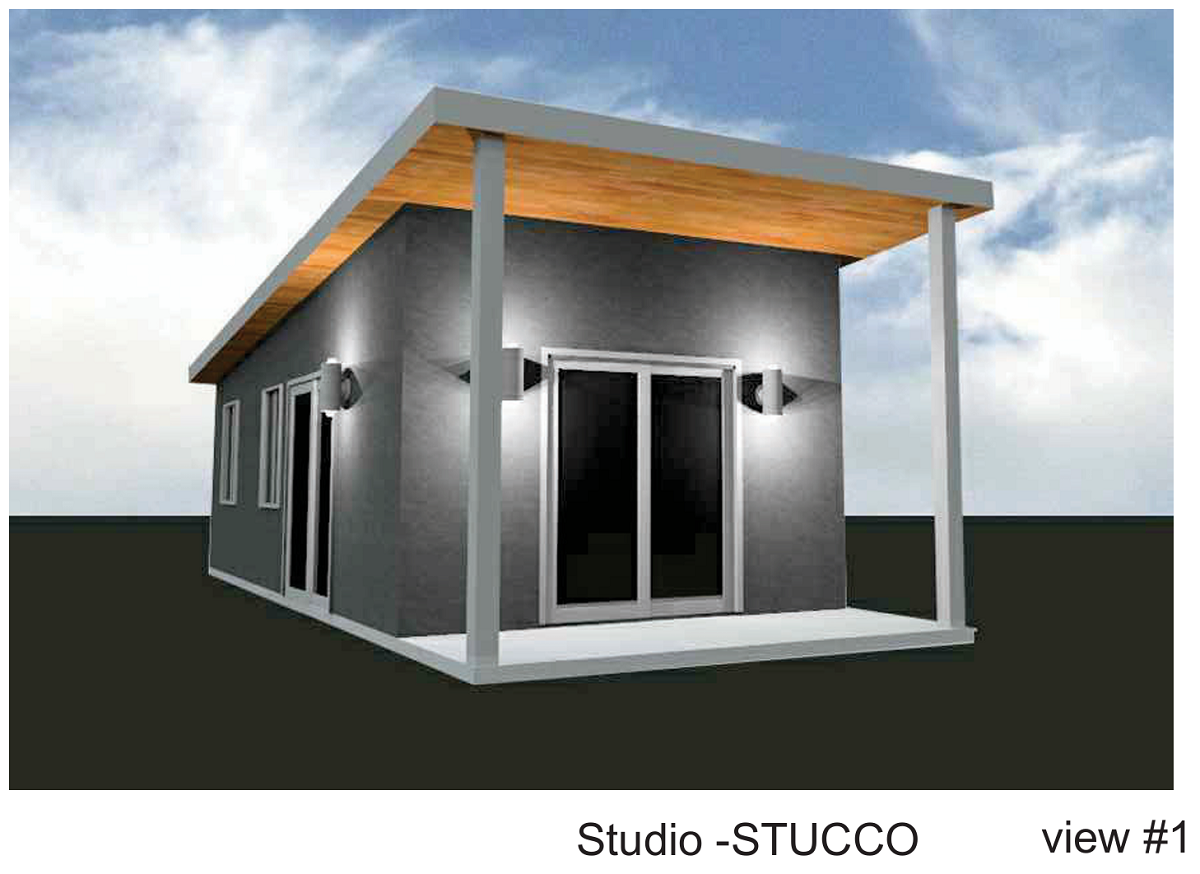
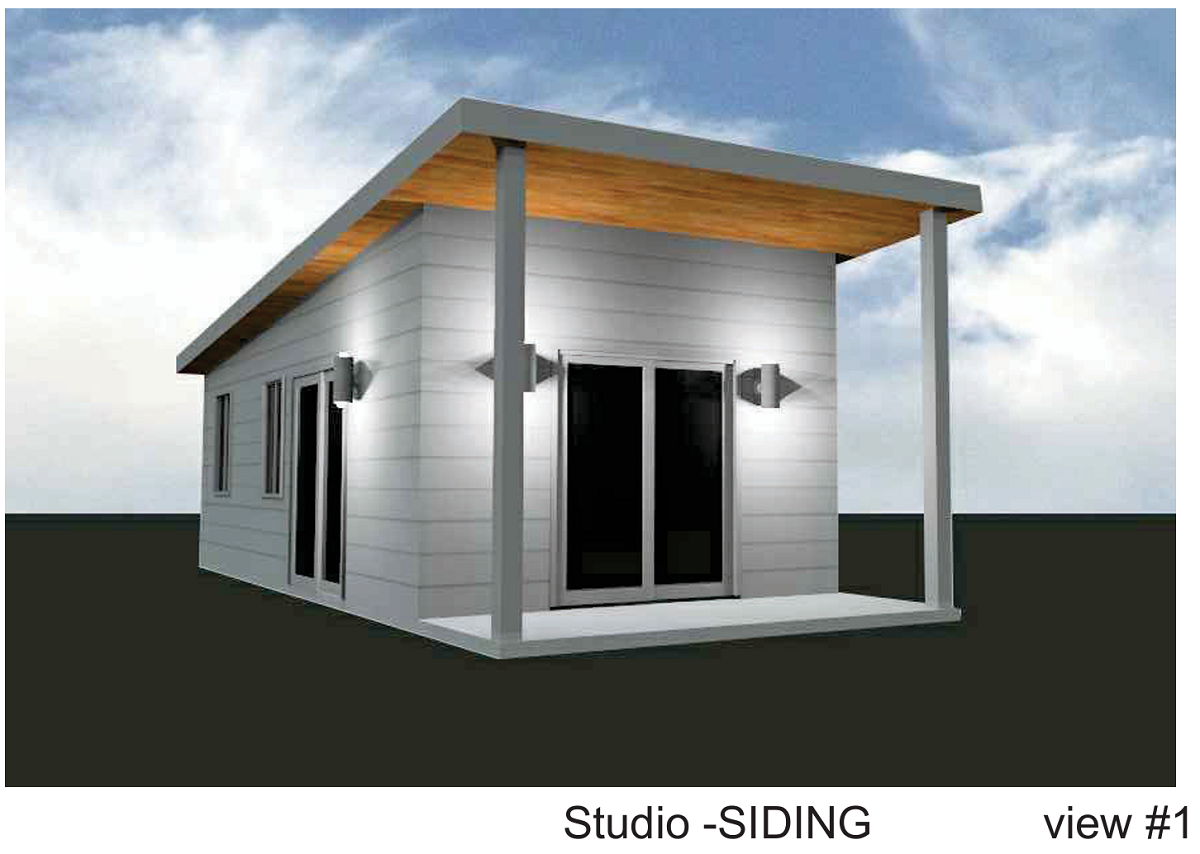
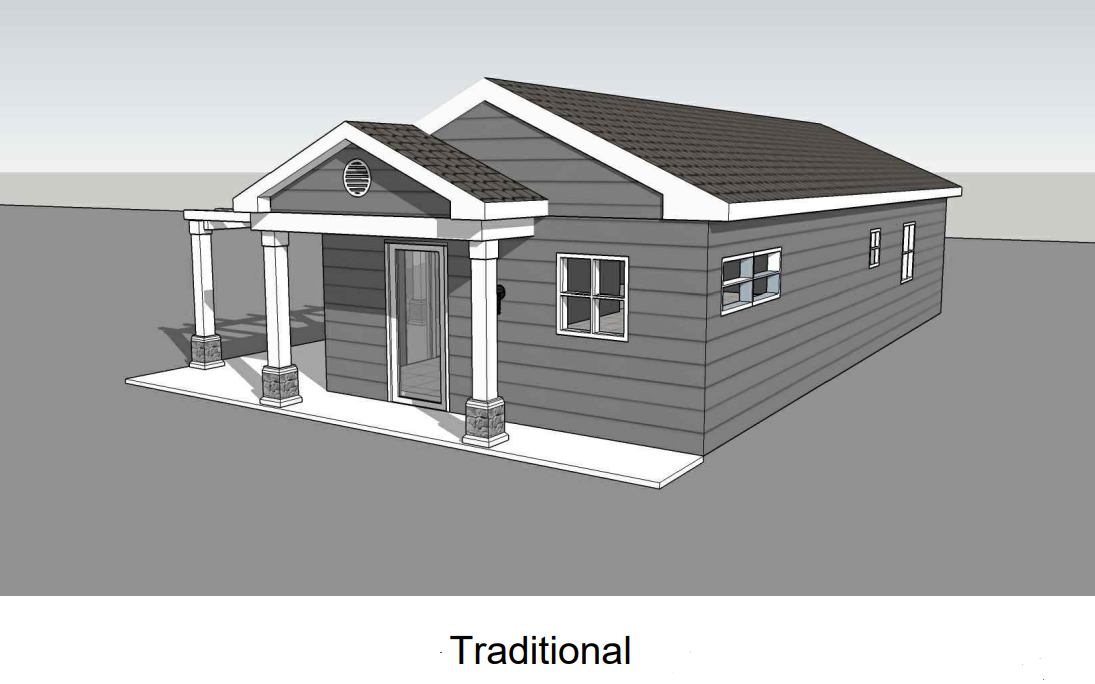
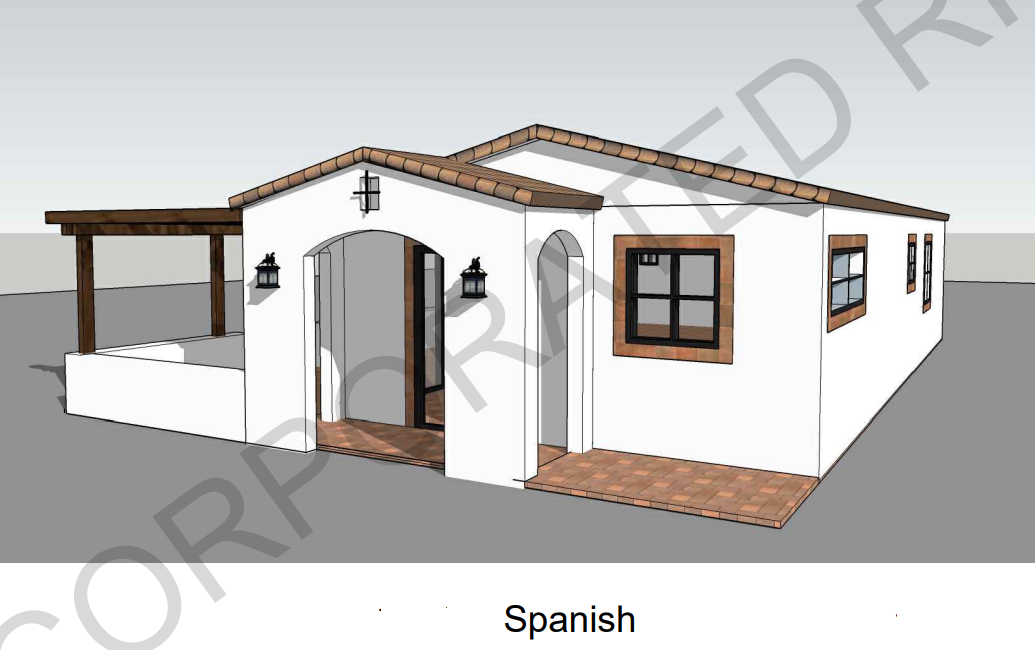
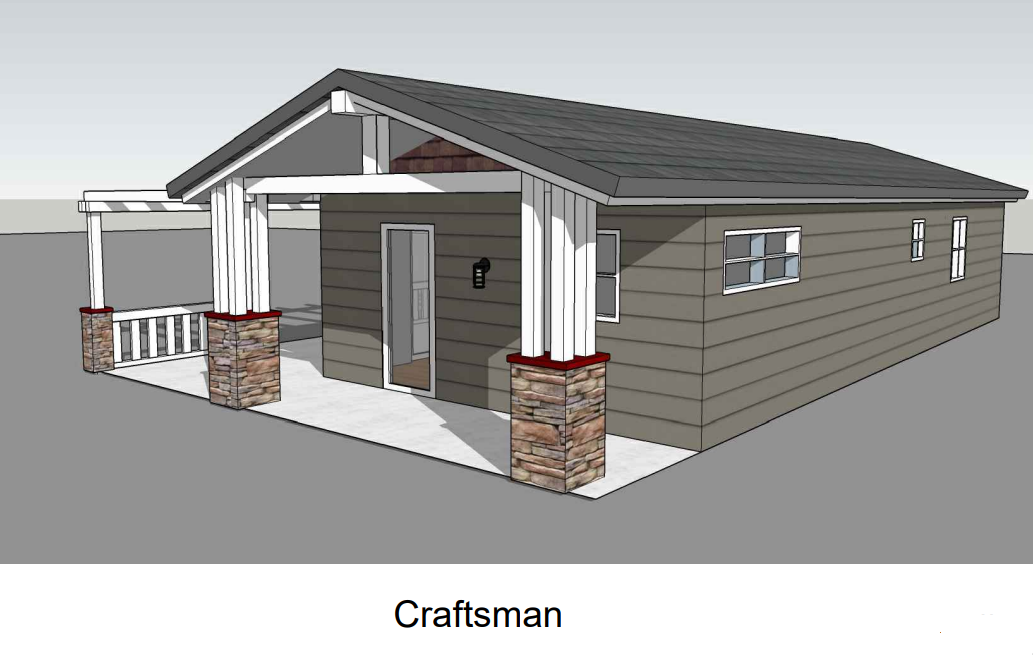
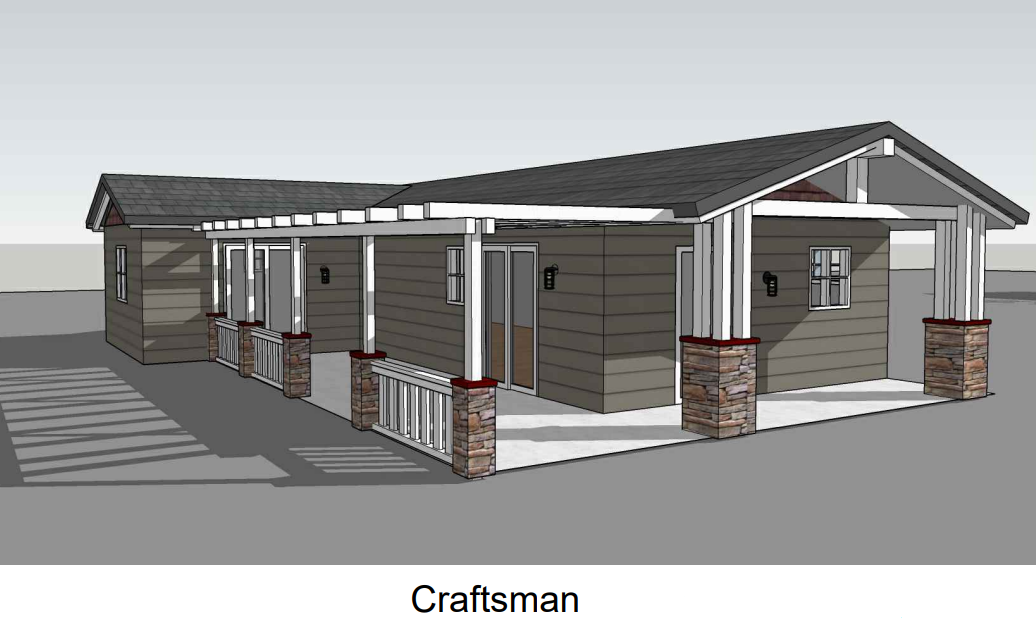
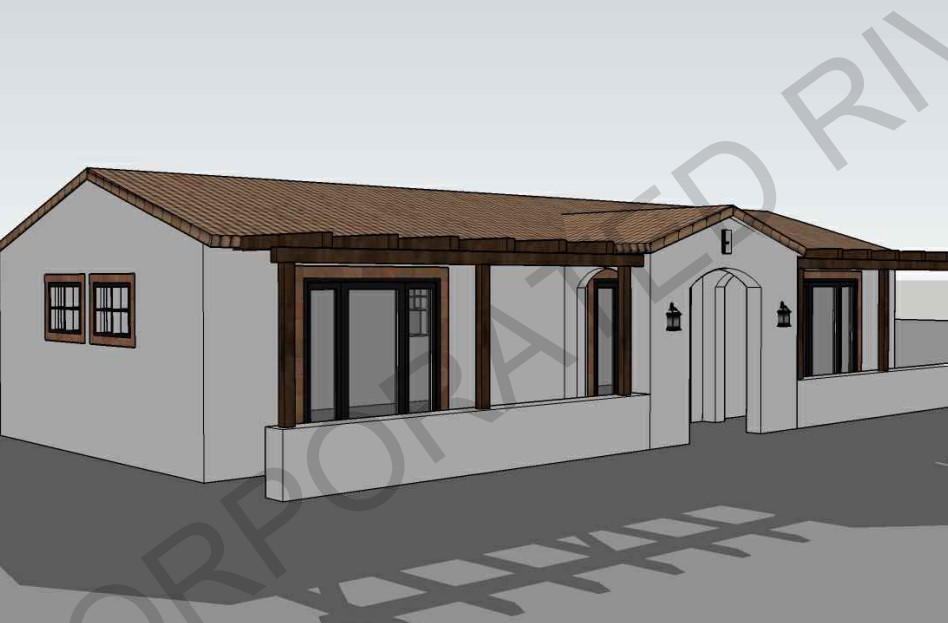
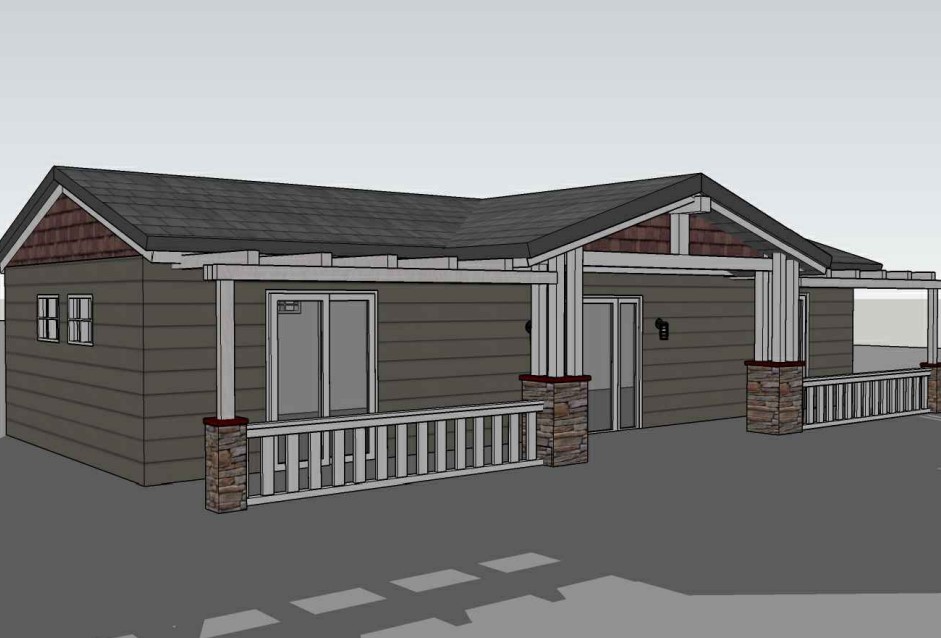
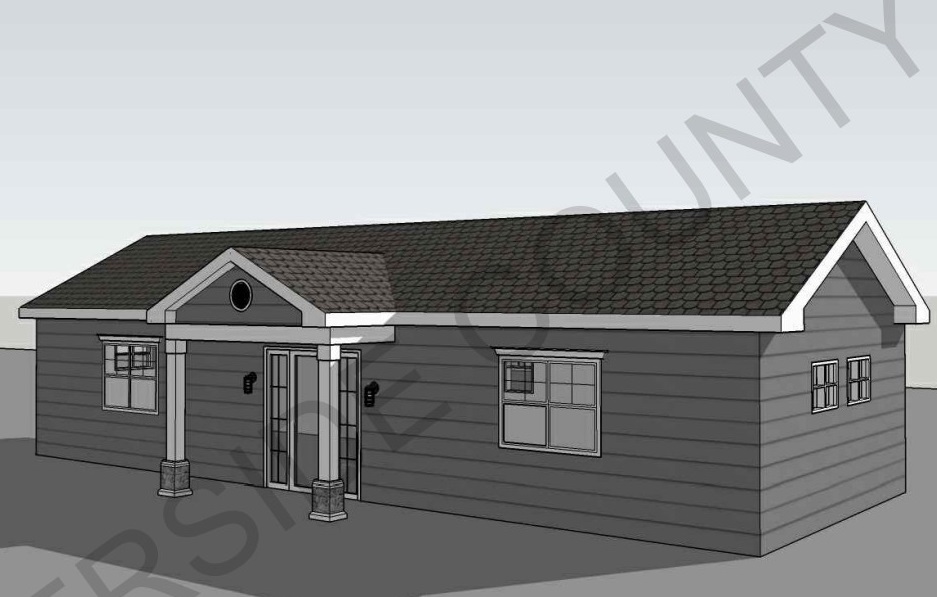
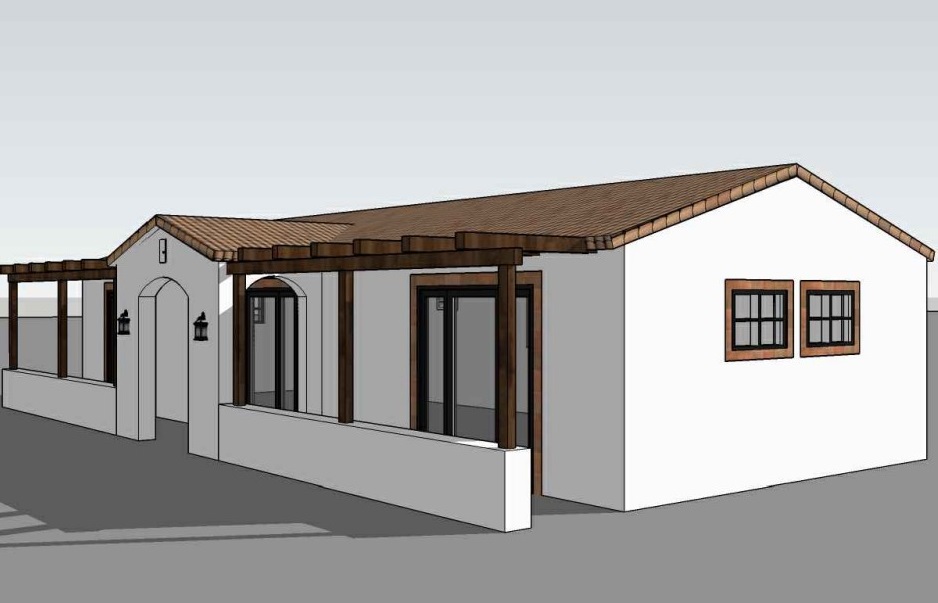
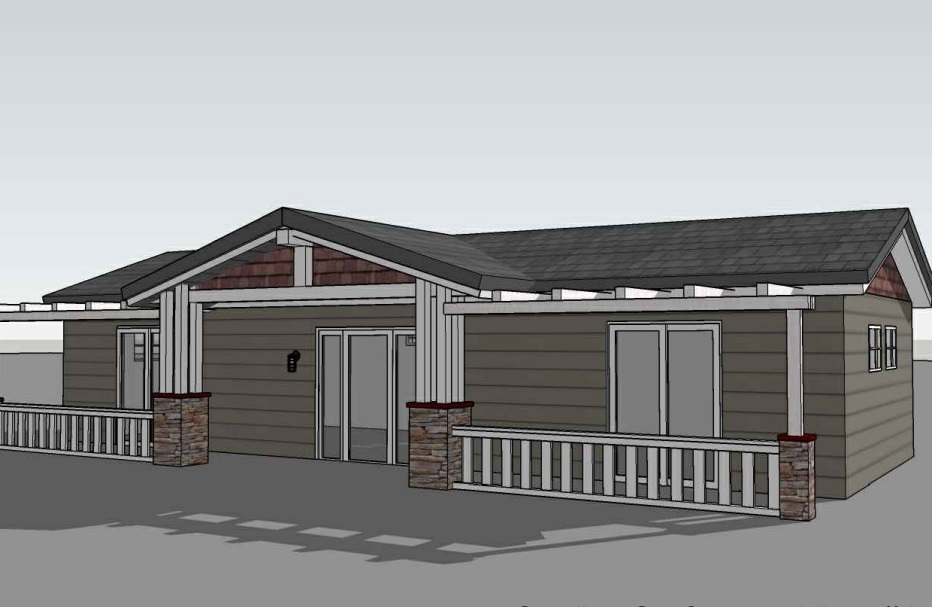


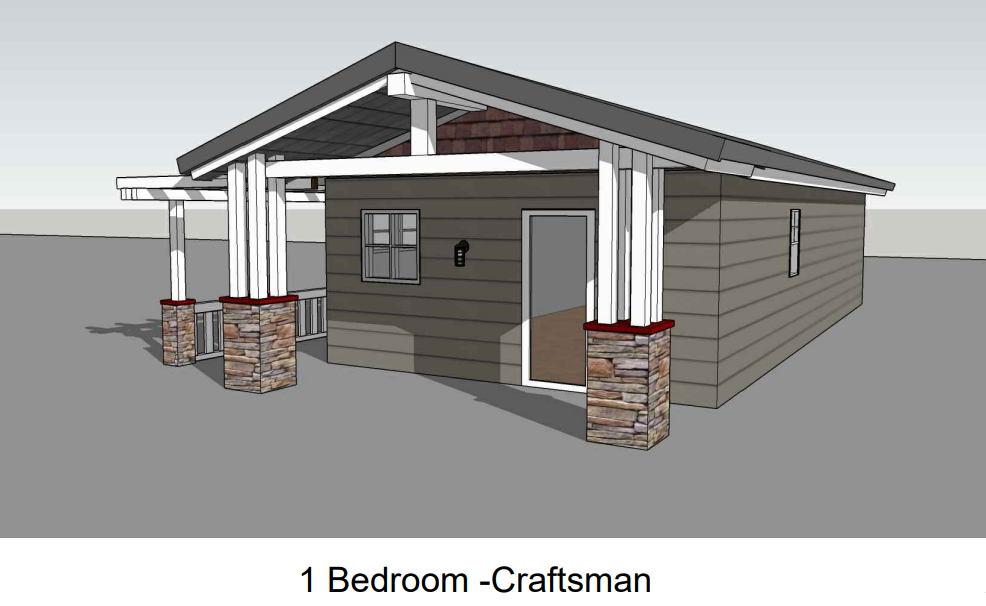
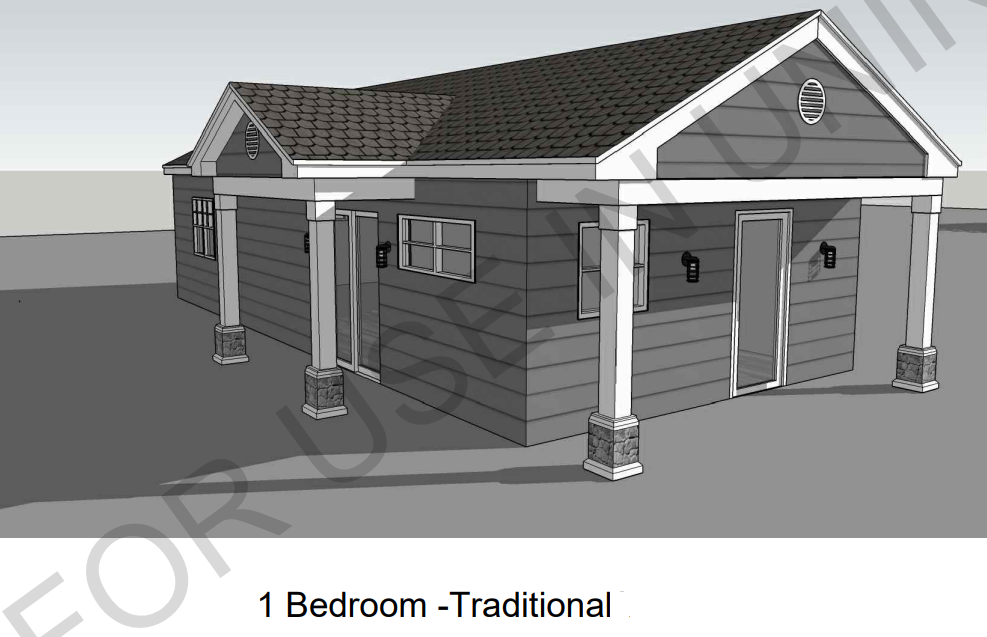

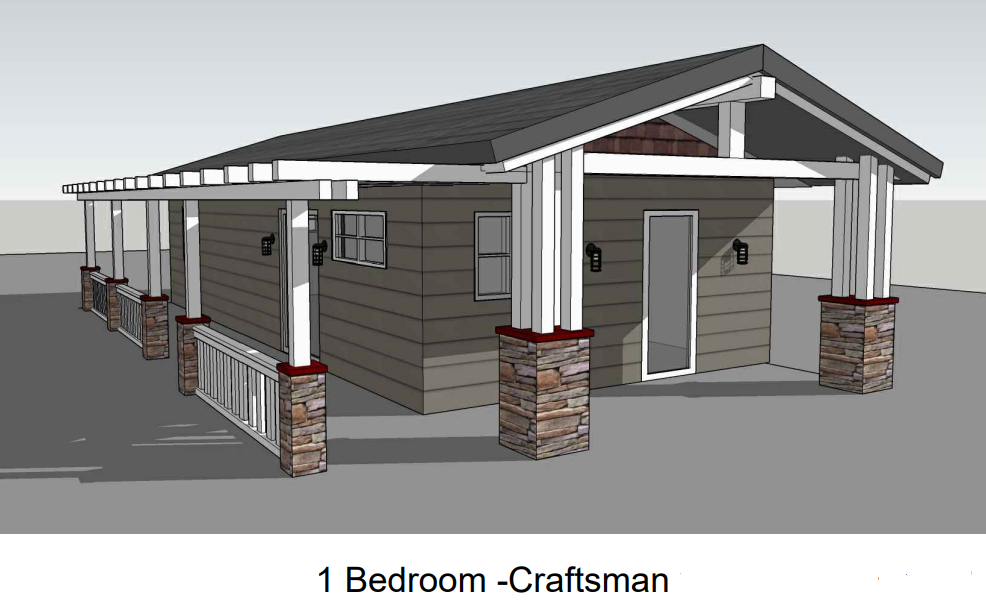

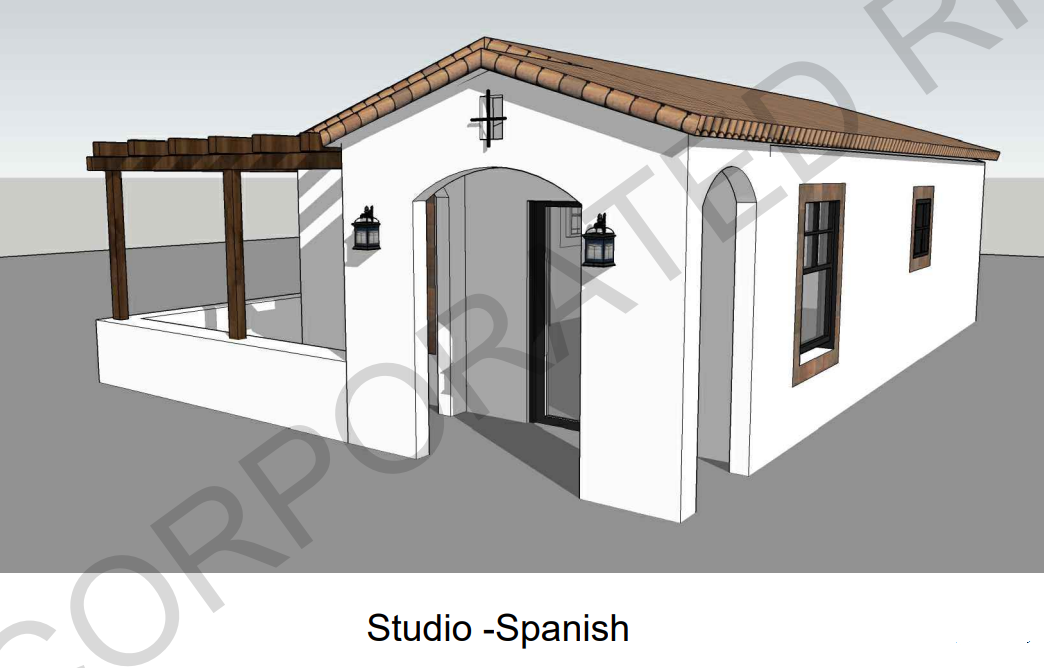

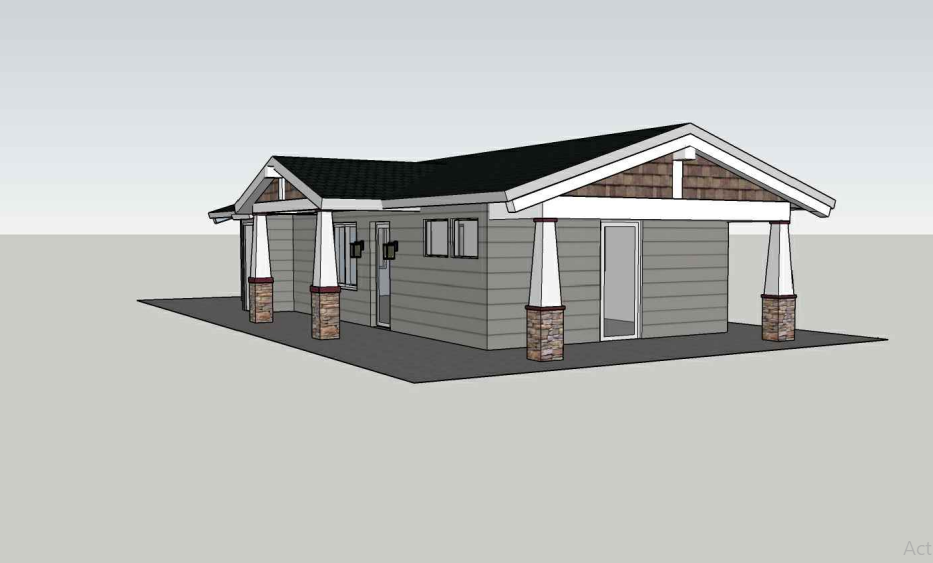
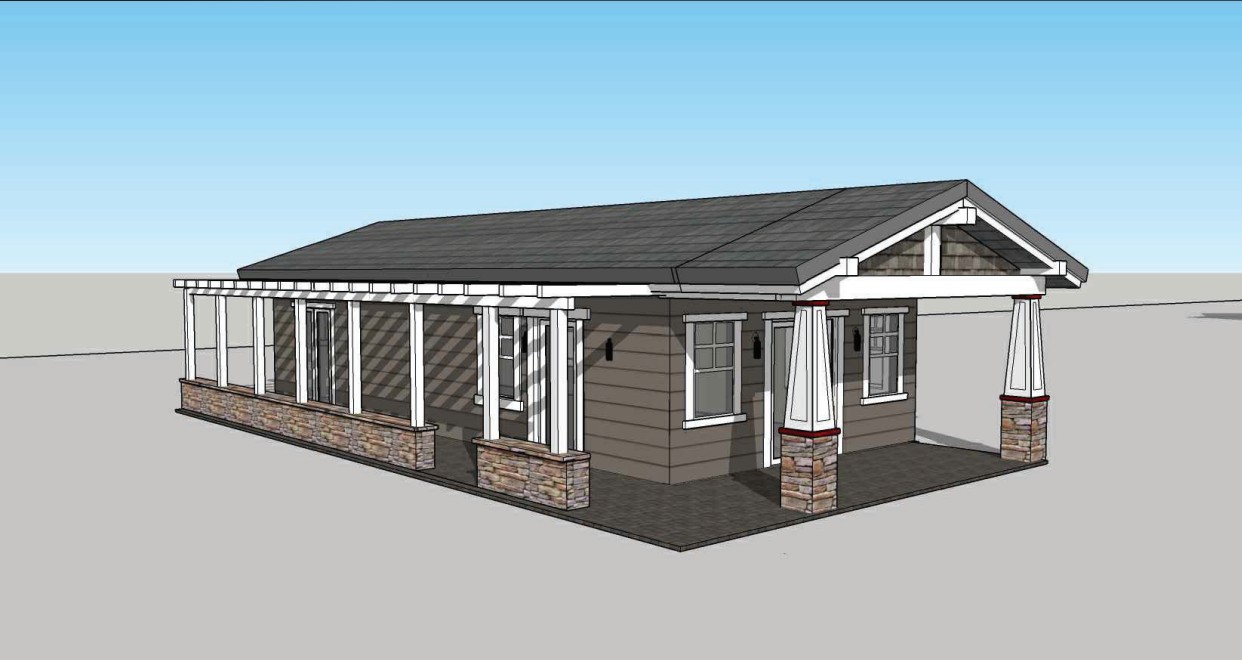
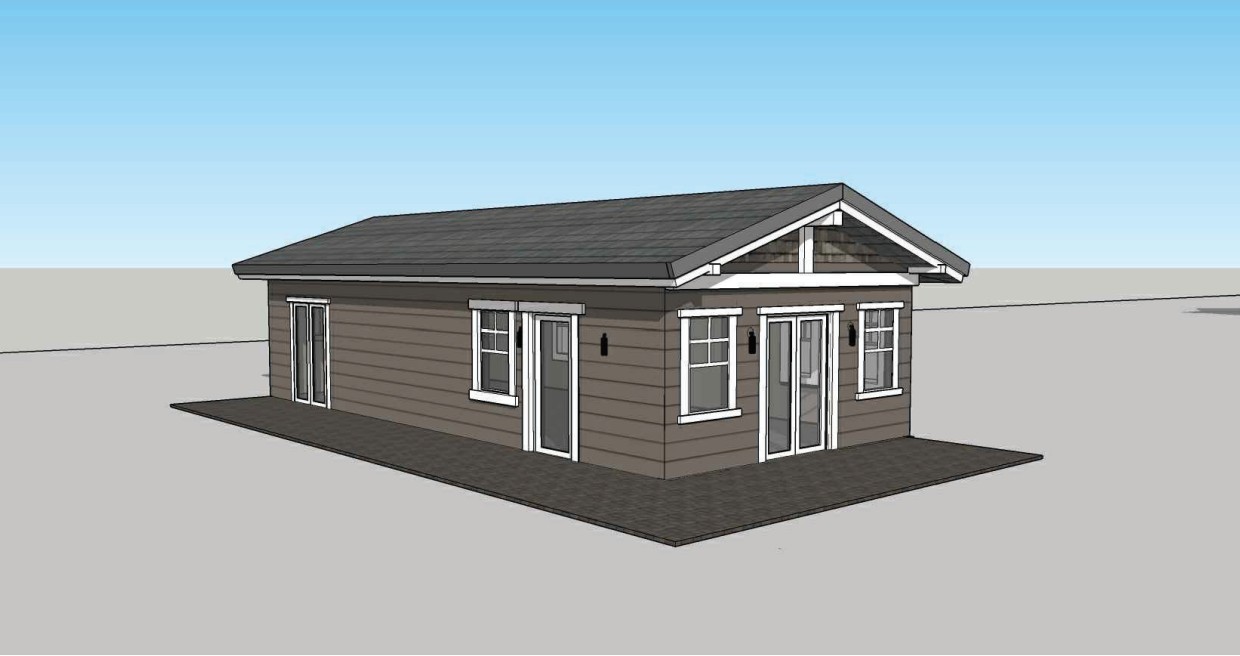
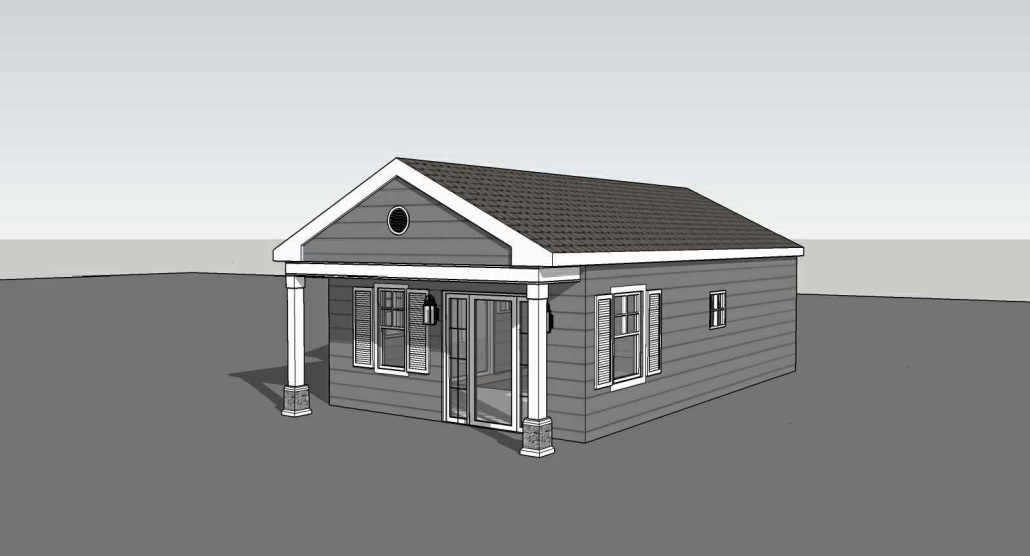
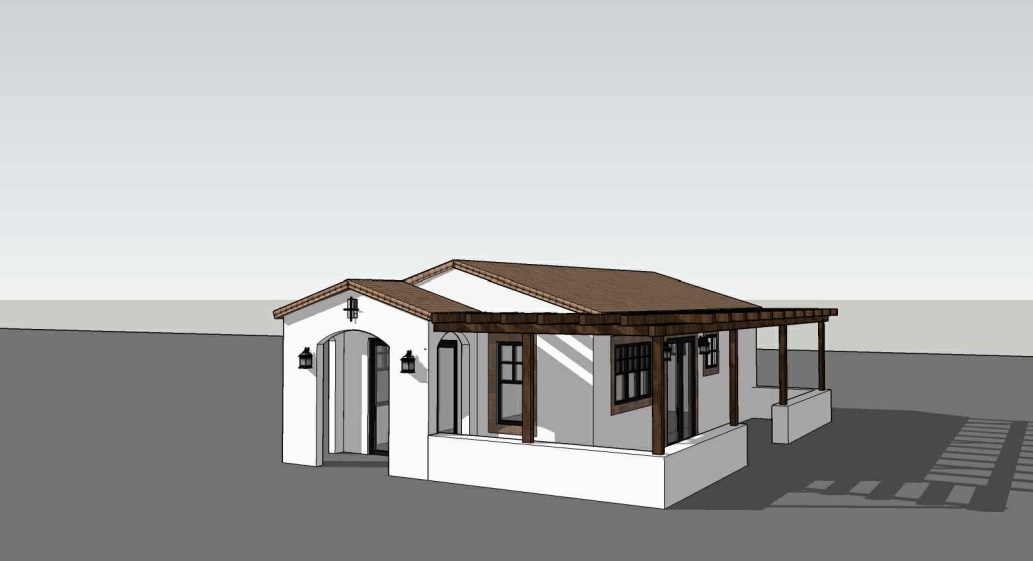
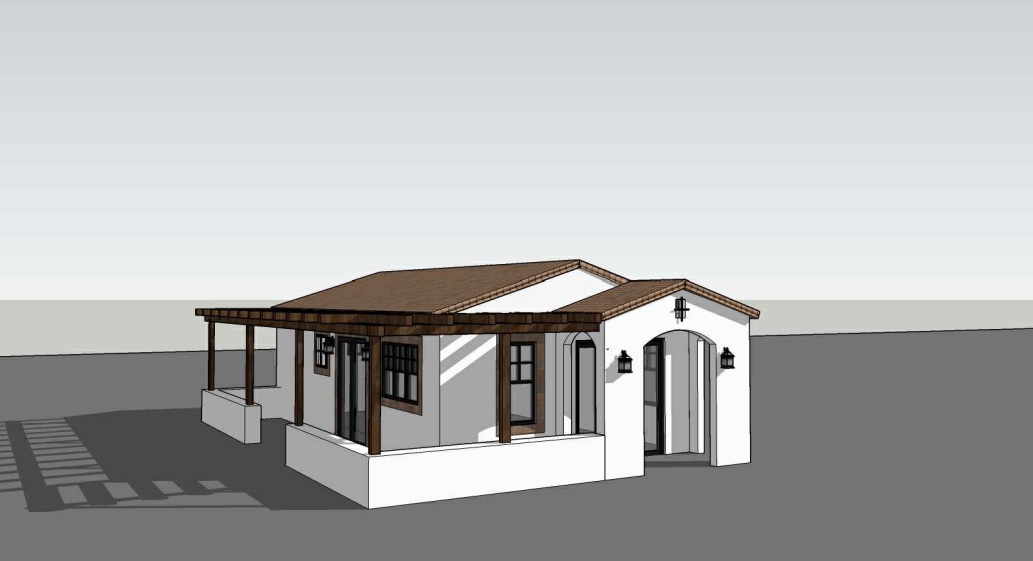
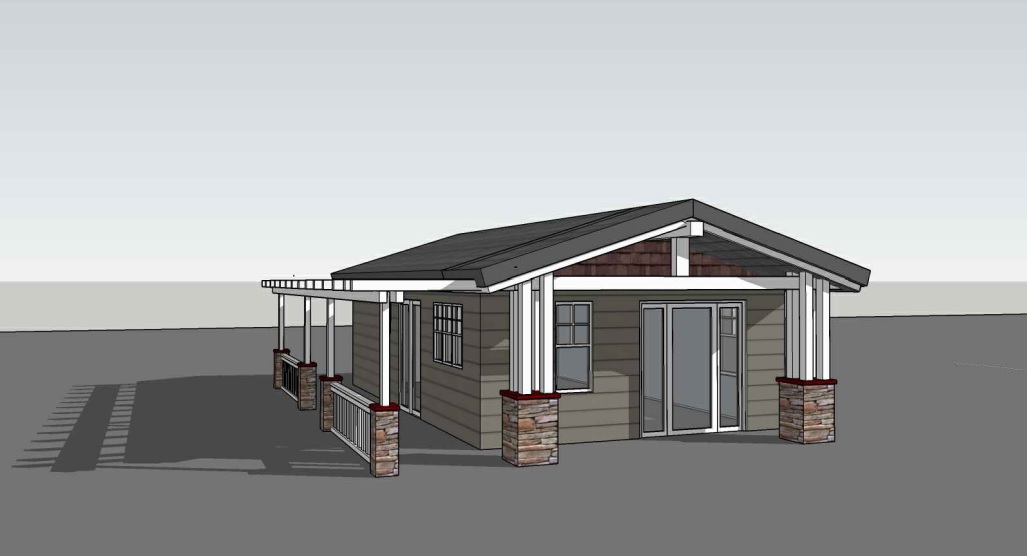
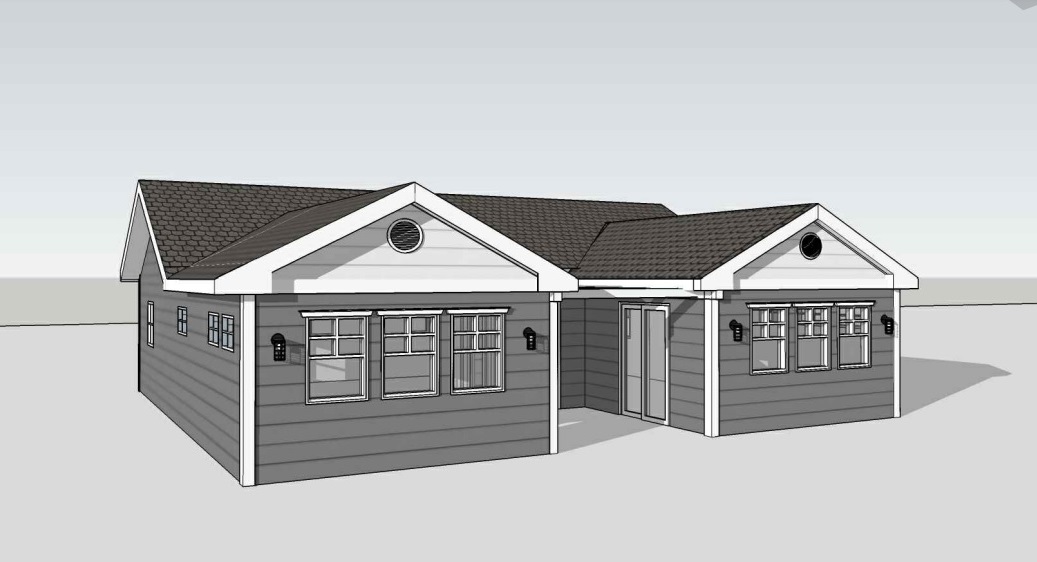
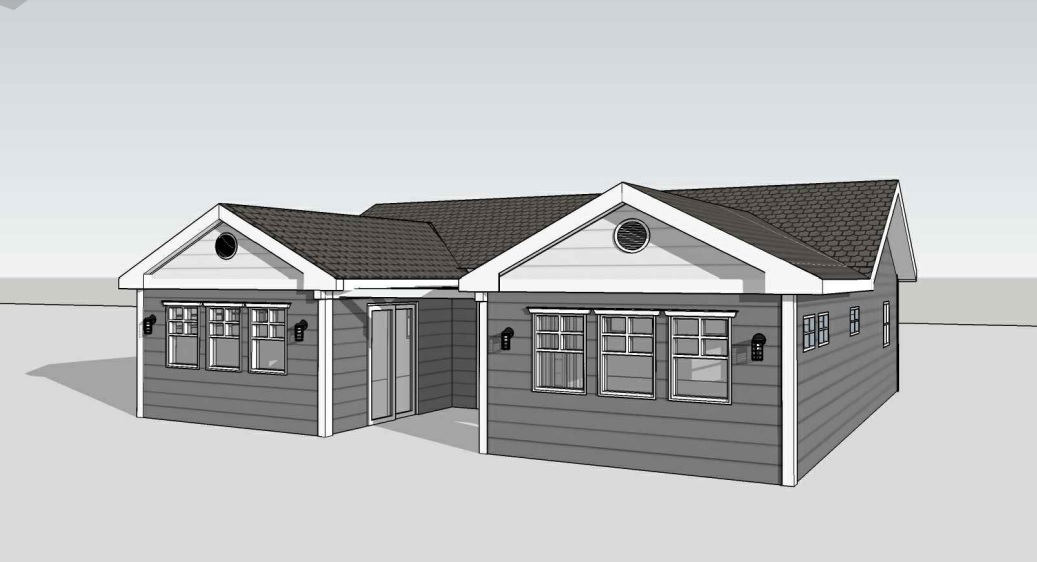
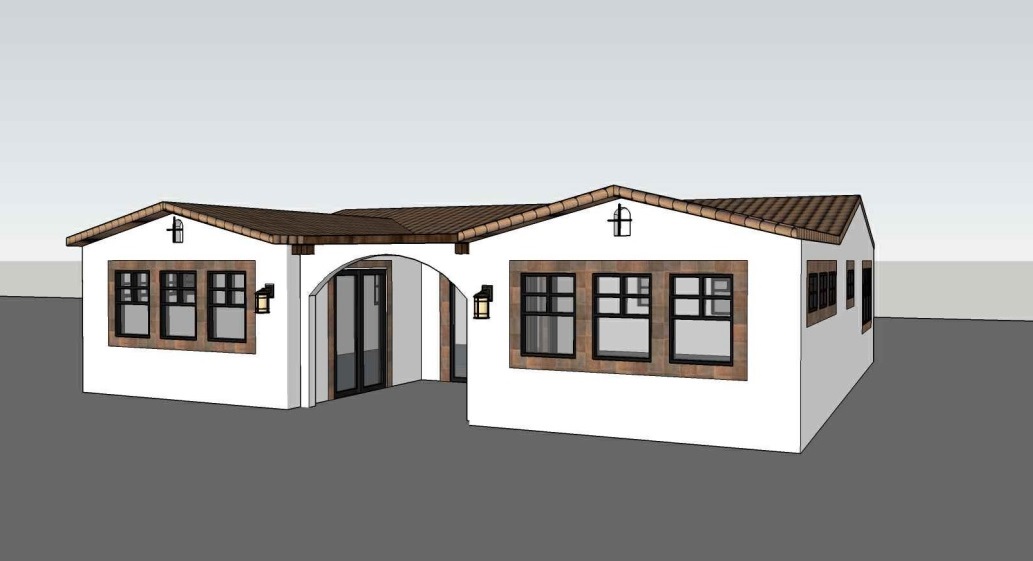
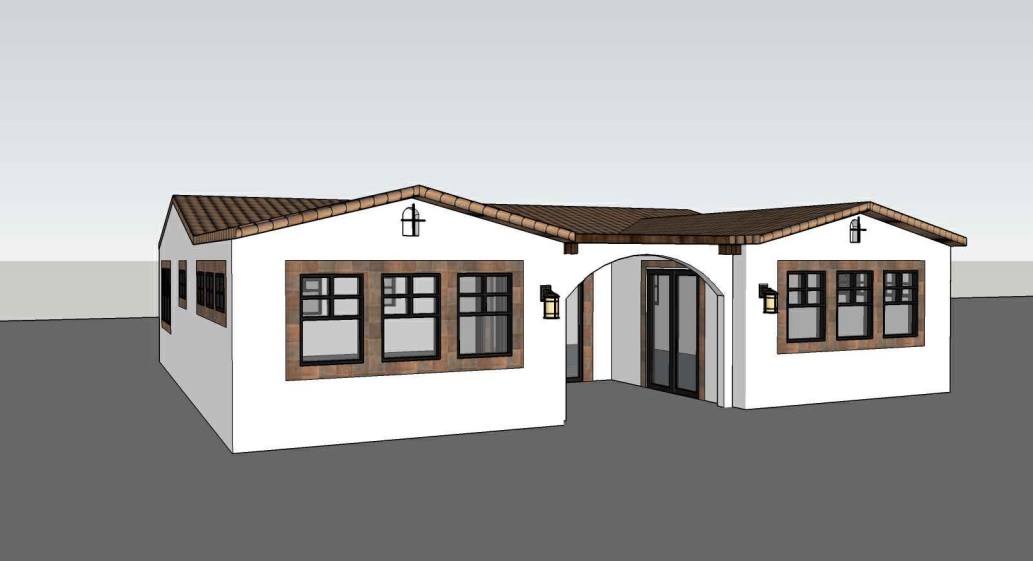
Riverside County 499 sq ft Studio 1 Bath Craftsman Maneuvering
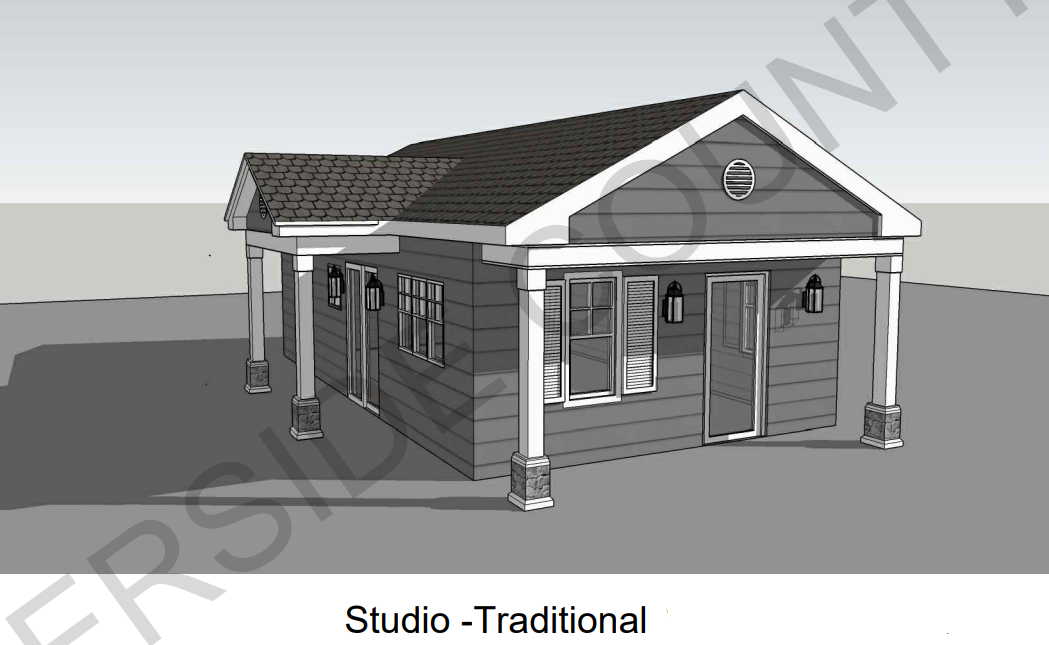
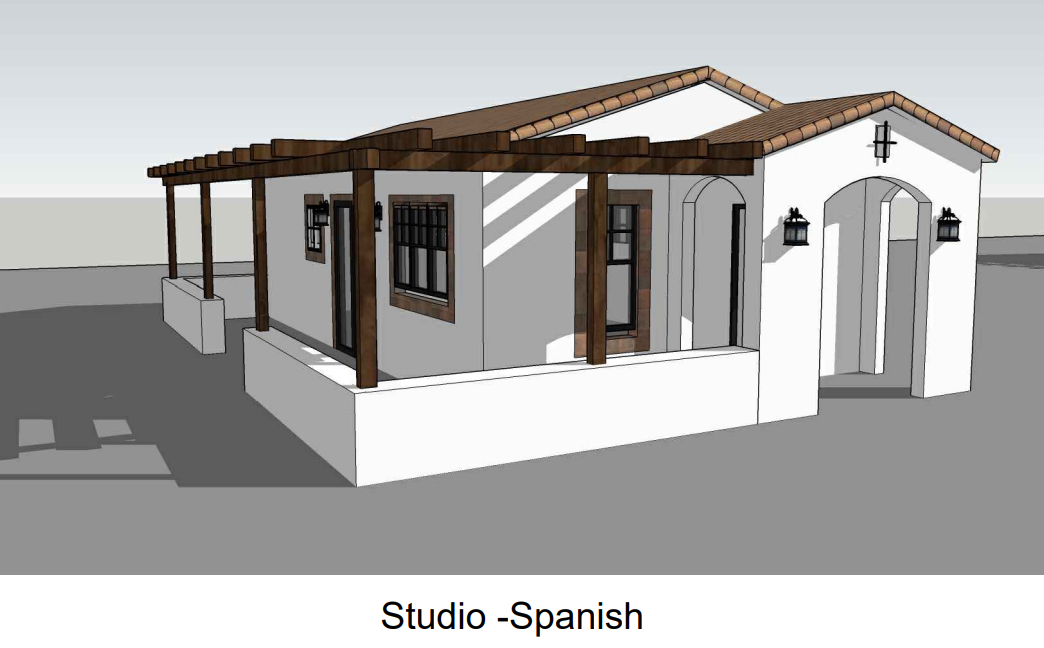

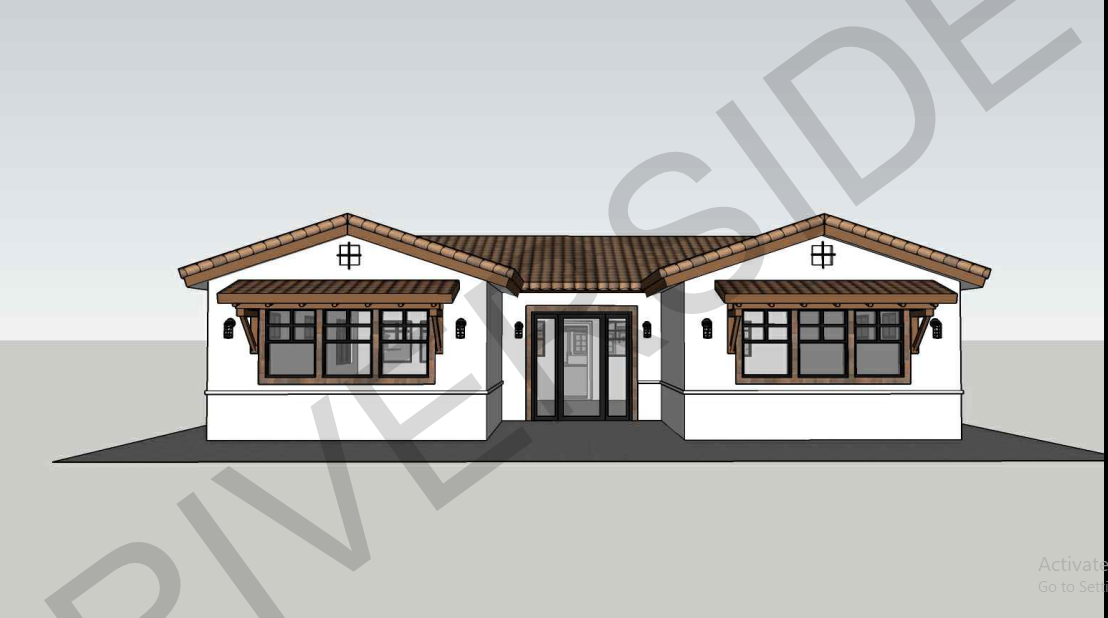
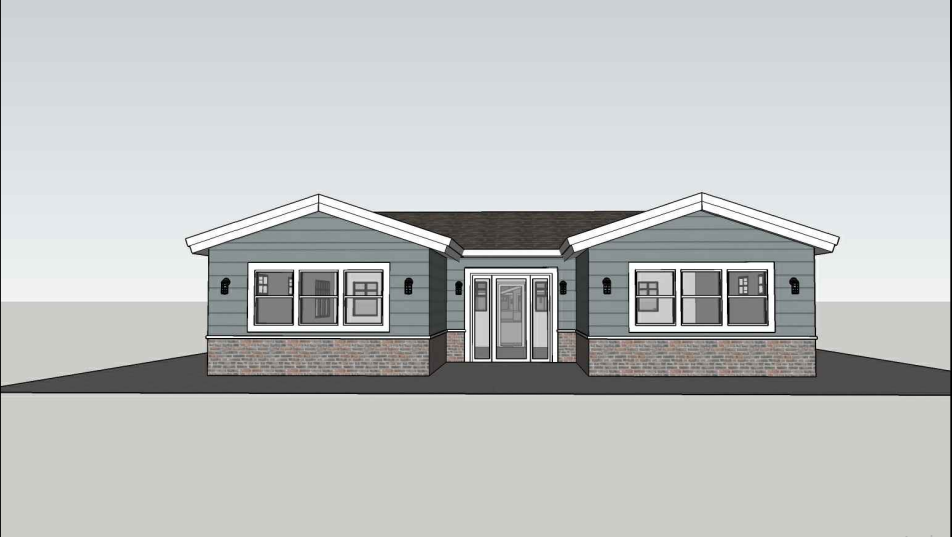


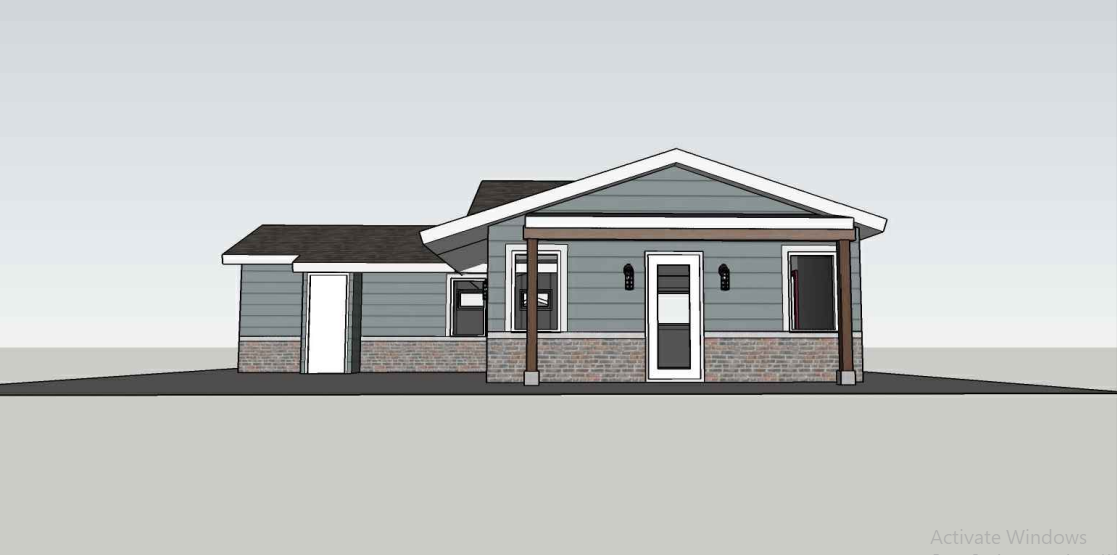
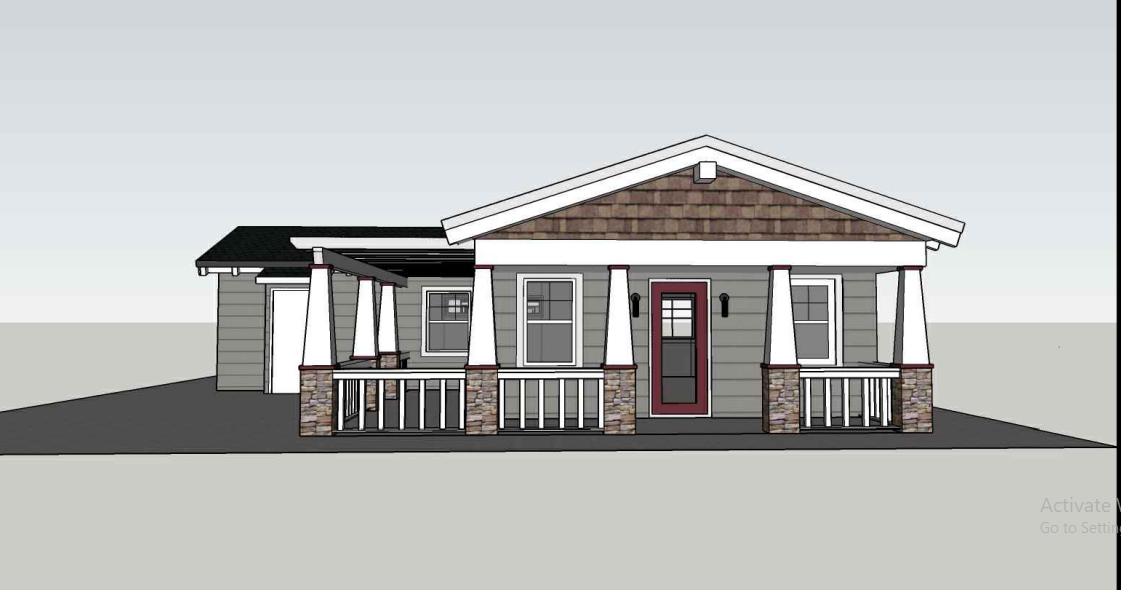

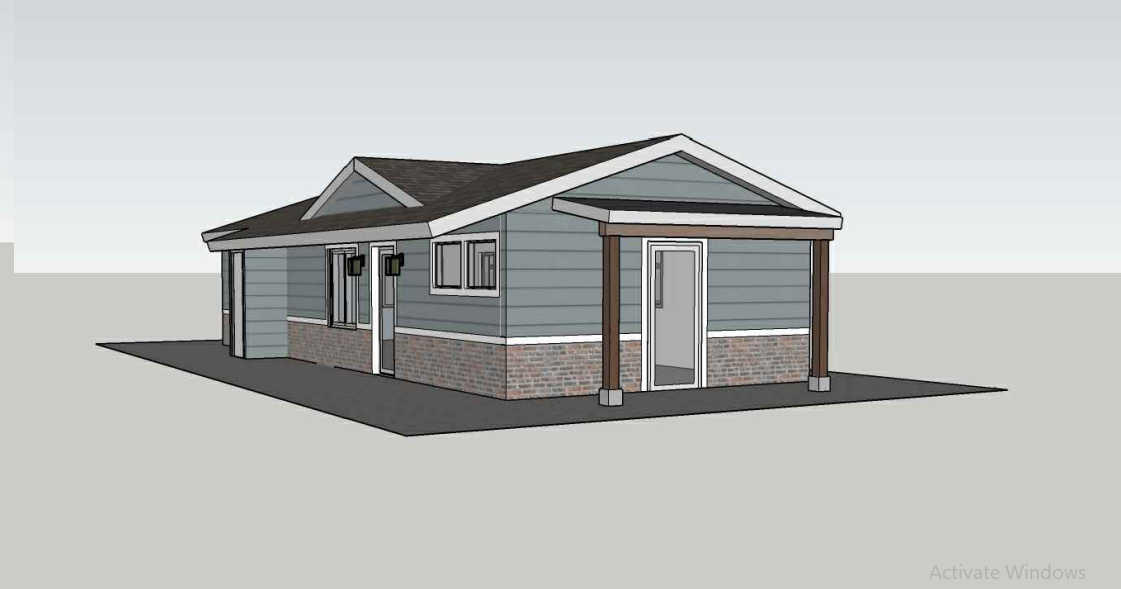

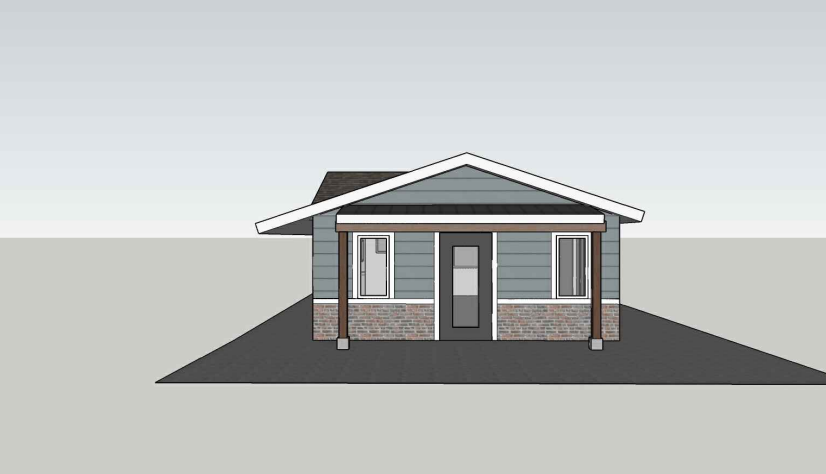
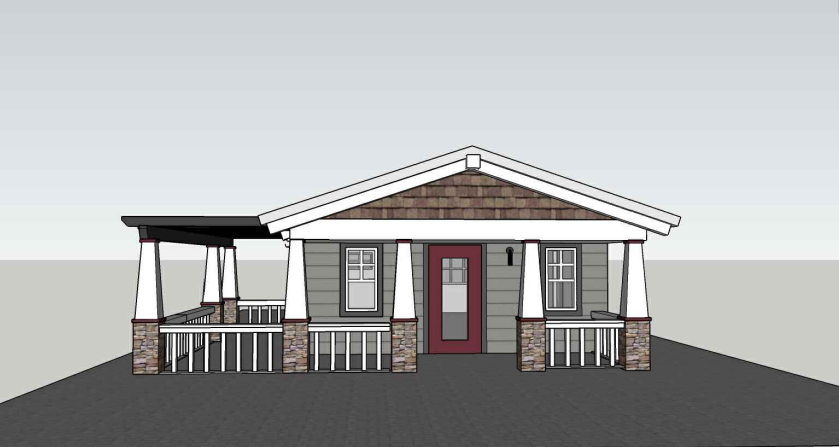
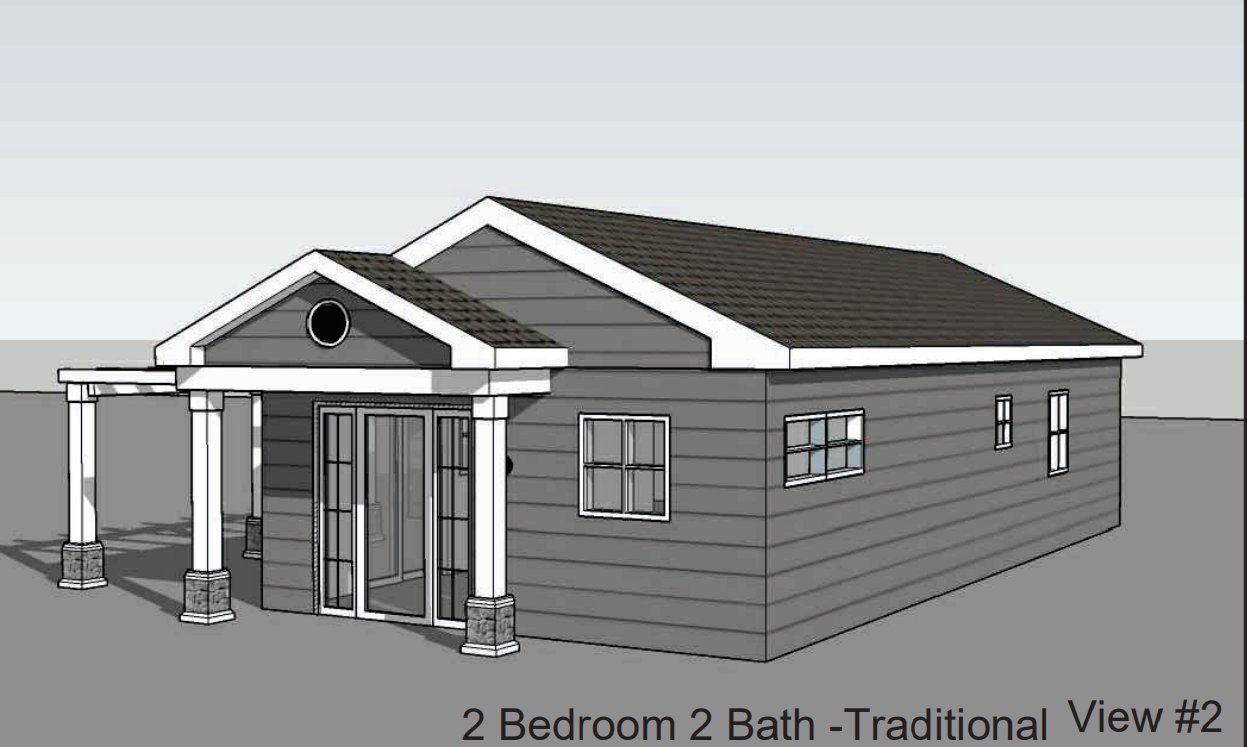

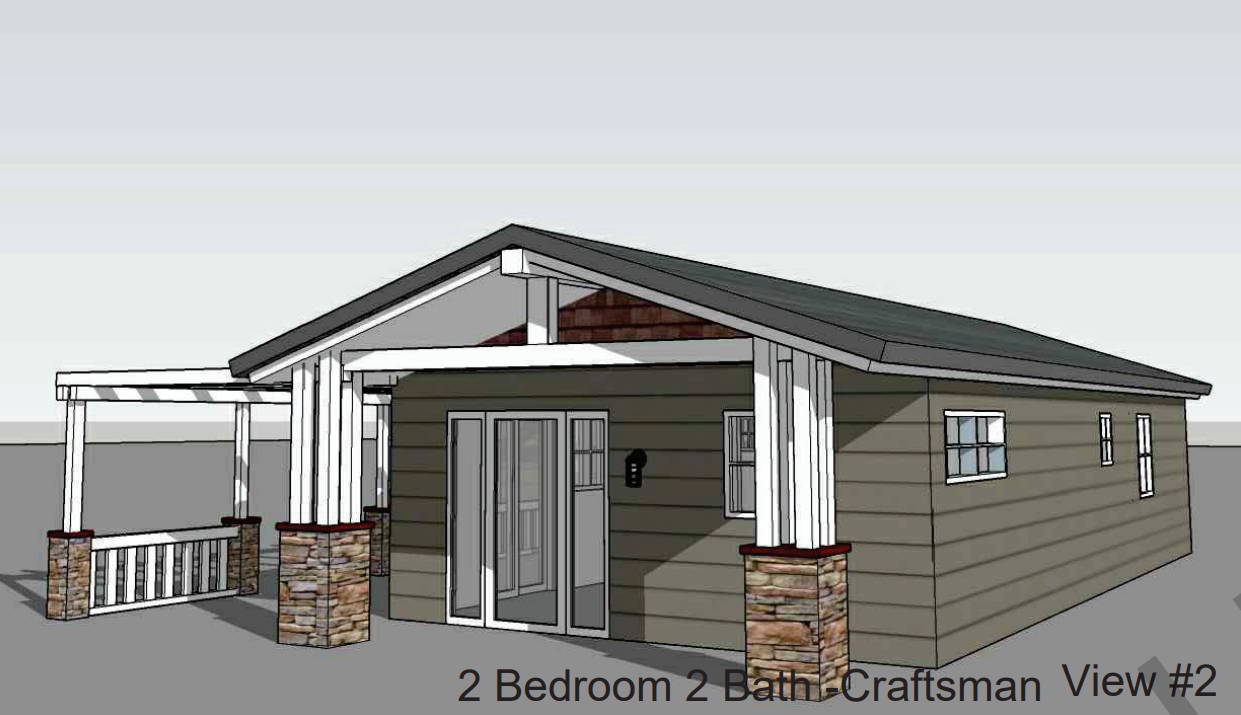
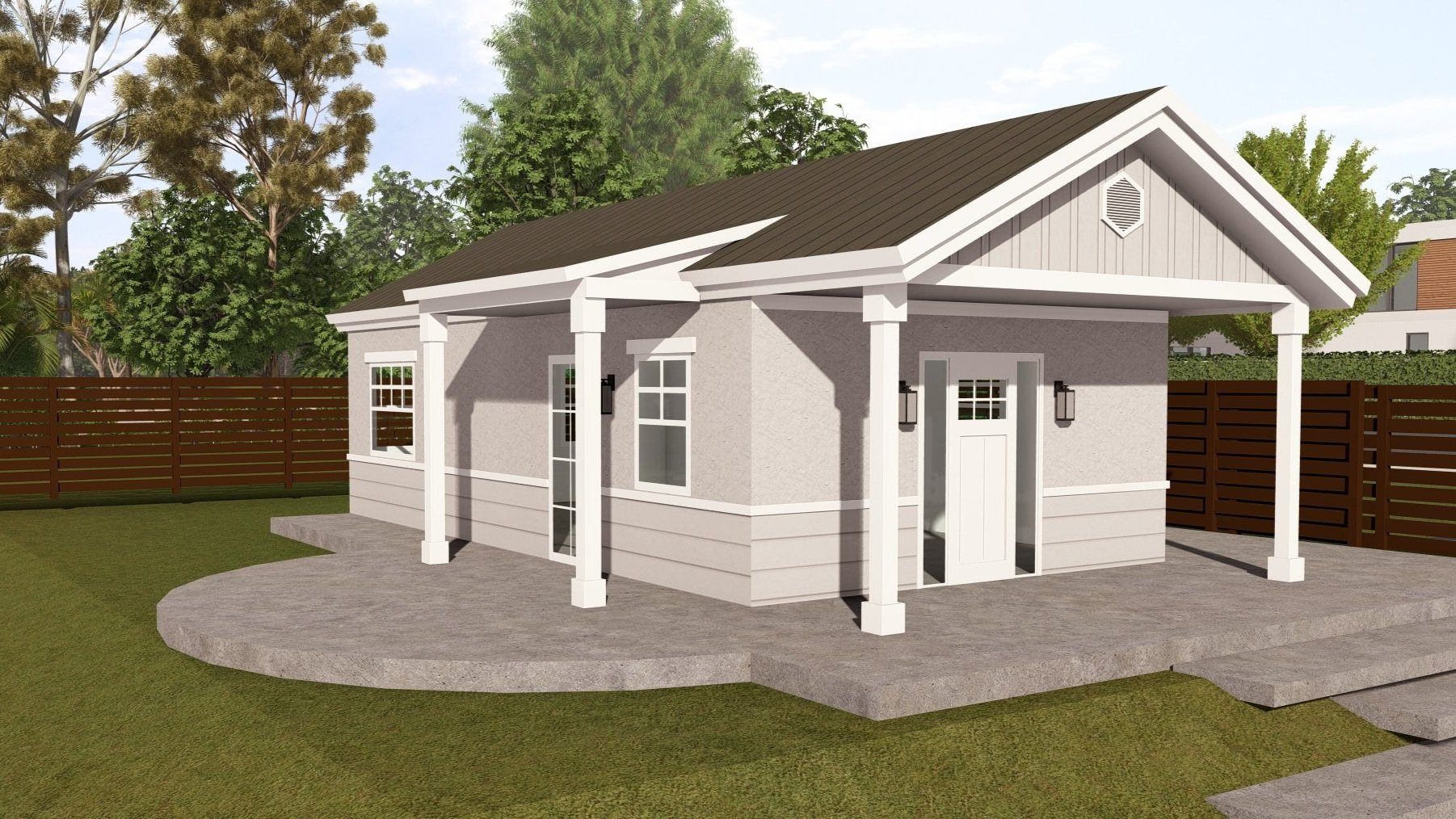
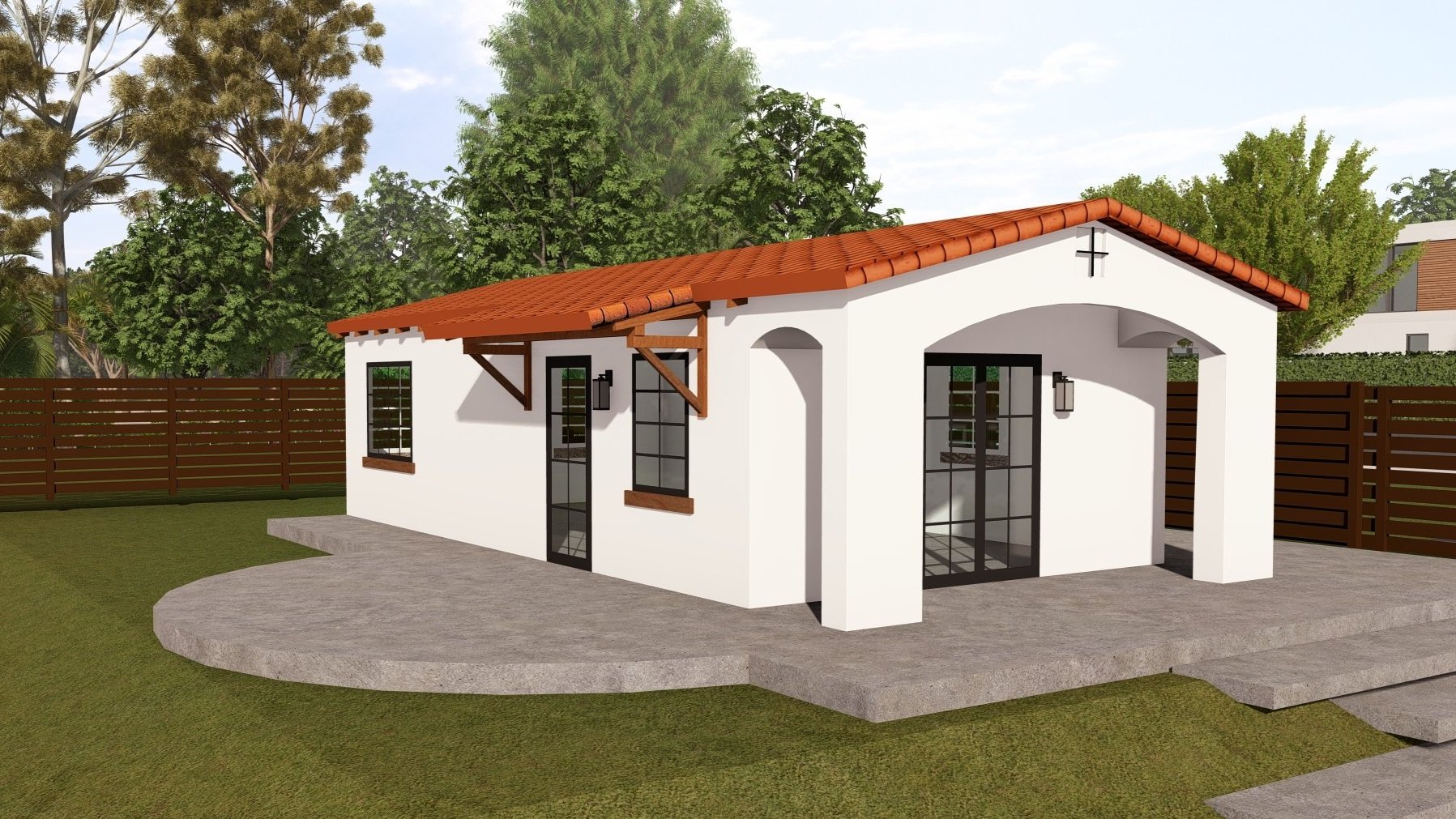
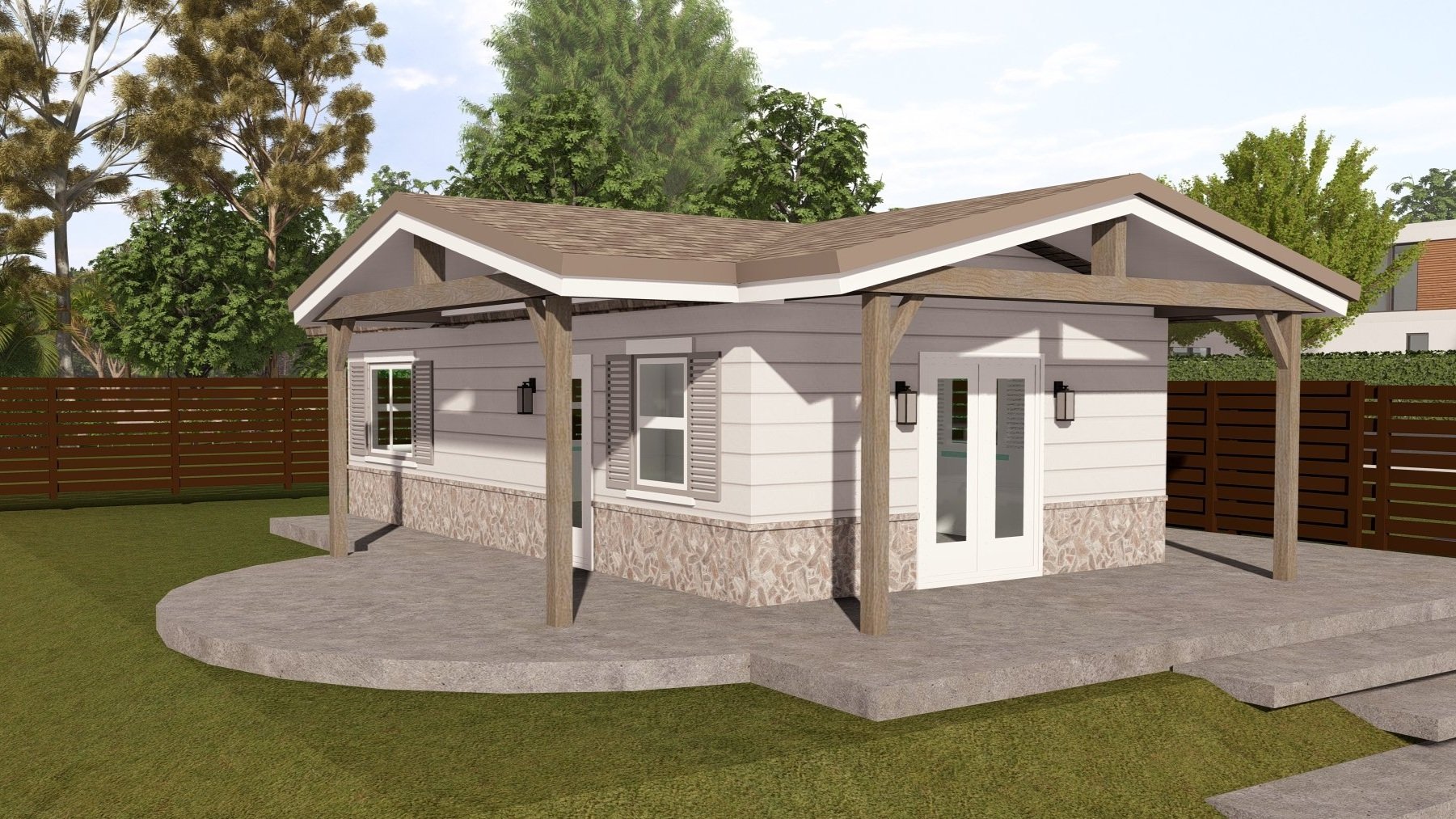
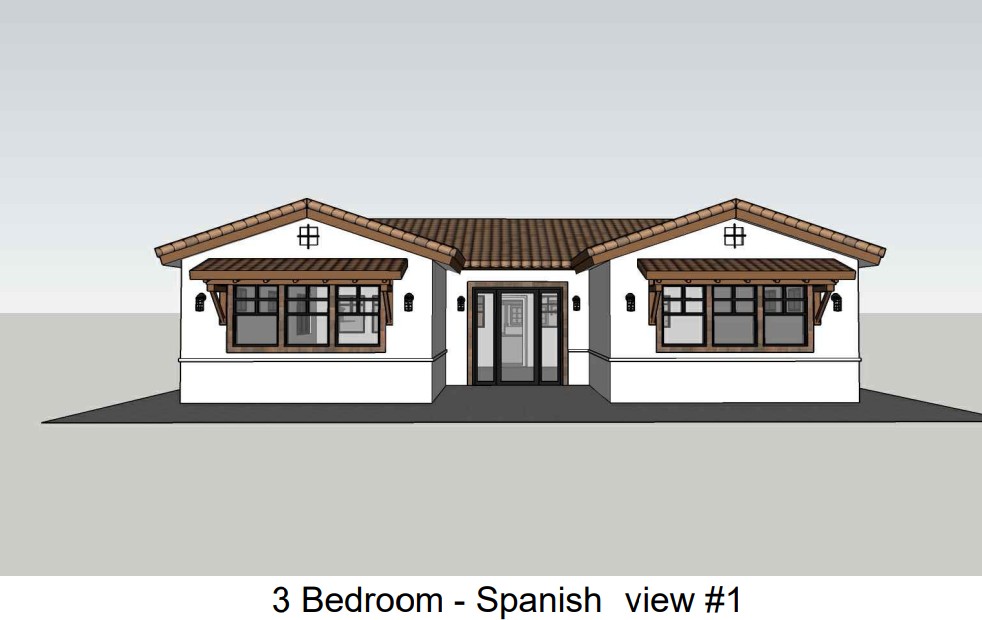

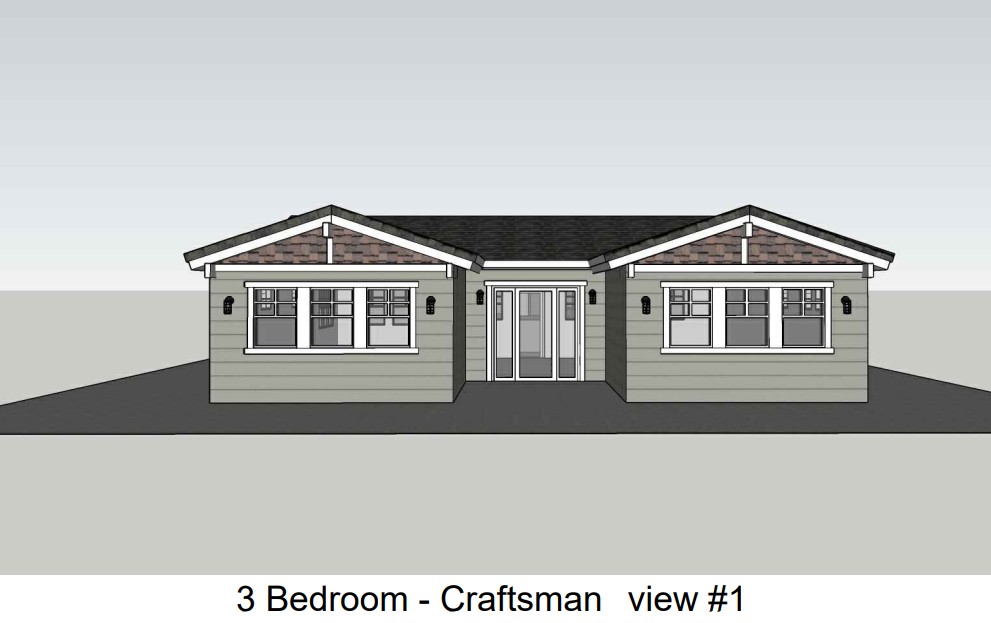
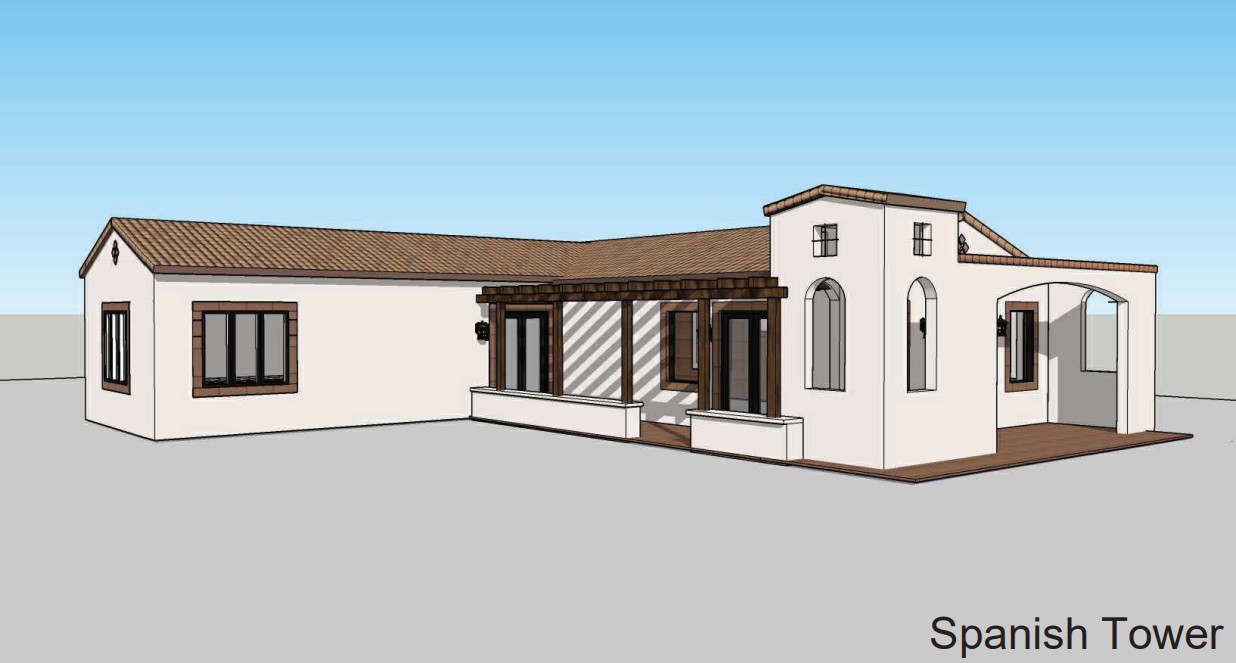
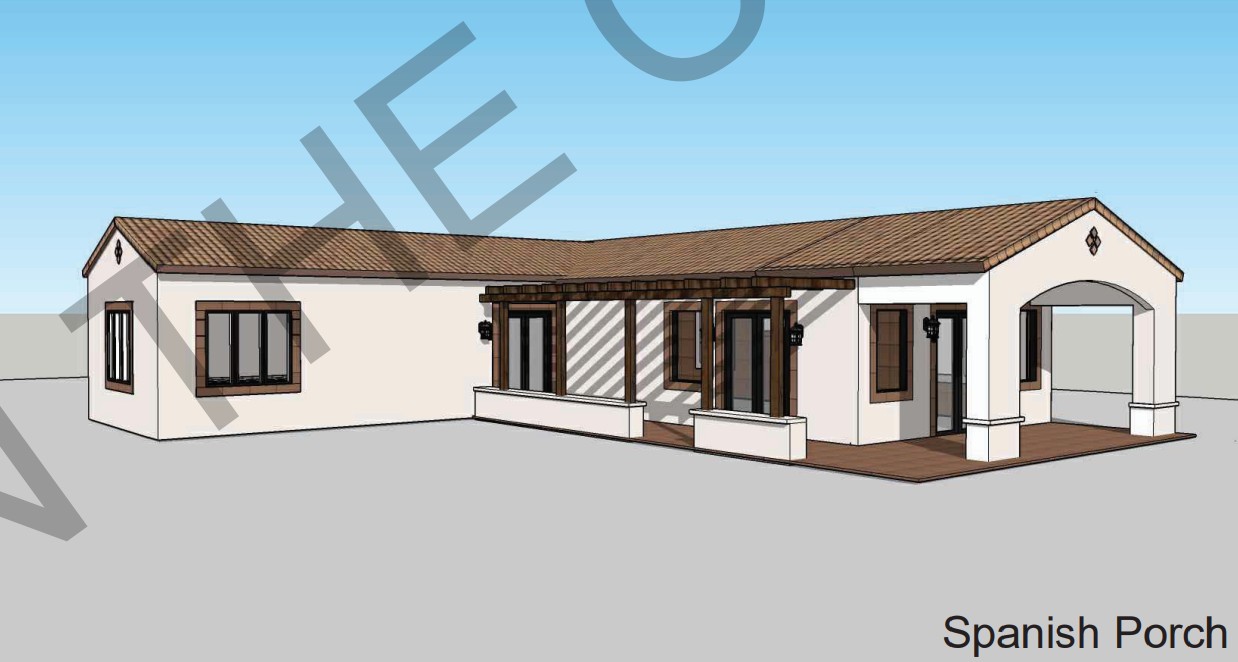
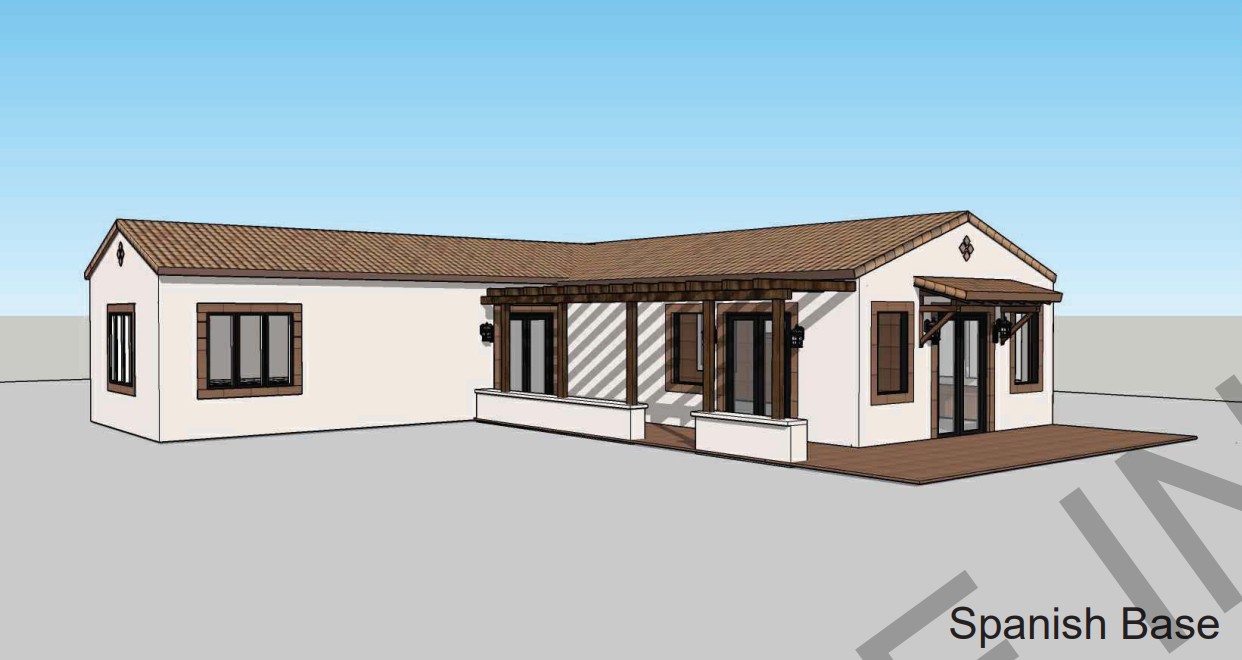
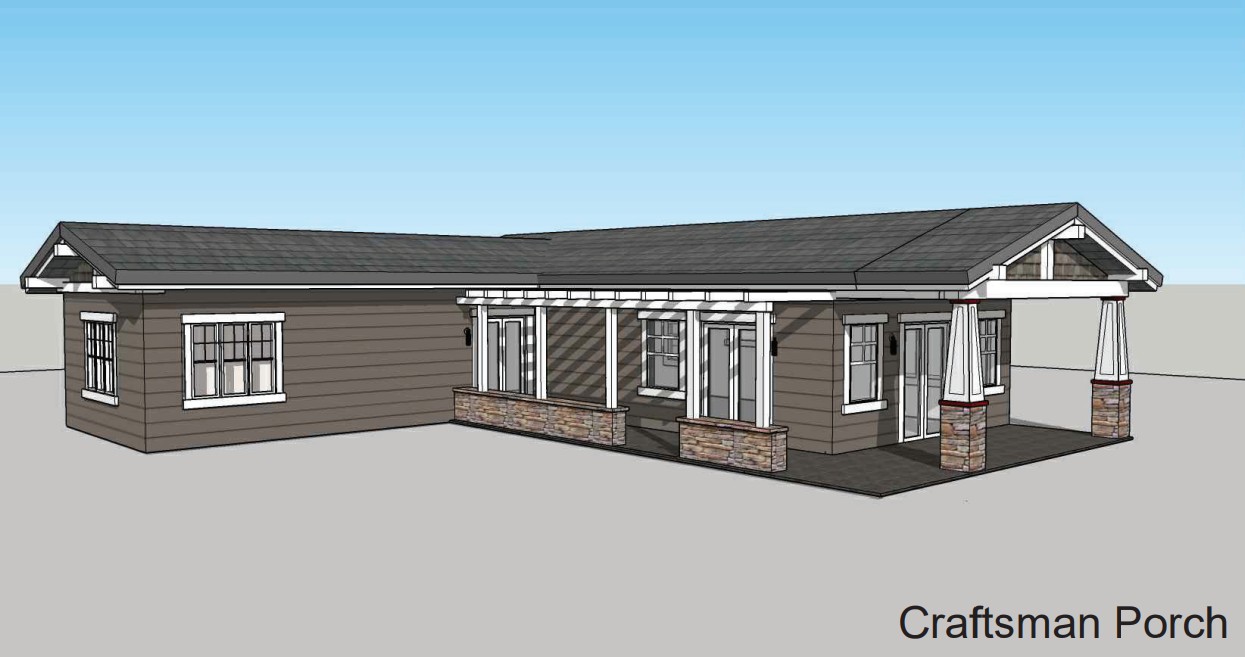
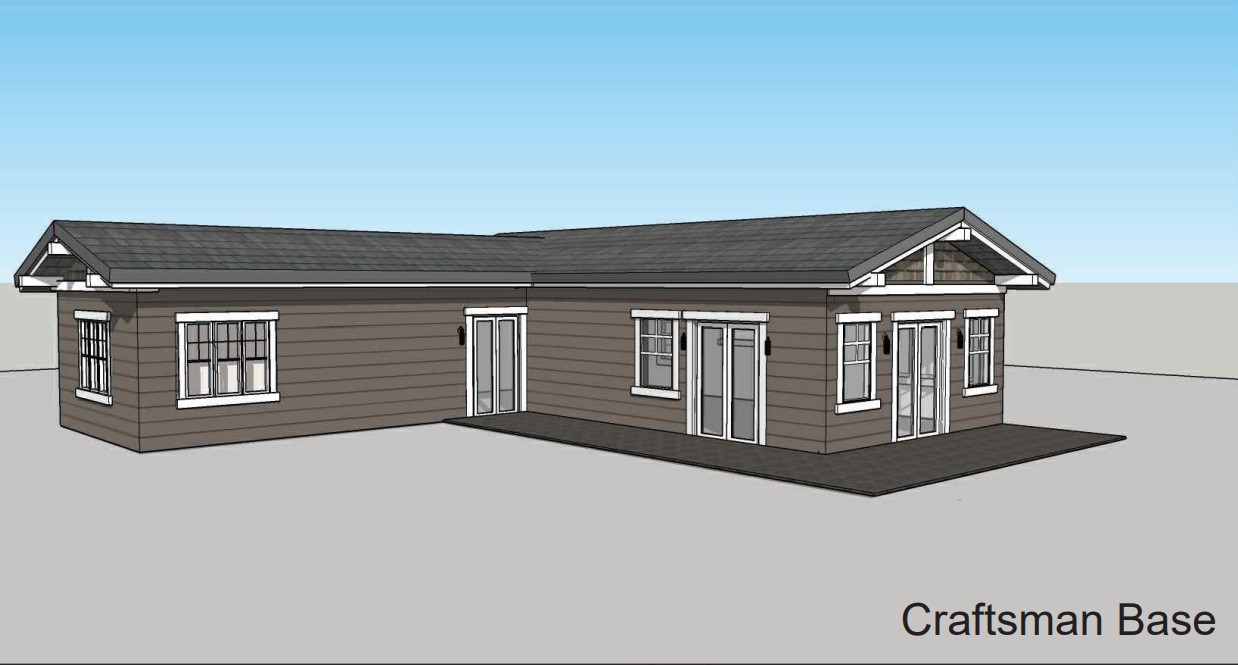
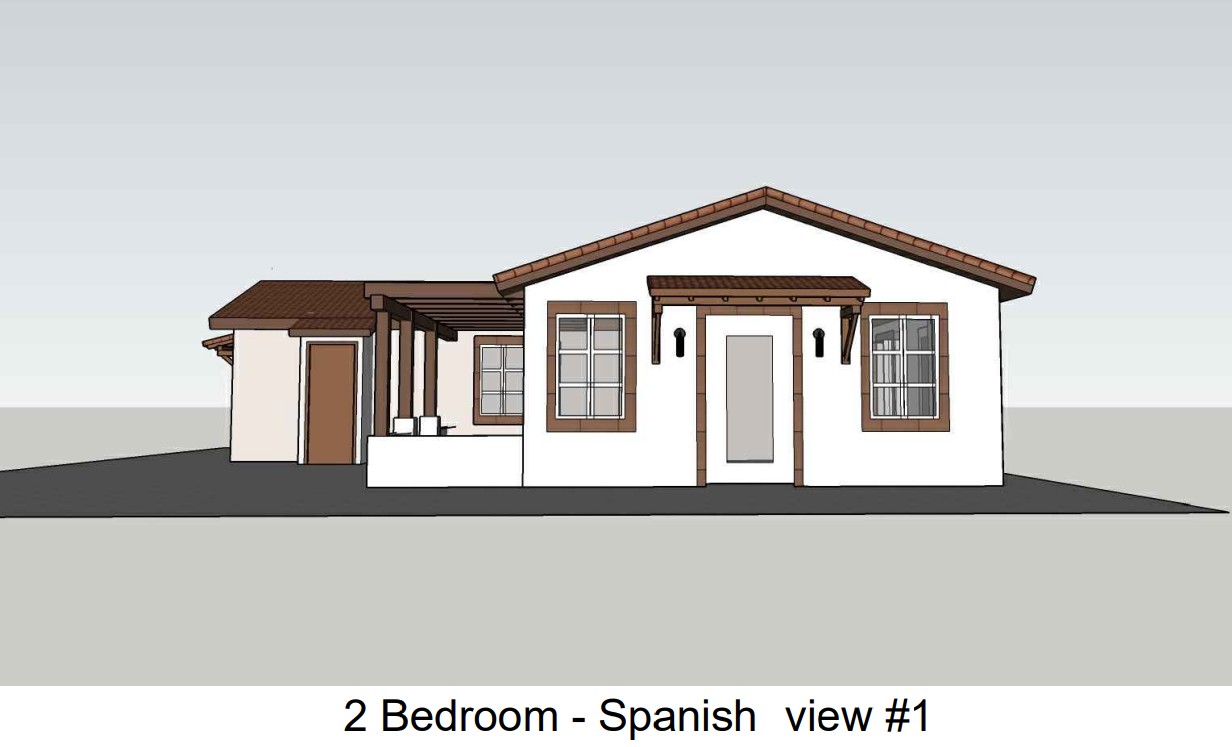
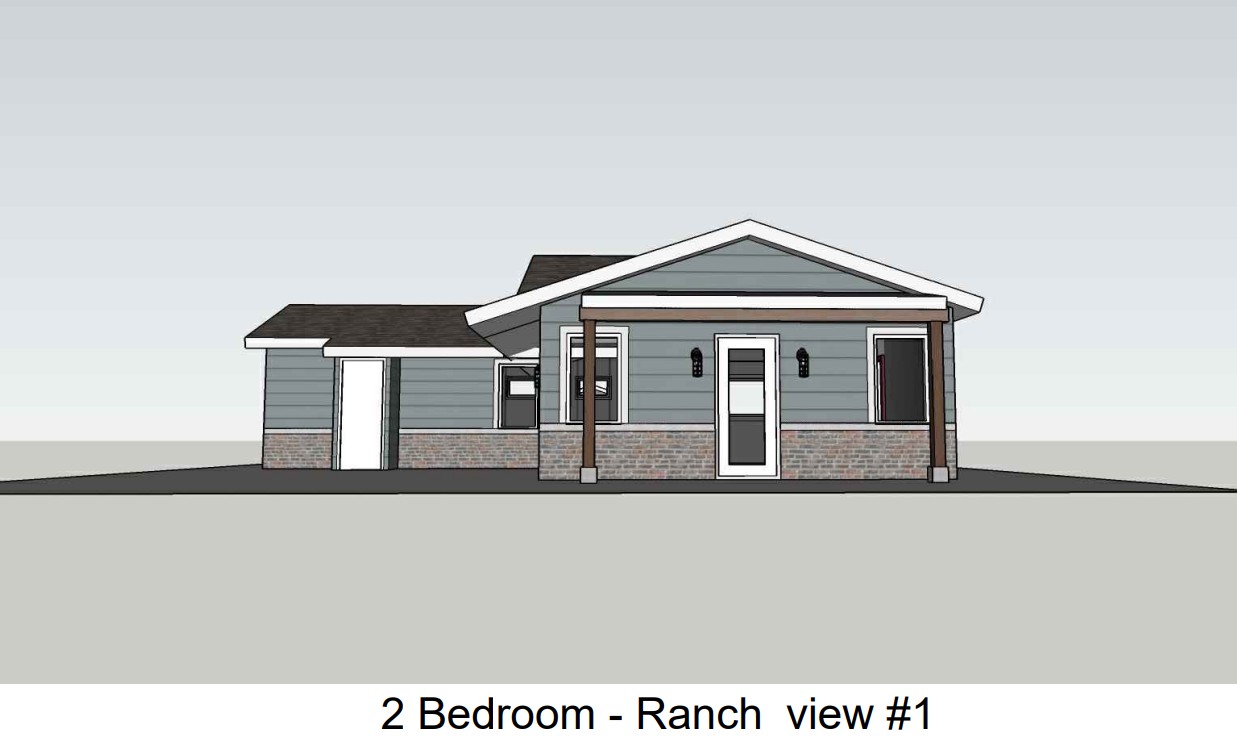
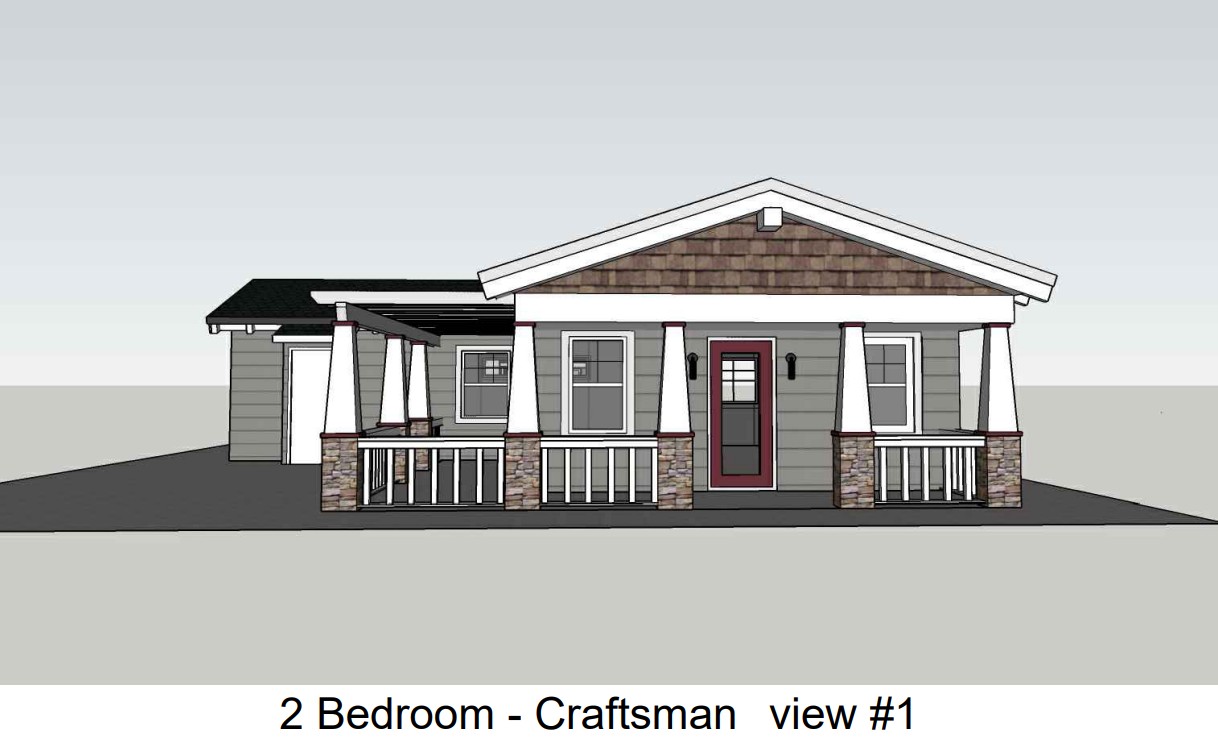
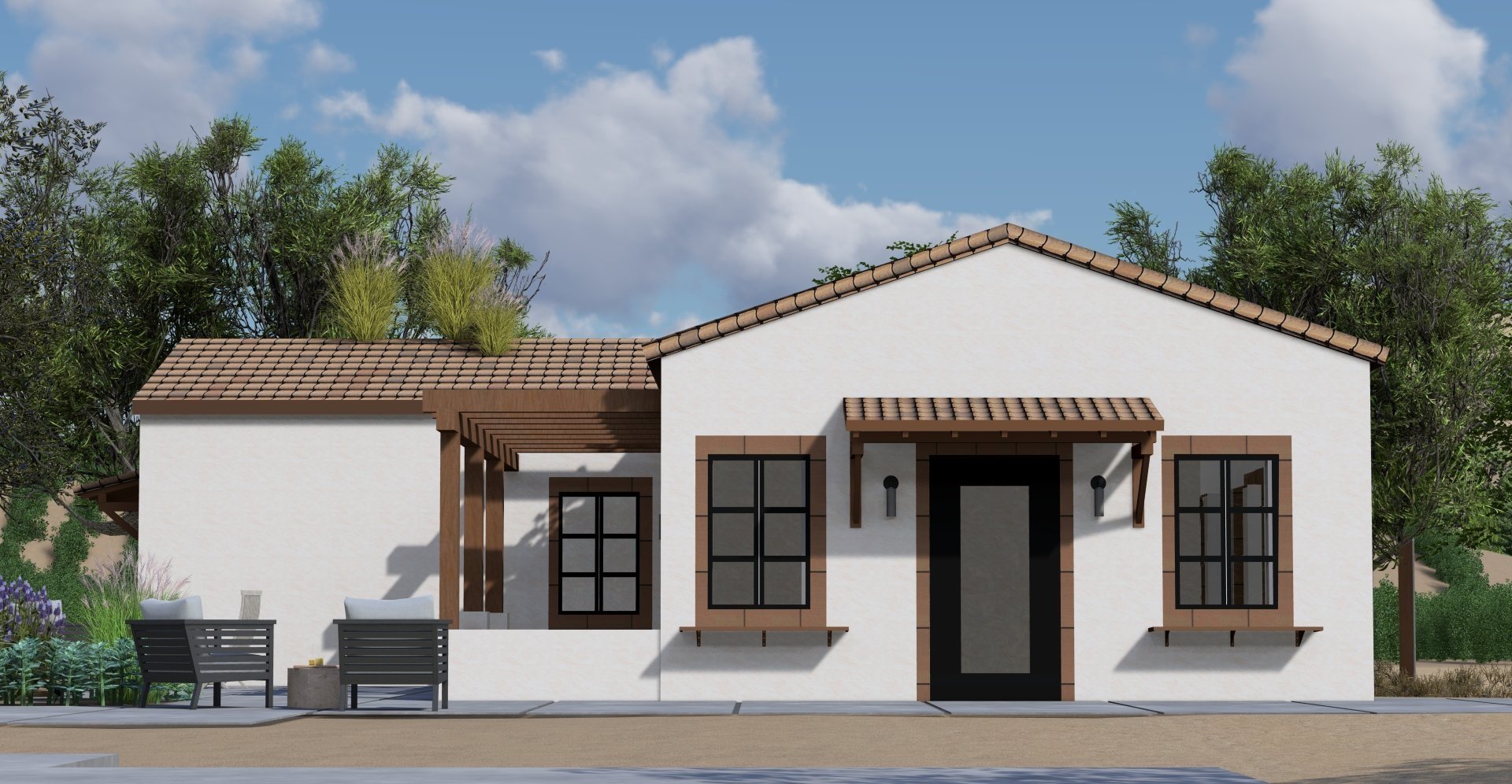
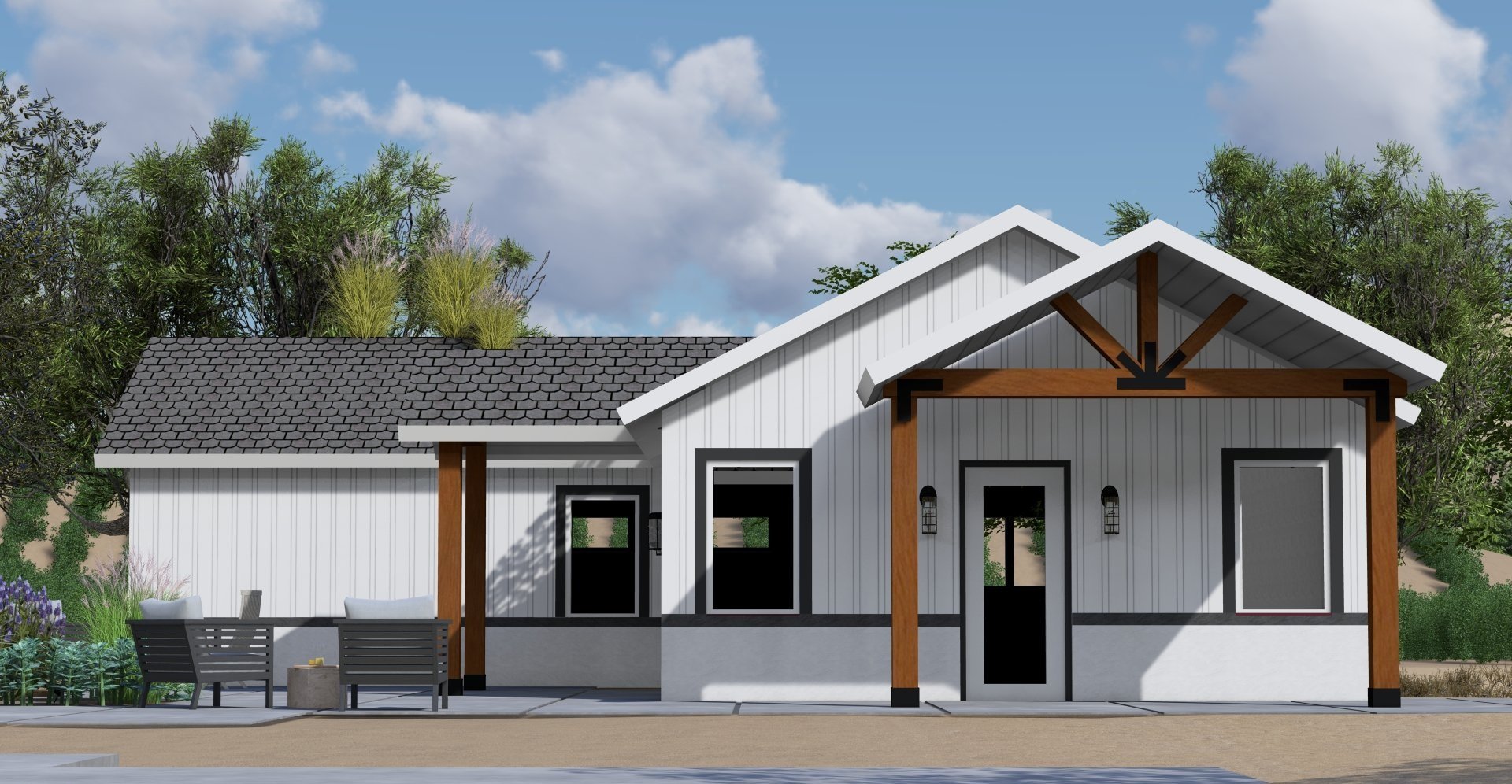
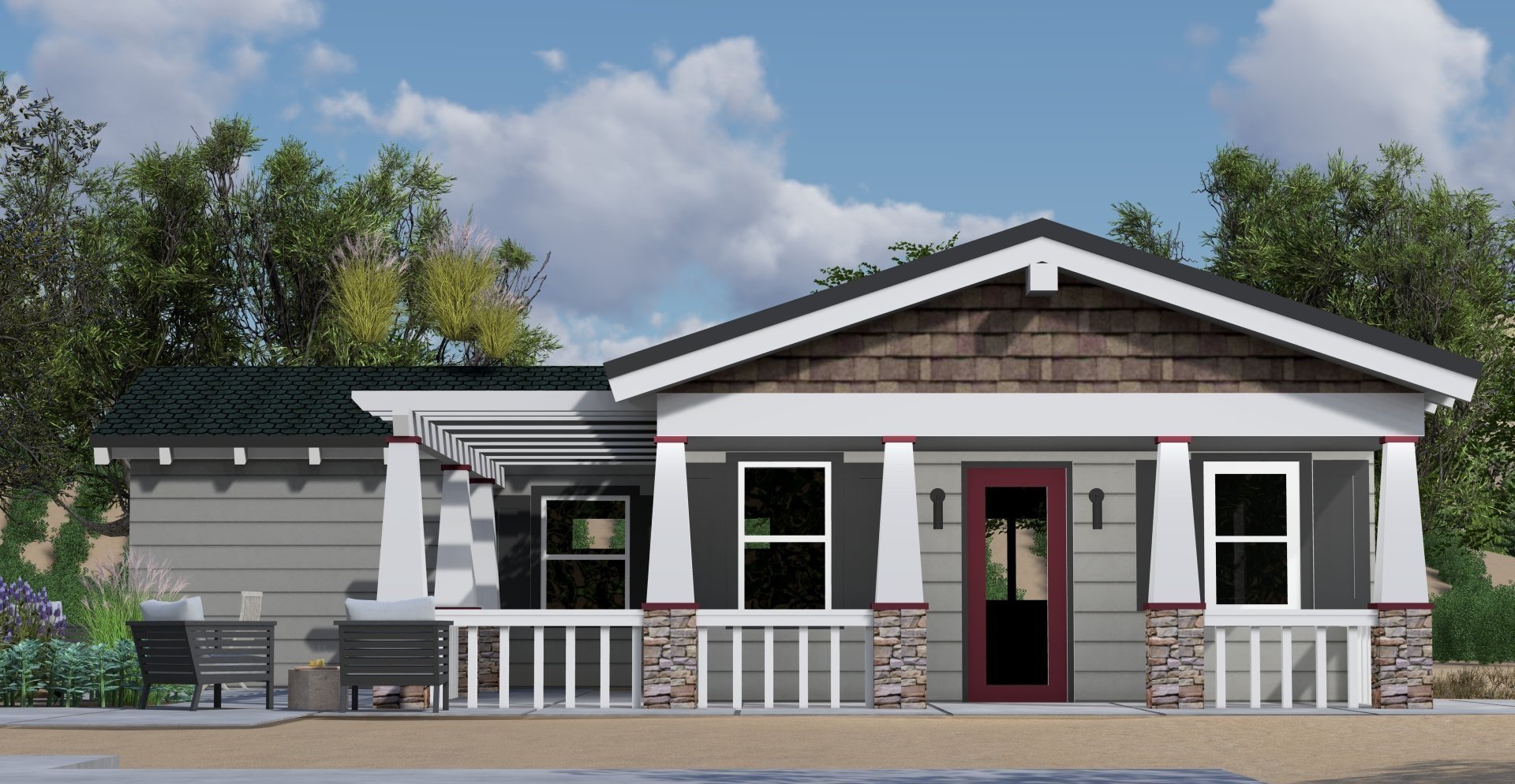
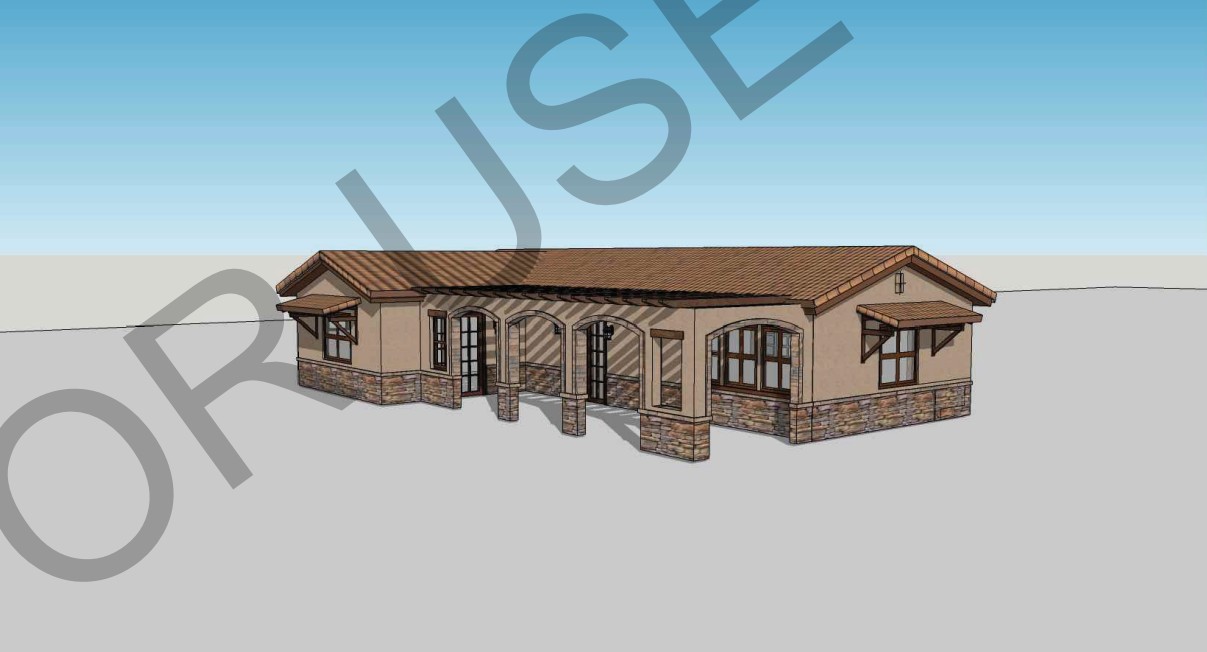
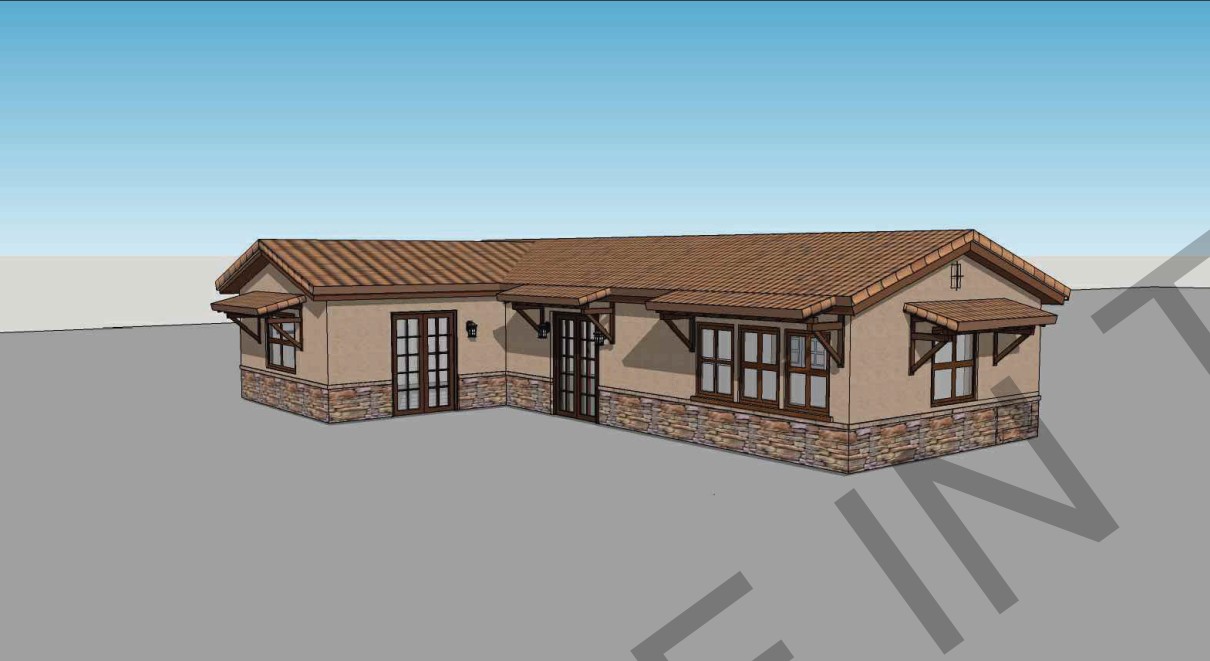

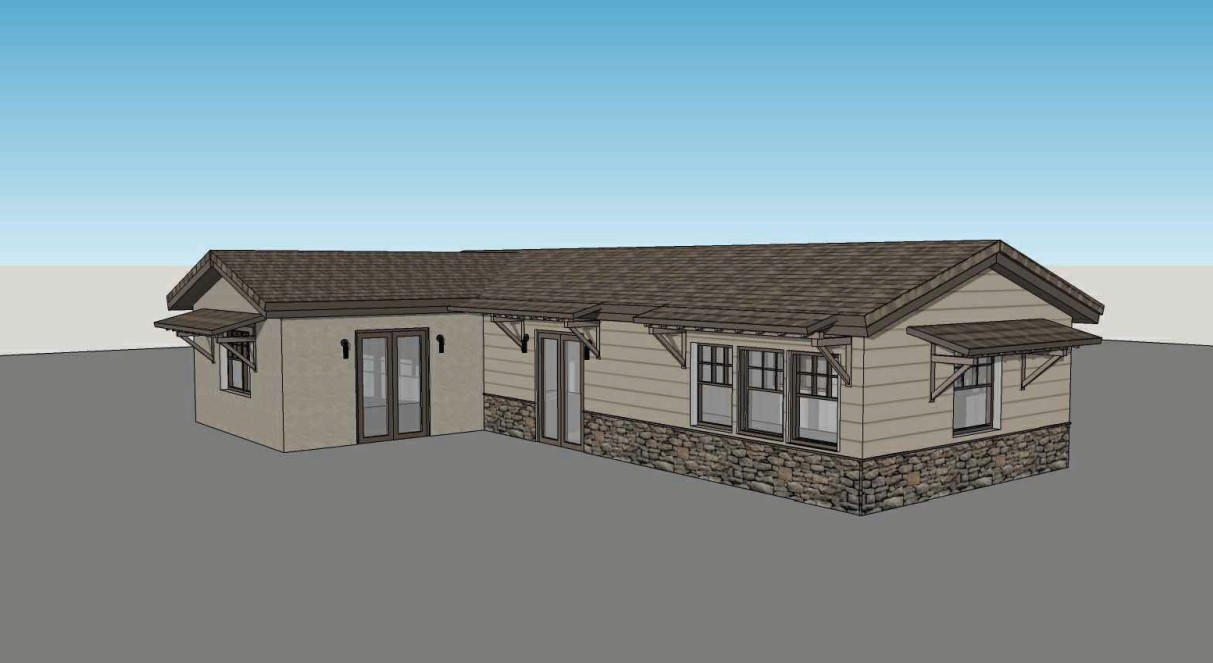
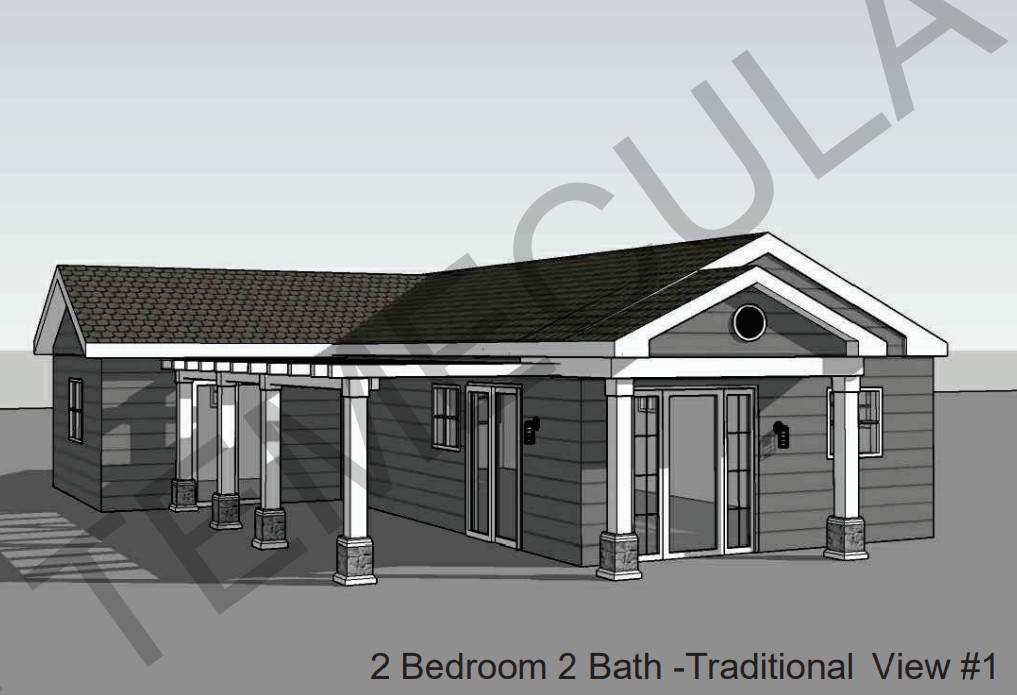
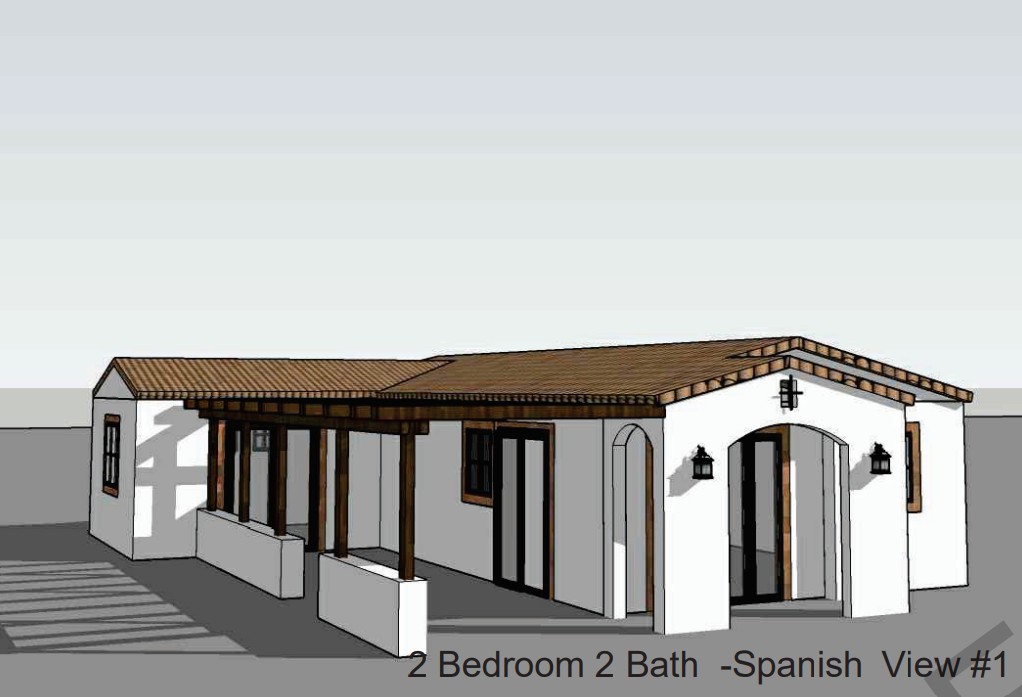
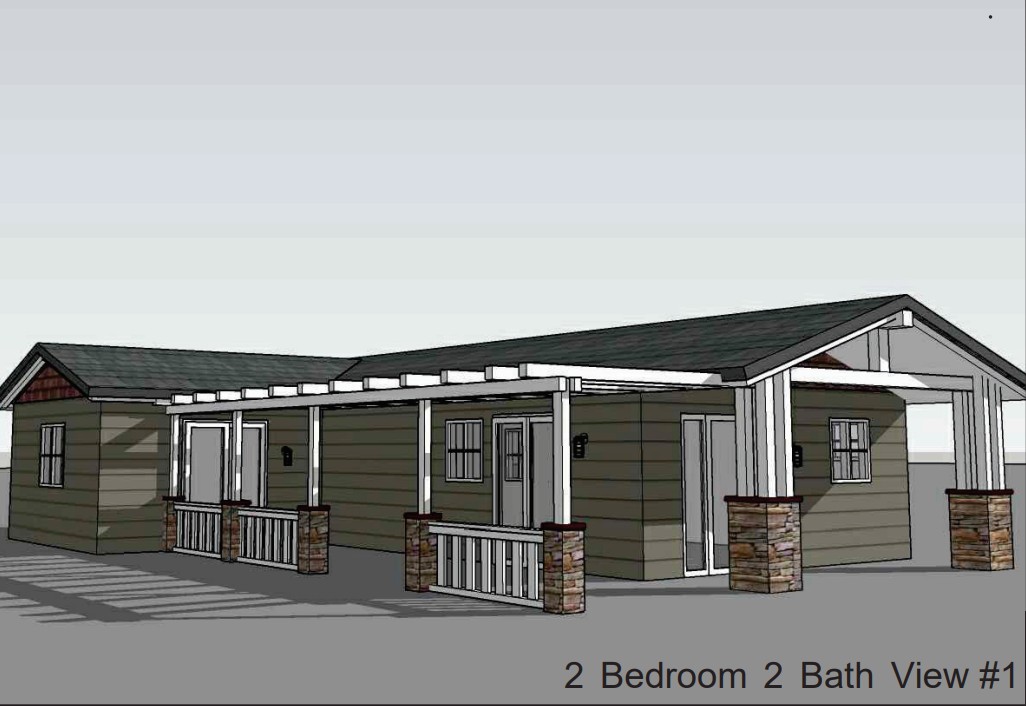
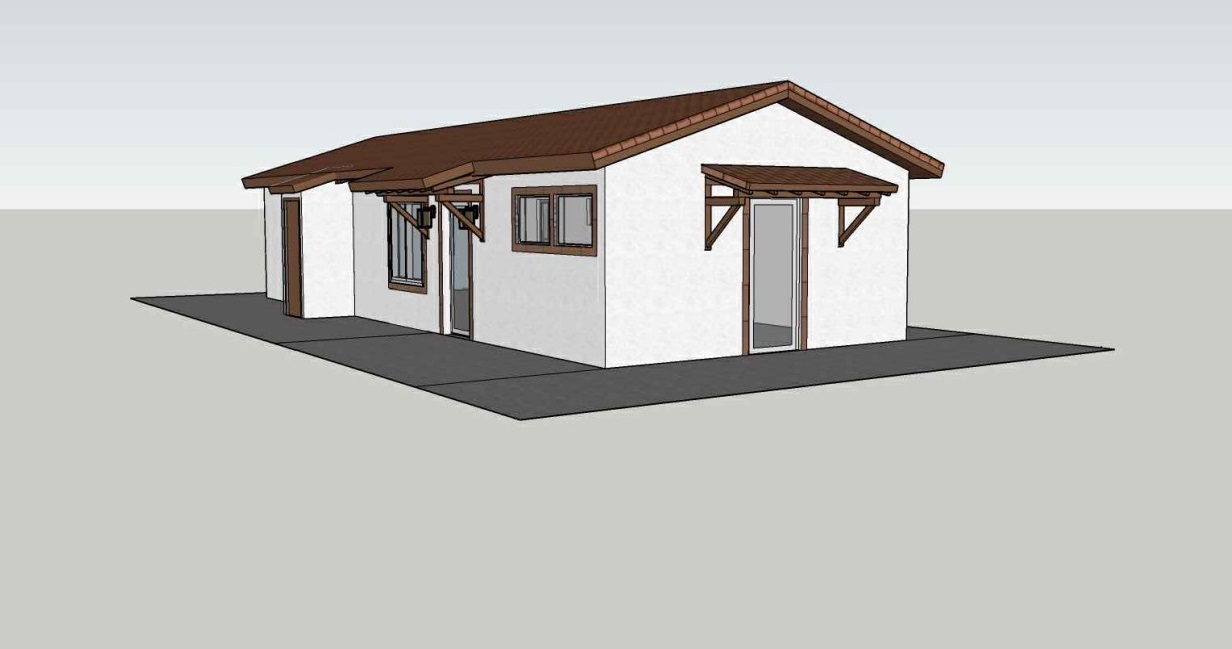
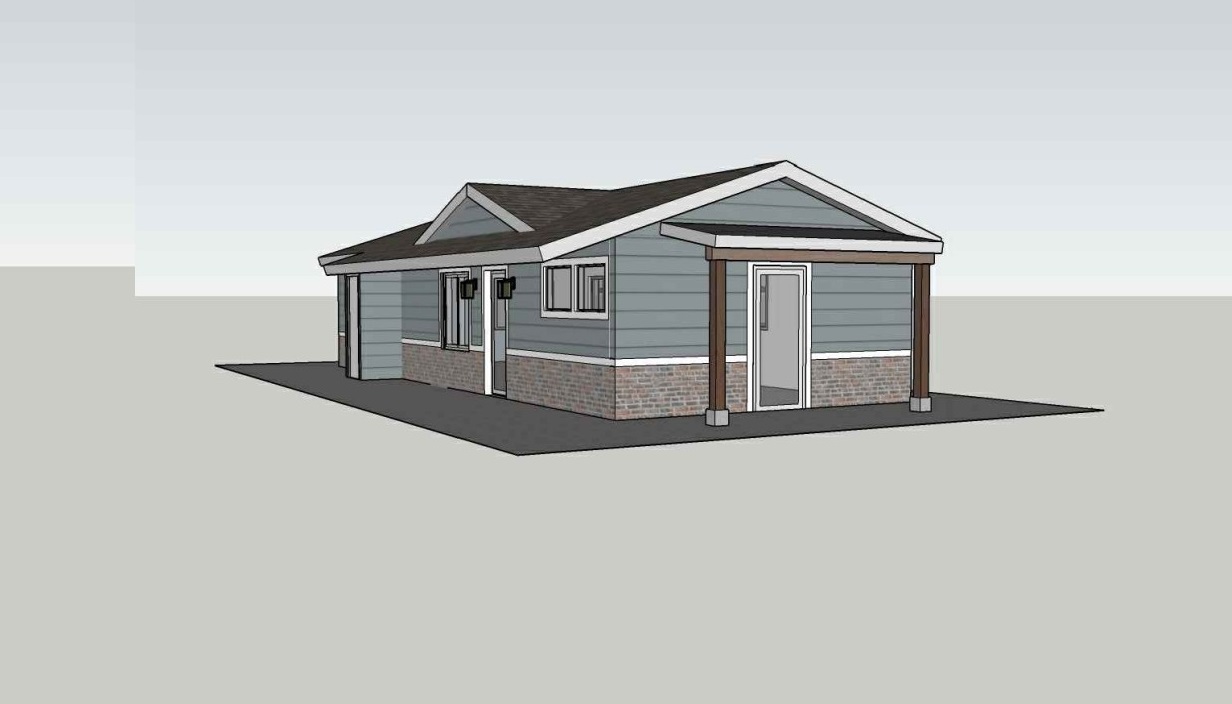
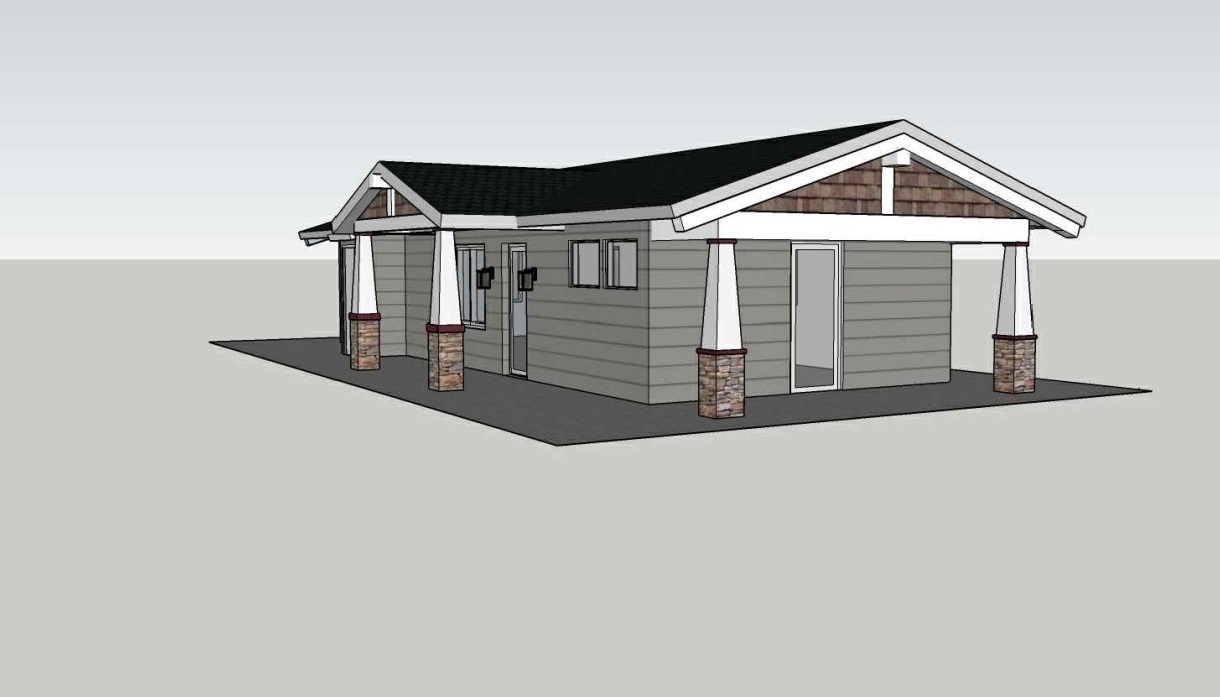

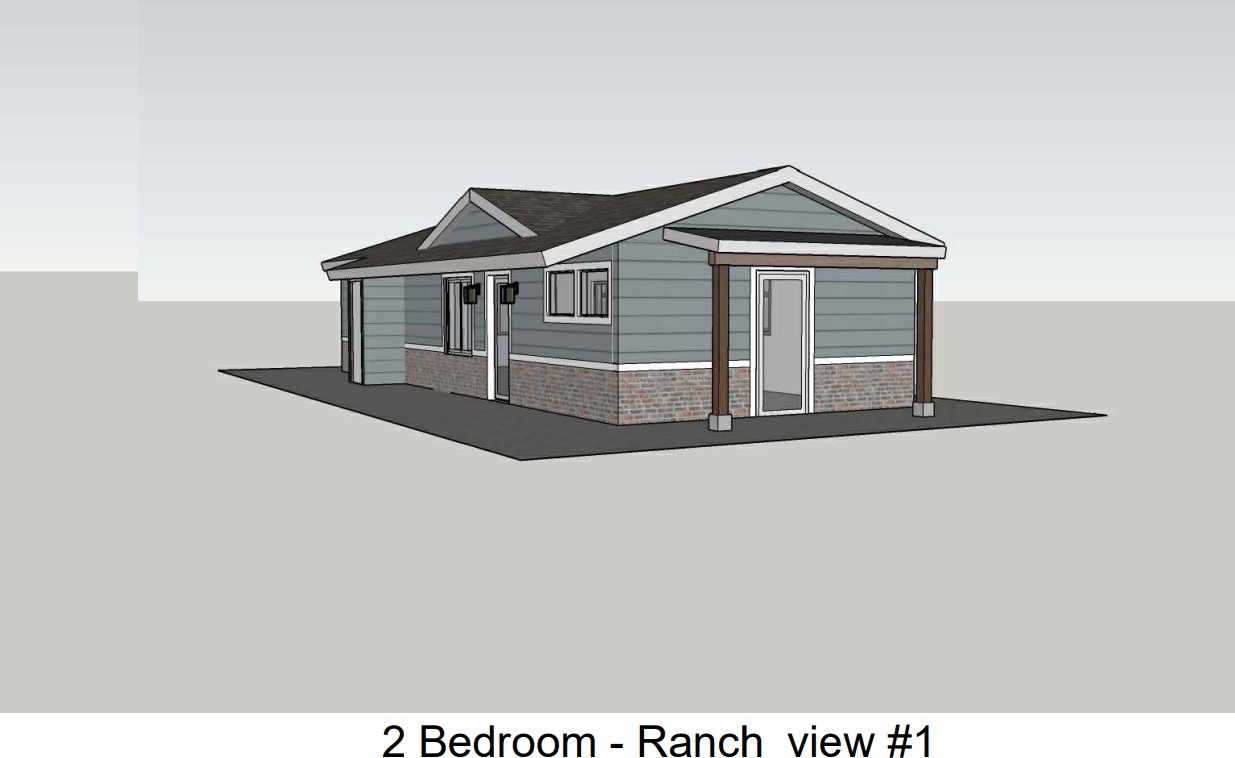

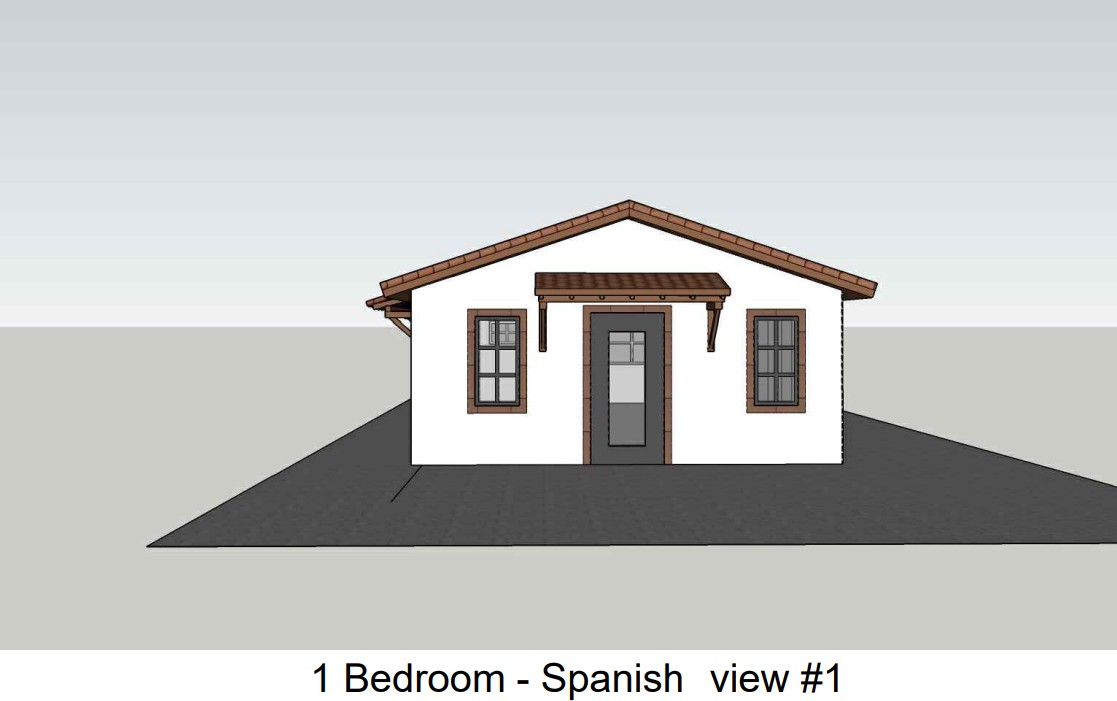
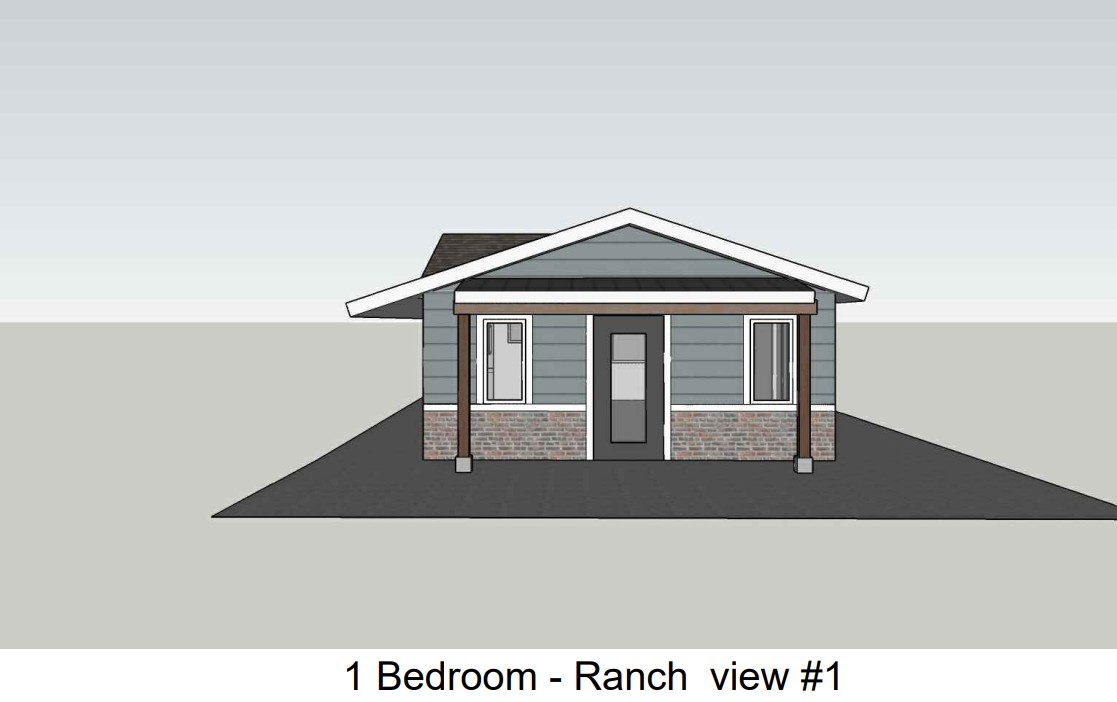
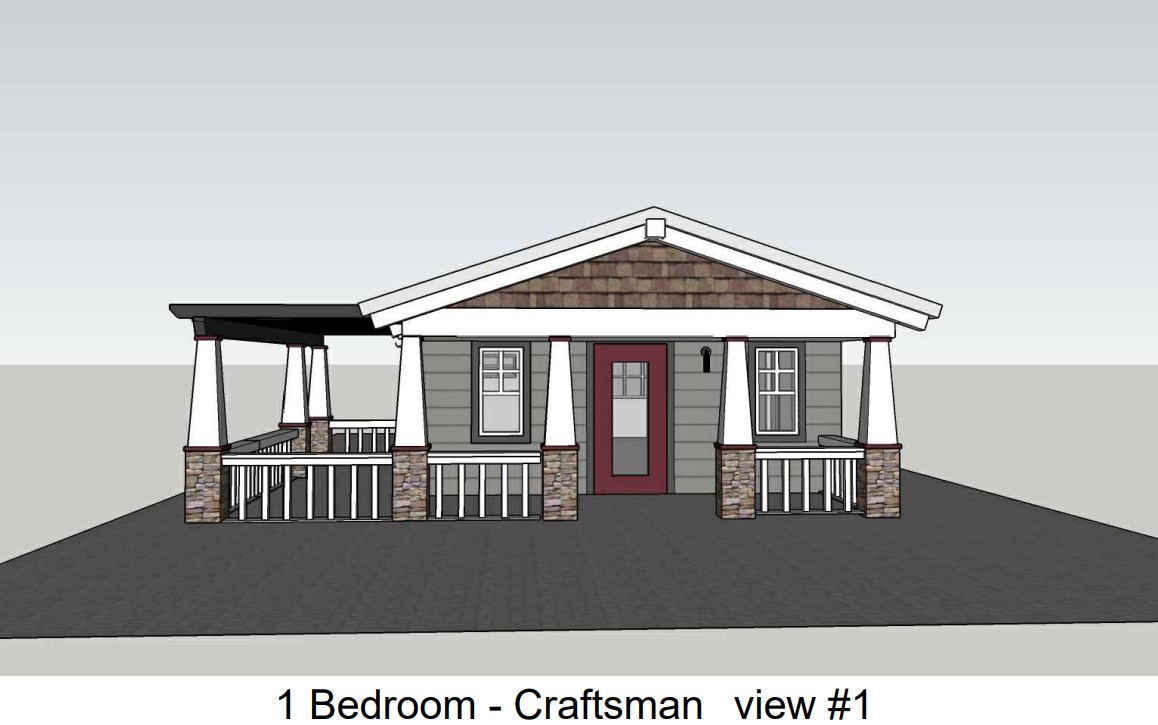


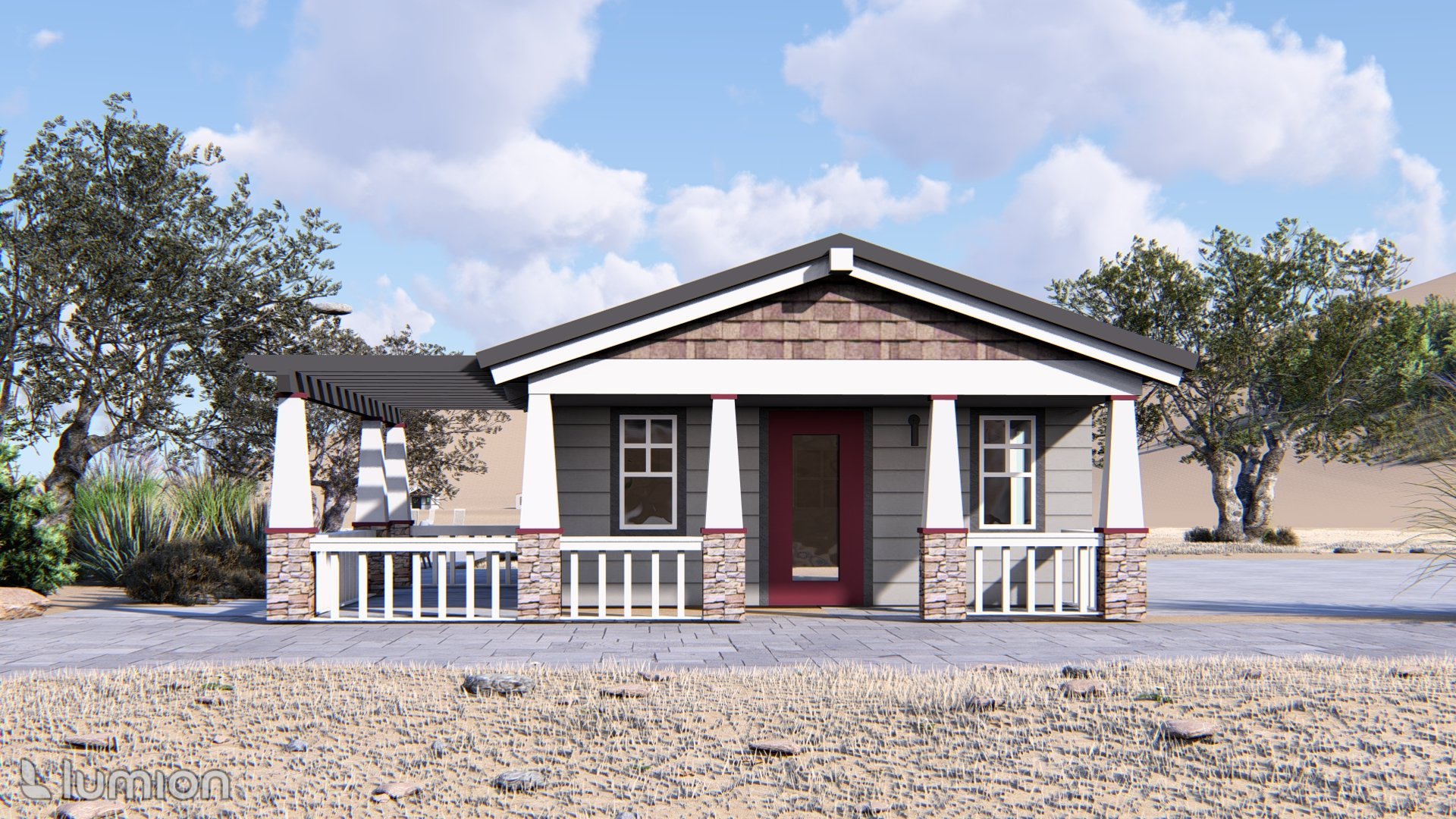

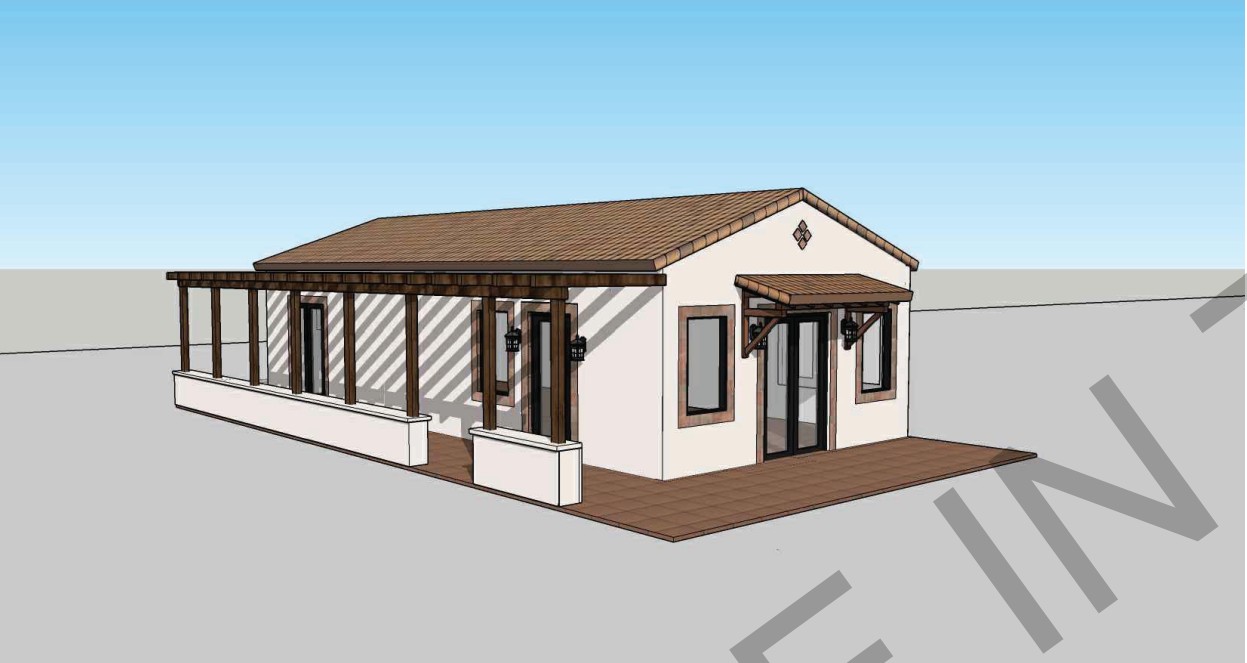
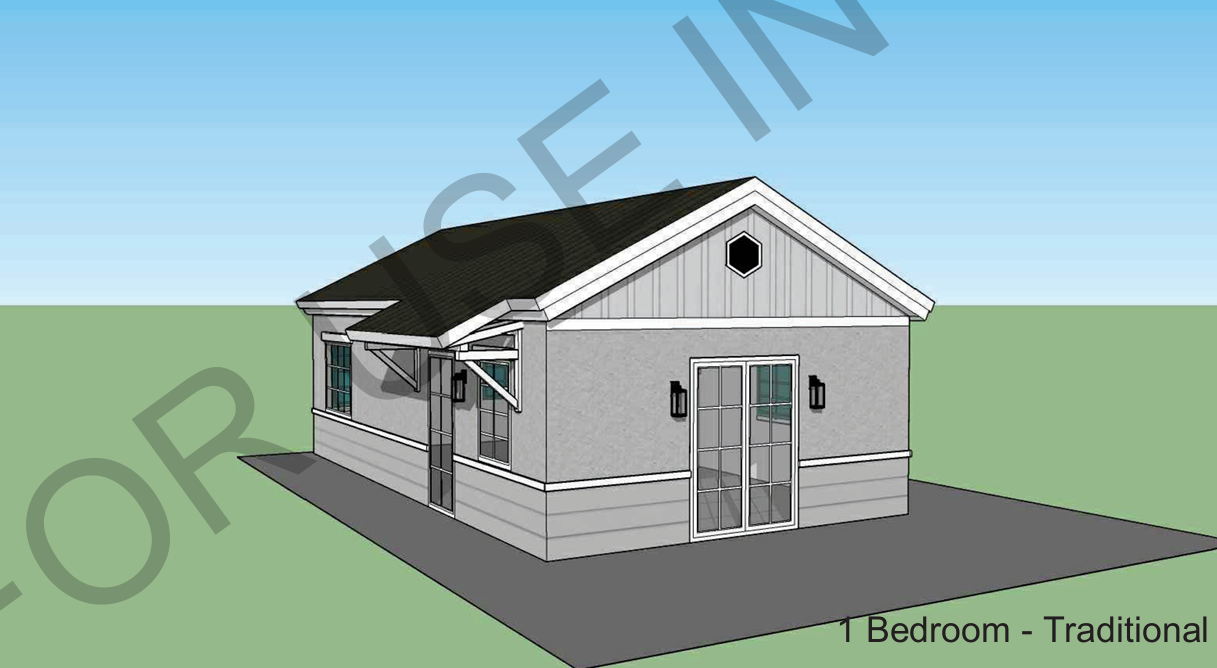
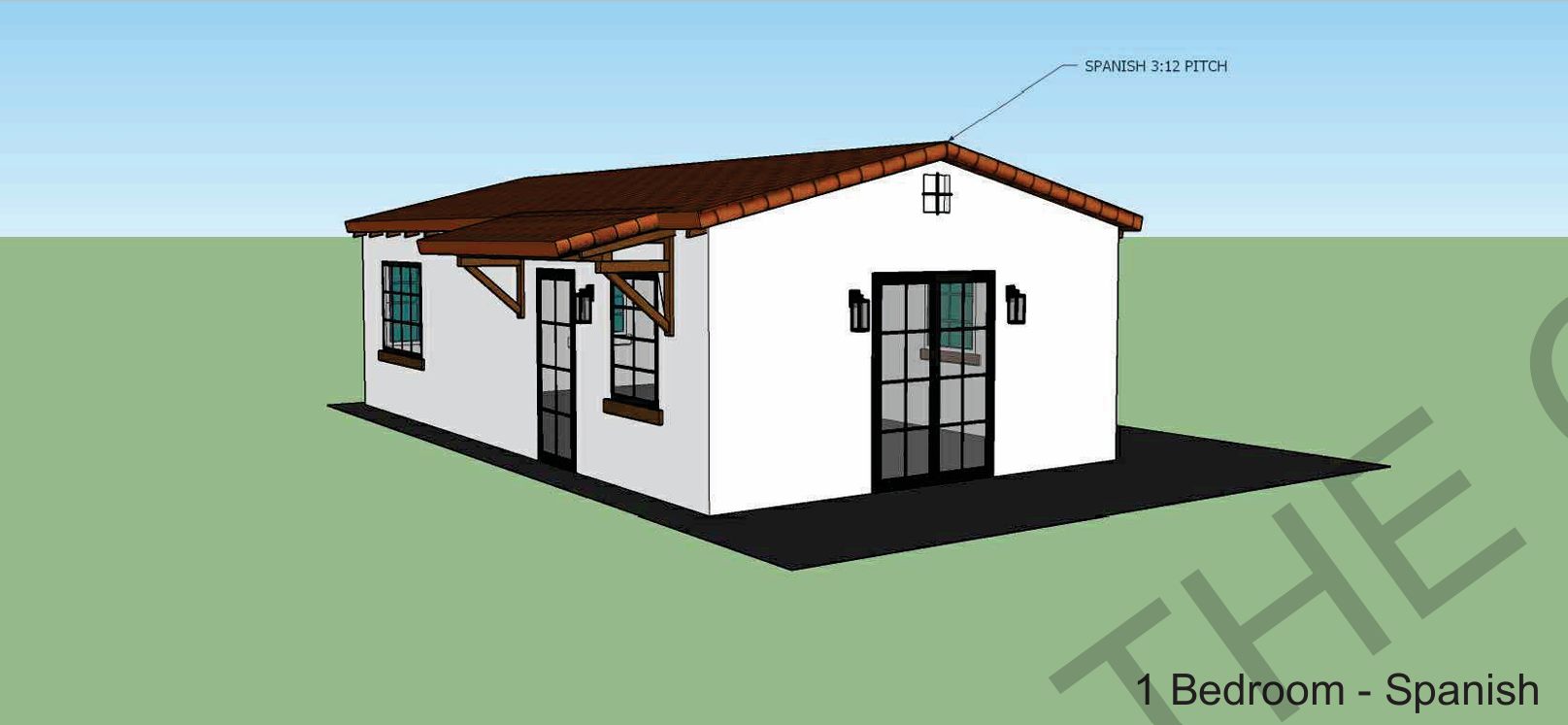
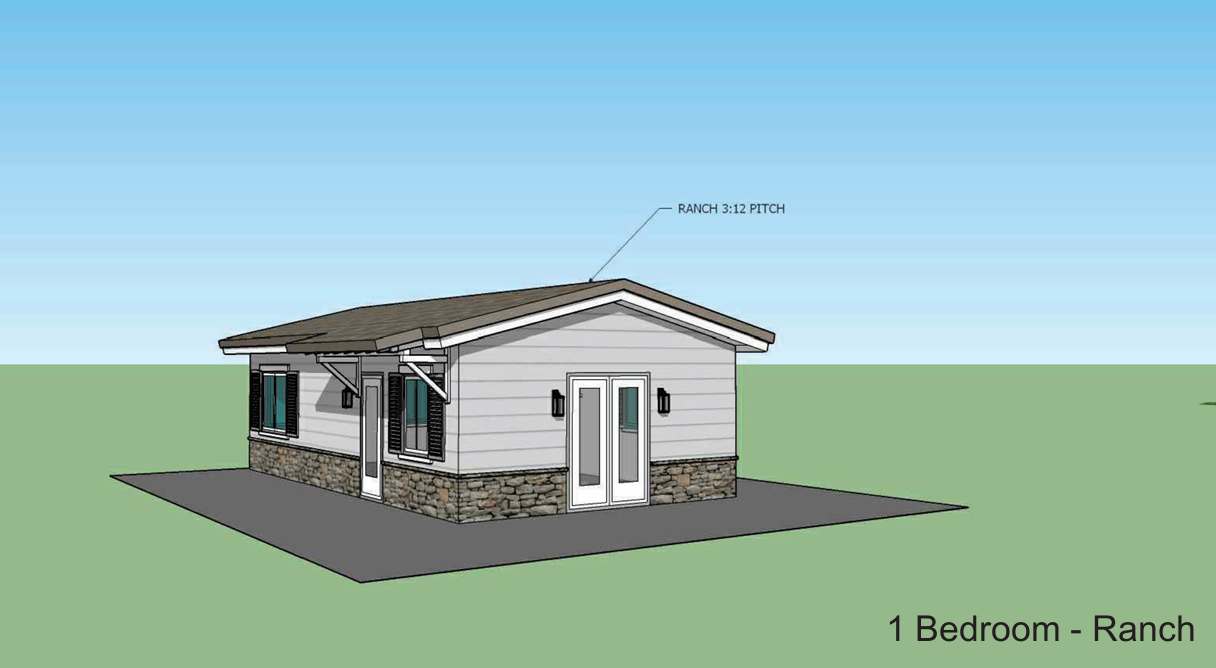
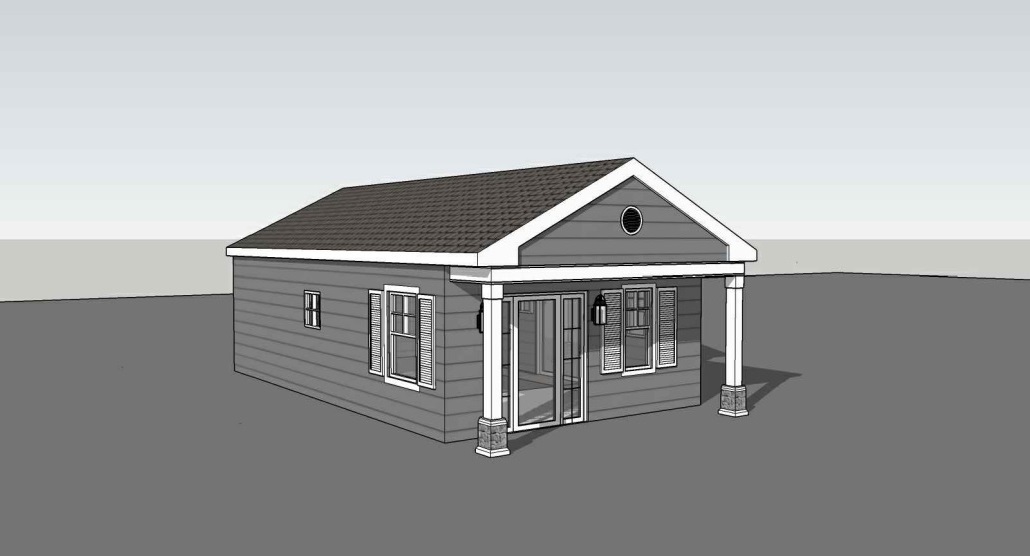
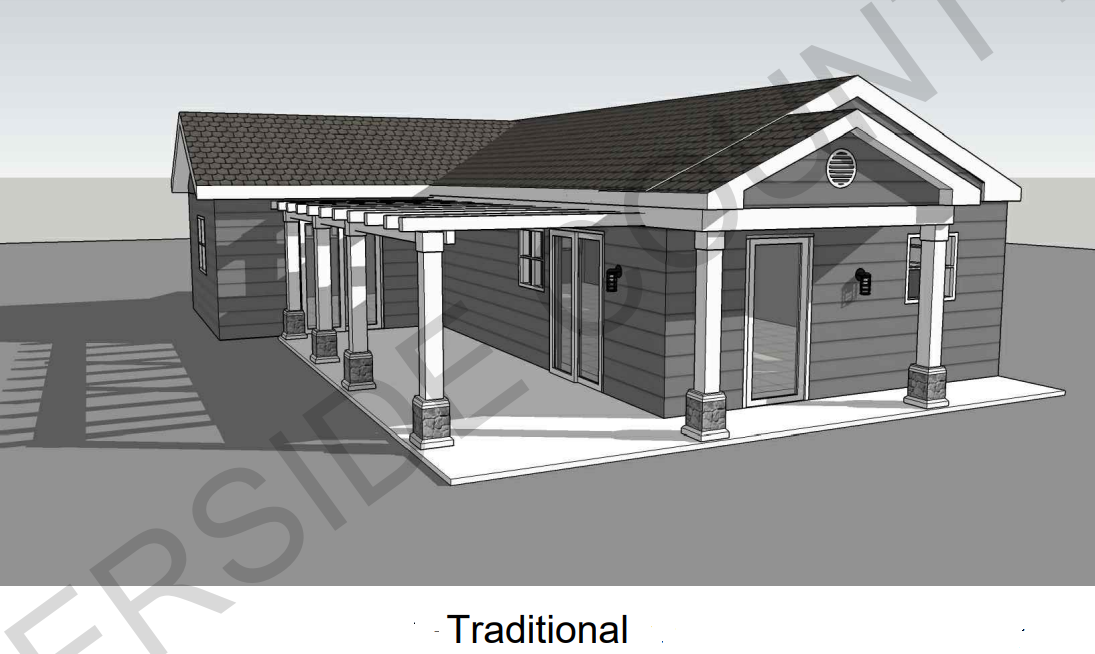
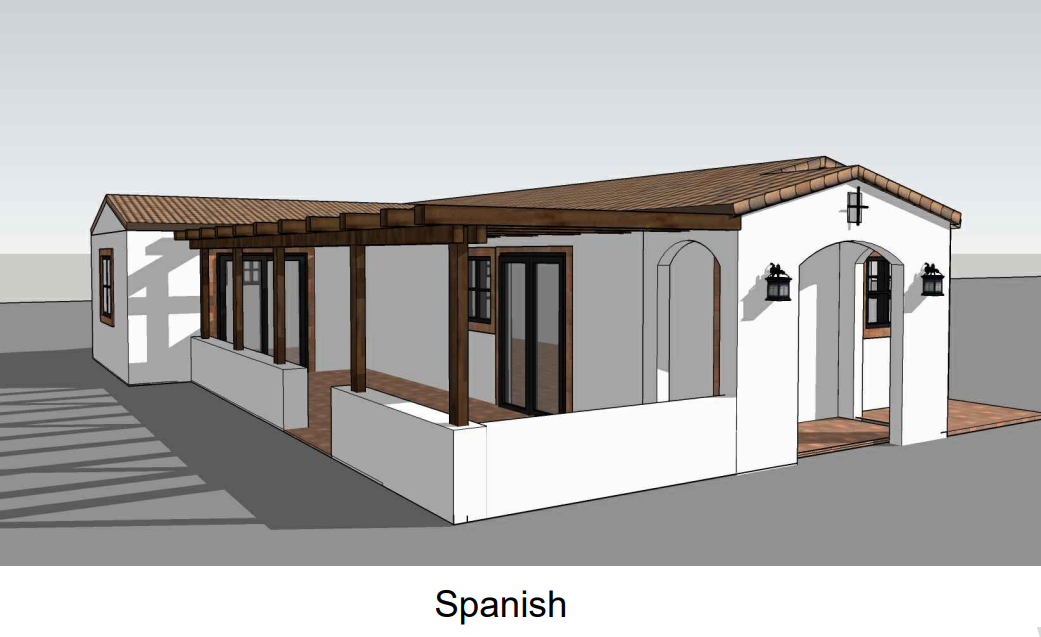
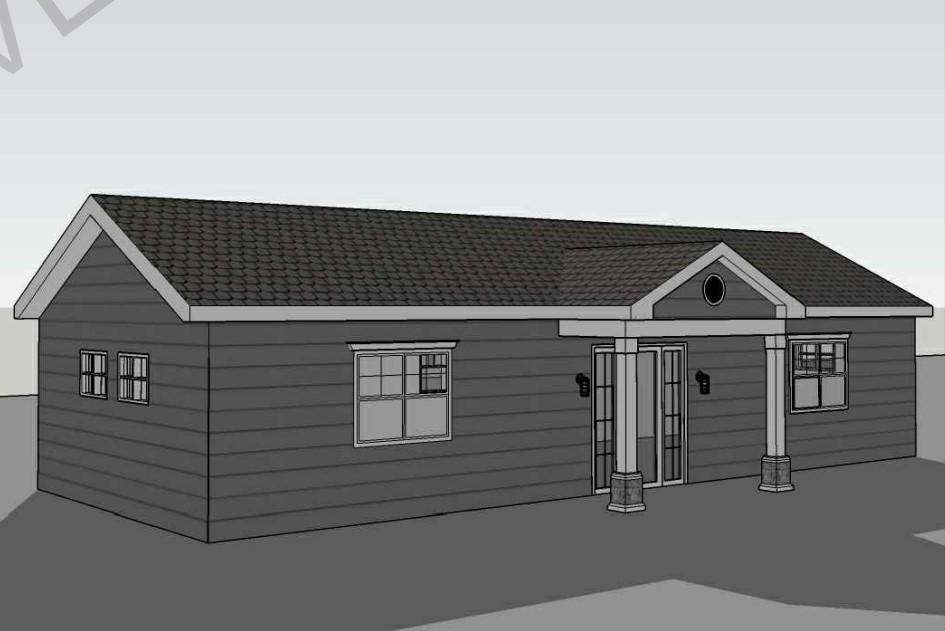
Perris 499 sq ft Studio 1 Bath Traditional Maneuvering Reverse
















.avif)

Know What the Home Requires Before You Spend a Dollar
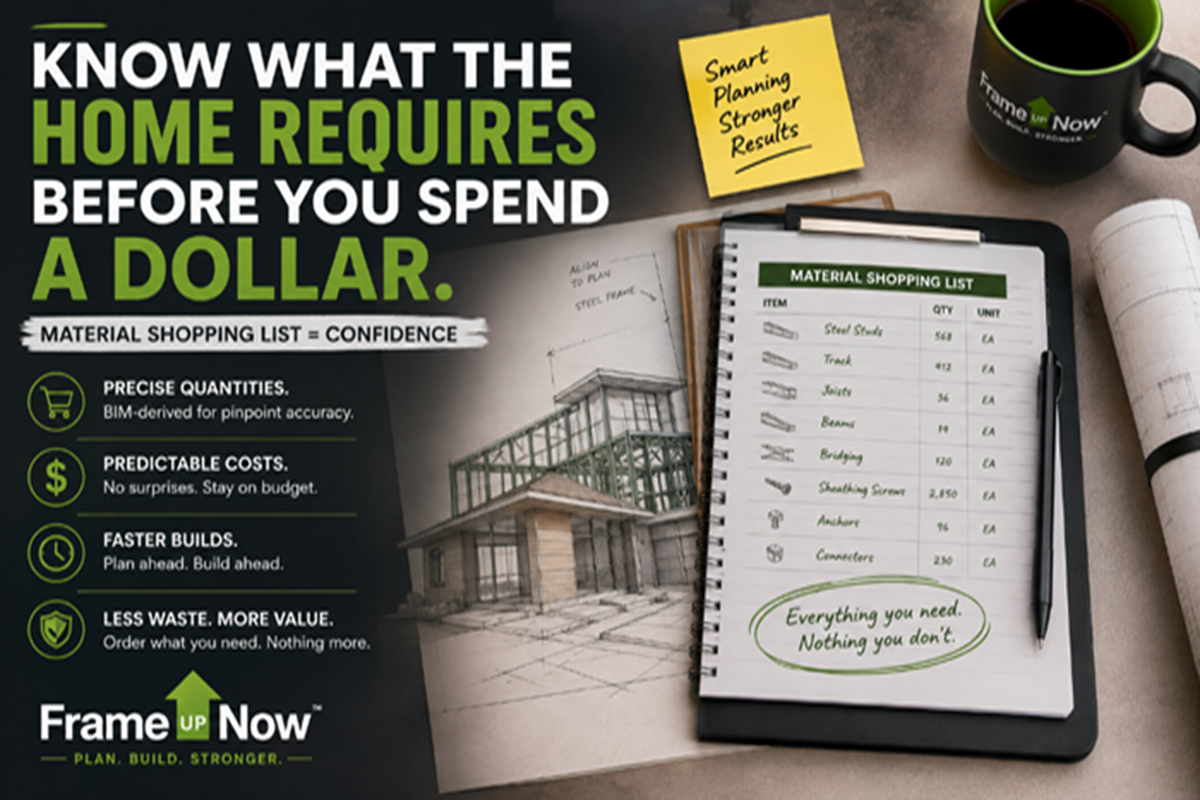
How a BIM-generated, model-specific list replaces broad allowances and incomplete takeoffs with organized material clarity before construction begins.
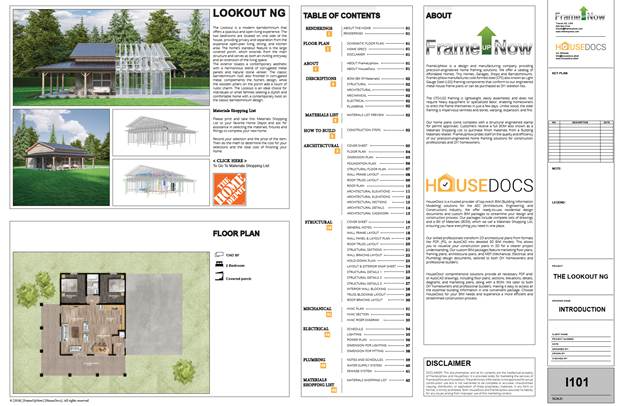
A FrameUpNow Materials Shopping List connects the selected model to the materials required to complete it
THE QUICK ANSWER Before construction begins, define the complete material scope, select the quality level, and price the choices. Do not begin with a guess. Begin with the list.
When will you know what the materials will cost?
For too many homeowners and builders, the answer comes slowly—one estimate, allowance, substitution, supplier quote, and change order at a time. By the time the true material cost becomes visible, the project may already be underway and the budget exposed.
Traditional budgeting often starts with assumptions. An allowance may assign a dollar amount to flooring without defining the square footage, waste factor, underlayment, trim, or product quality. A broad estimate may include “appliances” without identifying which appliances, how many, or at what performance level. These assumptions feel like a budget, but they are not the same as knowing what the selected home actually requires.
FrameUpNow changes the sequence. Each curated home begins as a detailed digital Building Information Model. From that model, the materials required to complete the home are organized into a practical, downloadable Materials Shopping List. The customer can review the scope, choose preferred products and quality levels, and build a more complete cost picture before the first construction dollar is committed.
What is the FrameUpNow Materials Shopping List?
The Materials Shopping List is FrameUpNow’s name for a BIM-generated bill of materials. It is model specific, which means the list is derived from the selected home rather than from a general allowance, square-foot rule, or generic house template. It is also expressed in generic terms so the customer remains free to choose brands, styles, finishes, suppliers, and price levels.
That combination—precise quantities with generic product descriptions—is deliberate. Precision provides scope clarity. Generic descriptions preserve choice. The list answers “what and how much?” without dictating “which brand and at what price?”
· Model-specific quantities. The selected FrameUpNow model—not a broad average—drives the listed requirements.
· Generic descriptions. Products are described without forcing the customer into one brand, retailer, finish, or quality tier.
· Whole-home visibility. The list is intended to organize major exterior, interior, finish, system, fixture, and appliance categories for the selected home.
· Free pre-purchase access. The customer can download and study the list before investing in the frame or making a larger construction commitment.
· A practical pricing path. The list can become a starting point for product selection, supplier quotations, and current local pricing.
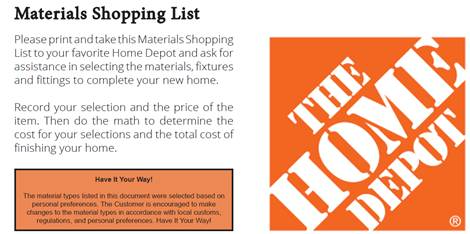
The Materials Shopping List organizes model-specific scope while allowing customers to choose products and price levels
How BIM turns a home model into a shopping and pricing plan
Building Information Modeling is more than three-dimensional drafting. A coordinated model contains information about the parts and systems that form the home. When those model elements are organized into quantities and categories, the project gains a consistent basis for planning materials.
Instead of counting independently from disconnected drawings, the list is derived from the same coordinated model used to understand the selected home. That connection reduces the risk that the cost plan and the design describe different projects.
1 Choose the home. Select the FrameUpNow model that fits the customer’s needs, property, and intended use.
2 Download the free list. Open the Materials Shopping List created for that specific model.
3 Personalize the choices. Select brands, styles, finishes, performance levels, and quality tiers aligned with the budget.
4 Price the complete scope. Ask preferred suppliers and retailers to price the listed quantities and selections.
5 Build with greater clarity. Move into final budgeting and construction with an organized view of what the home requires and which choices drive cost.
What categories can the list help organize?
The exact contents depend on the selected model and its specifications, but the Materials Shopping List can provide an organized view across major categories such as:
· Exterior materials. Siding, roofing, exterior doors, windows, weather-related materials, and related components.
· Interior materials. Drywall, insulation, interior doors, trim, paint-related materials, and other interior requirements.
· Finishes. Floor coverings, cabinets, countertops, plumbing fixtures, lighting fixtures, and selected finish categories.
· Home systems. Selected electrical, plumbing, mechanical, and equipment categories represented for the model.
· Appliances. Model-appropriate selections such as refrigerator, dishwasher, range, washer, dryer, and other included appliance categories.
The list is not intended to dictate taste. One homeowner may choose economical finishes, another may choose moderate selections, and another may choose designer products. The quantities establish a common scope; the selections determine the final material price.
How Home Depot can help personalize and price the list
A generic list becomes most useful when it is converted into actual products and current pricing. Home Depot associates can help customers match generic descriptions and quantities to available merchandise, compare brands and quality levels, and develop pricing for categories such as drywall, siding, floor coverings, fixtures, and appliances.
This approach keeps the customer in control. FrameUpNow provides the model-specific scope. The customer chooses the products. Home Depot helps translate those choices into a practical shopping and pricing plan. The result is not one compulsory package, but a structured way to evaluate different finish and budget levels using the same underlying home.
Why a list is more useful than an allowance
An allowance states how much money has been reserved. A Materials Shopping List identifies what the money must purchase. That distinction matters because an allowance can hide missing quantities, omitted categories, and unrealistic product assumptions until after contracts are signed.
The model-specific list creates a better conversation. The owner and contractor can discuss the same quantities. Retailers and suppliers can price the same scope. Alternative brands or finish levels can be compared without changing the underlying home. When a selection changes, the budget impact is easier to evaluate because the quantity does not have to be rediscovered.
· Fewer omissions. A coordinated model helps reveal categories that may be missed in a manual estimate or scattered set of allowances.
· Fewer surprises. Early product selection exposes the cost of preferences before they become field changes or emergency purchases.
· Better supplier conversations. Quantities and generic descriptions give suppliers a structured starting point for pricing alternatives.
· Better contractor alignment. The owner and contractor can discuss the same scope and the same selections.
· Better decisions. Brands, finishes, and quality levels can change while expensive construction choices are still inexpensive decisions.
Certainty 3C: cost clarity before construction
CERTAINTY 3C Know the quantities. Choose the quality. Price the selections. Then decide whether to build.
The Materials Shopping List does not promise that every project will cost the same or that one product package fits every customer. Site conditions, labor, permitting, local prices, taxes, delivery, availability, and project-specific requirements still matter. The list does something more practical: it replaces an incomplete collection of assumptions with an organized material scope tied to the actual model.
That is the difference between hoping the budget will work and deliberately building a budget the customer can evaluate.
Do not start with a guess. Start with the list.
Choose the FrameUpNow model, download its free Materials Shopping List, personalize the products, and price the complete material scope before you build.
DOWNLOAD THE MATERIALS SHOPPING LIST
Frequently asked questions
What is the FrameUpNow Materials Shopping List?
It is a BIM-generated, model-specific, generic bill of materials identifying the categories, products, and quantities required to complete a selected FrameUpNow home.
Is a Materials Shopping List available for every FrameUpNow model?
Yes. Each FrameUpNow model includes a downloadable Materials Shopping List tied to that specific home.
Is the Materials Shopping List free?
Yes. The list is available as a free download so customers can investigate material scope and pricing before purchasing the frame or making a larger construction commitment.
Does the Materials Shopping List specify particular brands?
No. It is expressed in generic terms so the customer, builder, supplier, or retailer can select preferred brands, styles, finishes, quality levels, and price points.
What types of materials are included?
Depending on the model and its specifications, the list can organize exterior materials, interior materials, finishes, home-system categories, fixtures, and appliances needed to complete the home.
How can Home Depot help with the list?
Home Depot associates can help match the generic descriptions and quantities to available products, personalize selections, and develop current pricing for the chosen quality and finish levels.
Is the Materials Shopping List the final construction price?
No. It defines material scope and quantities. Final pricing depends on selected products, local prices, taxes, delivery, availability, labor, site conditions, permits, and project-specific requirements.
How is the Materials Shopping List different from a conventional takeoff?
A conventional takeoff may focus on one trade, supplier, or phase. The FrameUpNow list is generated from the coordinated model and is intended to provide an organized, whole-home view of the materials needed to complete the selected home.